
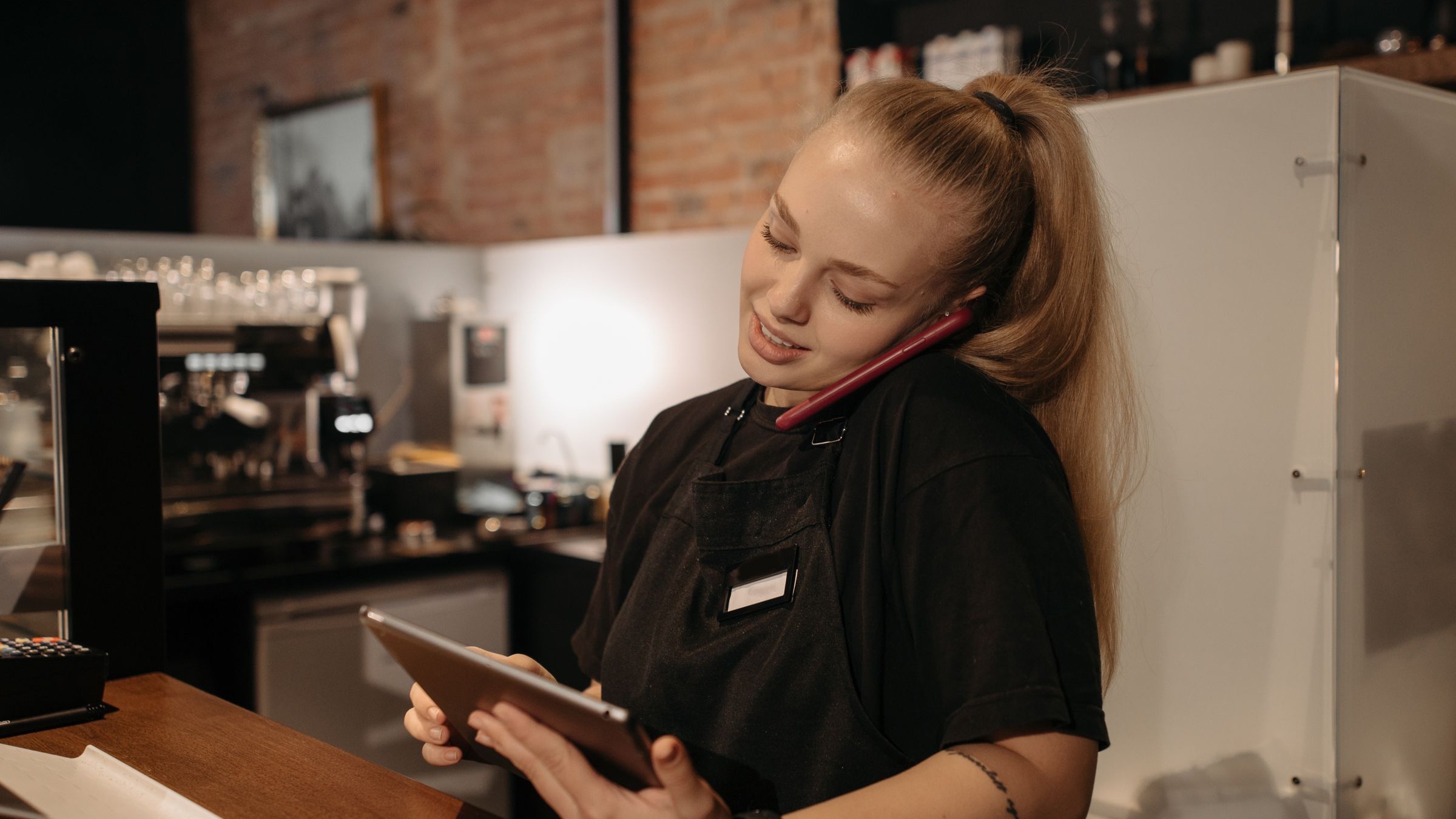
Photo by Pavel Danilyuk on Pexels
Most lists of restaurant software are written by the people selling it. They line up twenty products and leave you wondering which ones you actually need, and in what order.
This list works the other way. We sorted restaurant management tools by the job they do on a real shift, from the POS to the clipboard on the walk-in door. For each one you get what it fixes, who should own it, and the sign that you need it. Then we cover what a small independent should buy first, what can wait, and why fewer tools that talk to each other beat a pile of apps that don't.
If you want the bigger picture on choosing and paying for software, start with our pillar guide to restaurant technology. This post is the manager's version: the tools you touch every shift.
Sort Your Tools by the Job, Not the Brand
A restaurant does the same ten or so jobs every week no matter what software it runs: take the money, staff the floor, buy the product, make the food the same way every time, open and close the building, train people, keep everyone informed, seat guests, listen to them, and pay the bills.
Every tool you own should map to one of those jobs, and every job should have exactly one place where it lives. When two tools do the same job, people pick one and ignore the other. When a job has no tool, it lives in a manager's head and leaves when they do.
The Restaurant Management Tools List
1. POS (taking the money)
The point of sale is the center of the stack. It handles orders, payments, tickets to the kitchen, and the sales data every other tool wants to read. Choose it for how well it fits your service style and how cleanly it connects to everything else, not for the longest feature list. If you sell for pickup or delivery, our guide to restaurant online ordering systems covers how that layer plugs in.
2. Scheduling and time clock (staffing the shift)
Builds the weekly schedule, pushes it to the team's phones, handles swaps, and records clock-ins. This is where labor dollars are won or lost, so it earns its keep fast. Our breakdown of restaurant labor cost shows the math.
3. Inventory and ordering (buying the product)
Counts, pars, order sheets, and order history. At the simple end it is a shared count sheet; at the deep end it ties counts to recipes and sales. Most kitchens get the biggest win from the simple end done every week. See our guide to restaurant inventory management.
4. Recipes and prep (making it the same way)
Written recipes, plating specs, and a daily prep list built from the forecast. This is the tool that keeps a dish consistent when your best cook is off. A digital recipe book beats a grease-stained binder because the cook can pull it up at the station and you can update it once for everyone.
5. Checklists and closeouts (opening and closing)
Opening checklists, line checks, side work, and the end-of-night closeout. The value is not the list itself. It is seeing who completed it, when, and what got skipped. Our restaurant daily operations checklist is a good starting template.
6. Training (getting people to the standard)
Handbook, training videos, menu and allergen guides, and a way to check that people actually learned it, not just that they were sent it. New hires learn faster when the material is on their phone instead of in a binder in the office. More in our guide to restaurant staff training.
7. Team communication (keeping everyone informed)
Pre-shift notes, specials, 86s, and announcements. Most restaurants run this on a group text, which works until the important message is buried under forty replies.
8. Reservations and waitlist (seating guests)
Essential for full-service, optional for counter service. The real question is who owns the guest data. Our guide to restaurant reservation software walks through the evaluation.
9. Reviews and guest feedback (listening)
Something that pulls your reviews into one place and reminds a named person to answer them. A weekly 20-minute habit matters more than the tool. See restaurant review management.
10. Accounting and payroll (paying the bills)
Bookkeeping, sales tax, and payroll. This is the one category to hand to a restaurant-savvy accountant or payroll provider rather than build yourself. Anything involving wages and tips belongs with them, not with a spreadsheet you set up on a slow Monday.
The Low-Tech Restaurant Manager Tools That Still Matter
Some of the best restaurant manager tools have no login. They work because they are simple and someone checks them.
- The manager log. One place where each manager writes what happened on their shift: call-outs, equipment issues, guest complaints, what ran out. The next manager reads it before they start. It works best as a restaurant manager log book inside the app your team already uses. Our shift report template gives you the format.
- Par sheets. A list of every item with the amount you want on hand. Count, subtract, order the difference. It turns ordering from a guess into a routine.
- Prep lists. Built each day from the forecast and the pars, with a name next to each task. The fastest way to stop running out of something at 7:30 on a Friday.
- The line check sheet. A short walk of every station before service: taste, look, stock. Five minutes that saves a bad first hour.
They fail for one reason: nobody can see whether they got done without walking into the building. That, not age, is the argument for moving them to a phone.
Which Tool Fixes Which Problem
Use this table to check your current setup. Any row where the "sign you need it" sounds familiar is a gap worth closing.
| Tool category | What it fixes | Who owns it | Sign you need it |
|---|---|---|---|
| POS | Order accuracy, payments, sales data | GM or owner | You can't tell what sold yesterday without counting tickets |
| Scheduling + time clock | Coverage, overtime surprises, swaps | GM, kitchen manager for BOH | The schedule is a photo in a group text |
| Inventory + ordering | Over-ordering, running out, price creep | Kitchen manager, bar manager | Orders get placed from memory |
| Recipes + prep lists | Inconsistent plates, portion drift | Chef or kitchen manager | A dish tastes different depending on who made it |
| Checklists + closeouts | Skipped tasks, messy openings | Shift lead each shift | The opener finds last night's close half done |
| Training | Slow ramp-up, uneven standards | GM plus department leads | New hires "learn by watching" for weeks |
| Team communication | Missed 86s, lost announcements | Manager on duty | Staff say "nobody told me" |
| Reservations + waitlist | No-shows, bad table turns | FOH manager | The book is a paper sheet and a phone that rings all night |
| Reviews | Unanswered complaints, missed trends | GM or owner | You find out about a bad review from a regular |
| Accounting + payroll | Late numbers, payroll errors | Owner with an outside pro | You see last month's P&L halfway through this month |
| Manager log + par sheets | Lost handoffs, guesswork ordering | Every manager, every shift | The same problem gets "discovered" three days in a row |
The "who owns it" column matters more than the software. A tool without an owner turns into a subscription nobody opens. Our guide to restaurant manager responsibilities covers how to split that ownership across the team.
Checklists, recipes, training, and shift notes in one app your team actually opens.
The whole operation in one place, built around the way your restaurant already works. Money stops leaking, your time stops disappearing into follow-up, and every shift leaves a record with a name on it.
What to Buy First, and What Can Wait
For a small independent, the order matters more than the brand. Buy the tools that touch every shift first, and add the specialized ones only when a specific problem is costing you money.
Buy first
- A POS that fits your service style
- Scheduling and a time clock
- Recipes and daily prep lists everyone can reach
- Opening and closing checklists with a name on each
- One channel for pre-shift notes and 86s
- A payroll service or restaurant-savvy accountant
Can wait
- Recipe-level inventory tied to sales
- Loyalty and guest CRM programs
- Kitchen display screens (if tickets work today)
- AI forecasting add-ons
- A reservation system, if you're counter service
- Anything a salesperson calls "must-have" that fixes no problem you have
The test for any new tool is simple: name the problem it fixes, name the person who will own it, and estimate what it saves each month in hours, waste, or mistakes. If you can't fill in all three, it can wait. Our guide to restaurant automation applies the same test to deciding what to automate.
Fewer Tools That Share Information Beat More Tools That Don't
The most common setup we see at independents is six or seven apps that never talk to each other. The schedule is in one place, recipes in a binder, checklists on a clipboard, announcements in a group text, and training in a manager's head. Together, they mean the manager spends the shift copying information between them and chasing people across five places.
The National Restaurant Association has tracked operators adding technology for years, and the Bureau of Labor Statistics lists hiring, training, scheduling, budgeting, and record keeping as core parts of a food service manager's job. Every tool that needs its own login makes that job heavier, not lighter.
That is why we built Crewli the way we did. It puts the operations layer in one custom-built app: opening and closeout checklists, prep lists, recipes, the menu and allergen guide, the handbook and training with quiz results, the schedule and clock-in, order sheets, and staff notes for 86s and announcements. The team uses it on their phones during the shift, and managers see what got done, by whom, from the dashboard. It sits next to your POS and payroll provider rather than replacing them. If you're weighing a dedicated restaurant manager app, that is the gap it fills.
If your tools are spread across a binder, a clipboard, and three group texts, and you want them in one place built around how your restaurant already runs, let's talk.
Frequently Asked Questions
What are restaurant management tools?
Restaurant management tools are the systems a restaurant uses to run the operation: the POS, scheduling and time clock, inventory and ordering, recipes and prep lists, checklists and closeouts, training, team communication, reservations, review tracking, and accounting and payroll. Some are software and some are as simple as a par sheet or a manager log. The useful way to judge them is by the job each one does and who on the team owns it, not by brand or feature count.
What tools does a restaurant manager use every day?
On a typical shift a restaurant manager touches the POS for sales and voids, the schedule and time clock for coverage, the prep list and opening checklist before service, a channel for pre-shift notes and 86s, the closeout checklist at night, and a manager log or shift report to pass information to the next shift. Weekly they add inventory counts, ordering, labor review, and reading guest reviews. The daily tools are the ones worth making fastest to use.
What restaurant management software should a small restaurant buy first?
Start with a POS that fits your service style, because everything else reads from it. Next, get scheduling and a time clock, since labor is one of your two biggest controllable costs. Then put recipes, prep lists, and opening and closing checklists somewhere the whole team can reach from a phone. Inventory software, reservation systems, and loyalty tools can wait until those basics run every day without you chasing them.
Do I need separate software for every part of the restaurant?
No, and most small independents are better off with fewer tools. Every extra app is another login, another monthly bill, and another place information can get lost. A good setup is a POS, a payroll or accounting service, and one operations app that holds the schedule, recipes, checklists, training, and team communication. Add a specialized tool only when a specific problem is costing you money and your current tools cannot fix it.
Are paper checklists and par sheets still worth using?
Yes, as long as someone owns them and checks them. A par sheet on the walk-in door or a prep list on the line works if it gets filled out every day and reviewed. The problem with paper is that it is hard to see from anywhere else, easy to lose, and easy to fake. Many restaurants keep the same lists but move them to a phone so every task has a name and a time on it.
How much should a restaurant spend on management tools?
There is no single right number, because it depends on your size, service style, and how much each tool replaces. A better test is payback: a tool should save more in labor hours, waste, or mistakes than it costs each month. Add up every subscription and fee you pay today, list what each one actually fixes, and cut anything nobody uses. Processing fees on the POS are usually the biggest line, so review those yearly.