
The restaurant manager
log book that gets read.
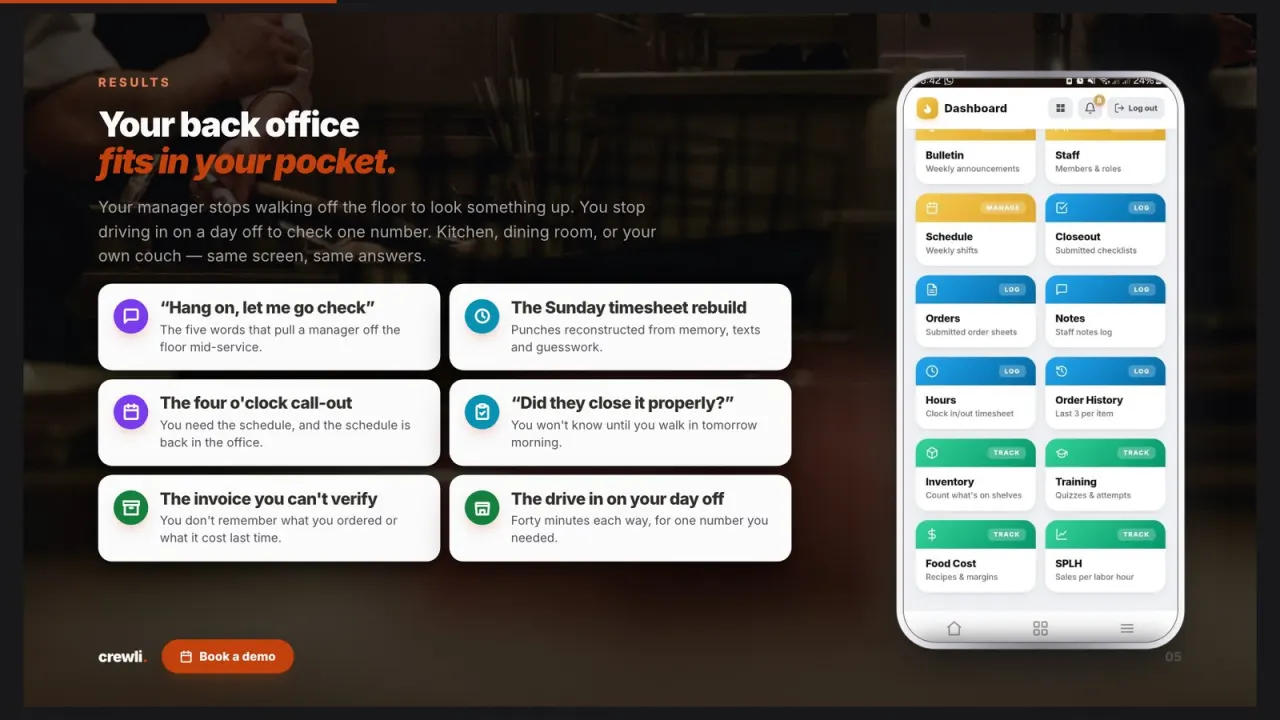
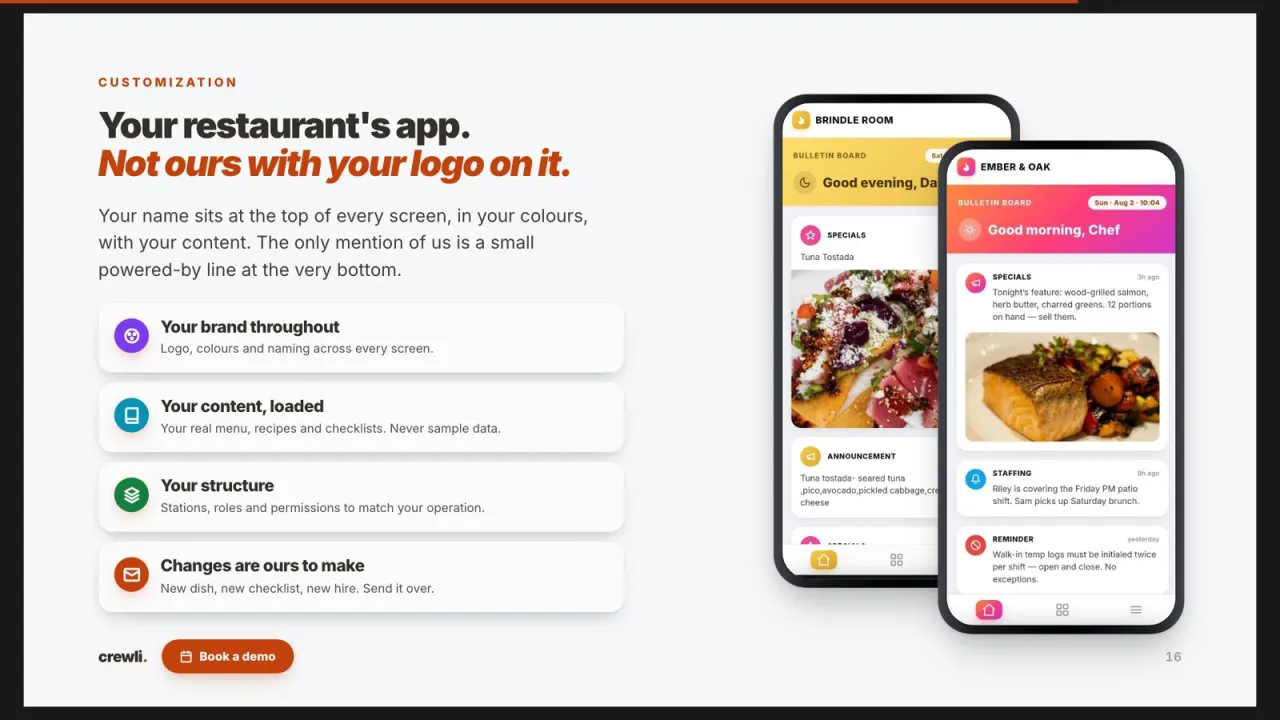
Stop handing off the restaurant through a binder in the office and a late-night text. In Crewli, the manager dashboard is the log: clock-ins and clock-outs, the schedule, closeouts signed by name, and every staff note, recorded as the shift happens. Branded with your name and logo.
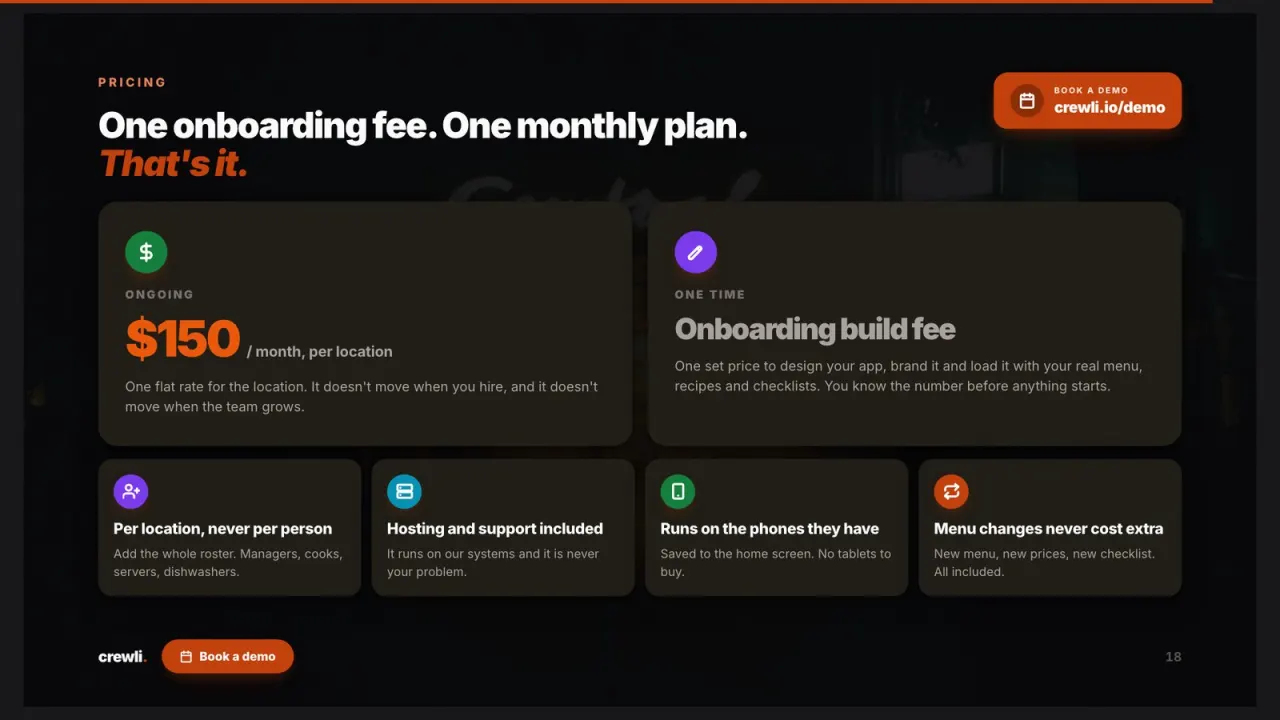
$150/mo flat for the whole restaurant, plus a one-time setup fee we quote you upfront. No per-manager fees.
Save your time
See how Crewli works,
one slide at a time.
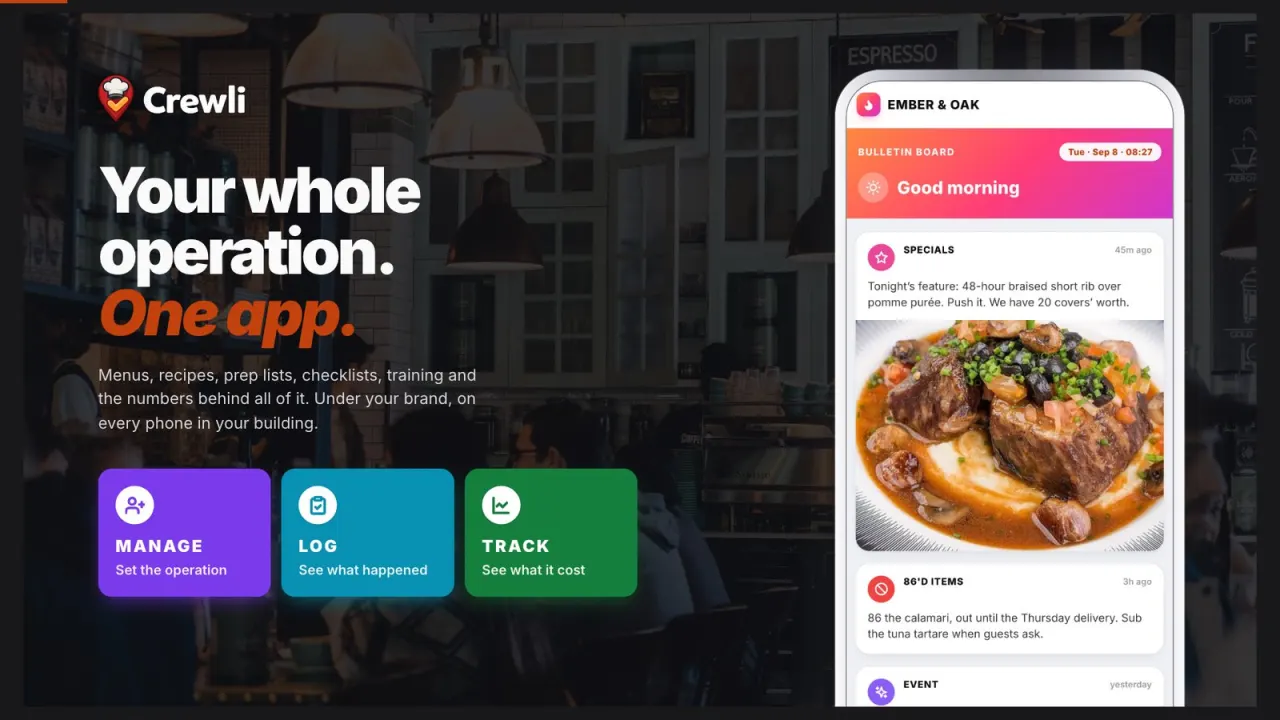
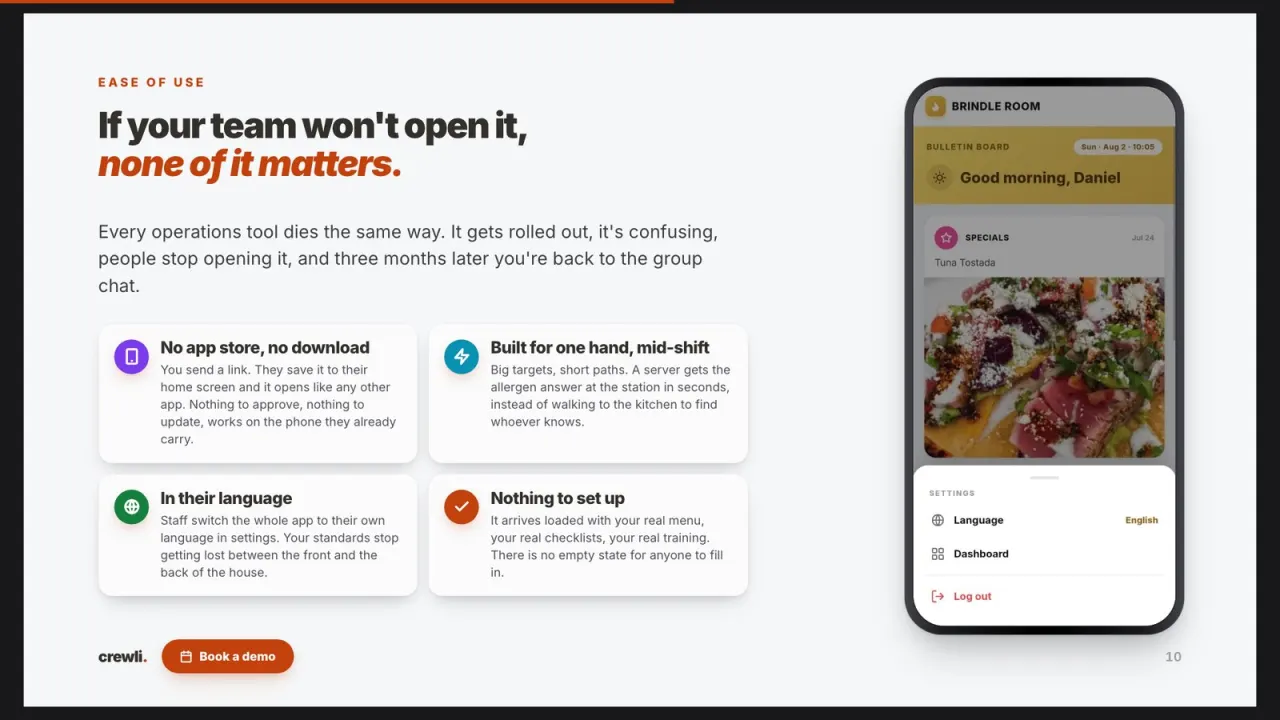
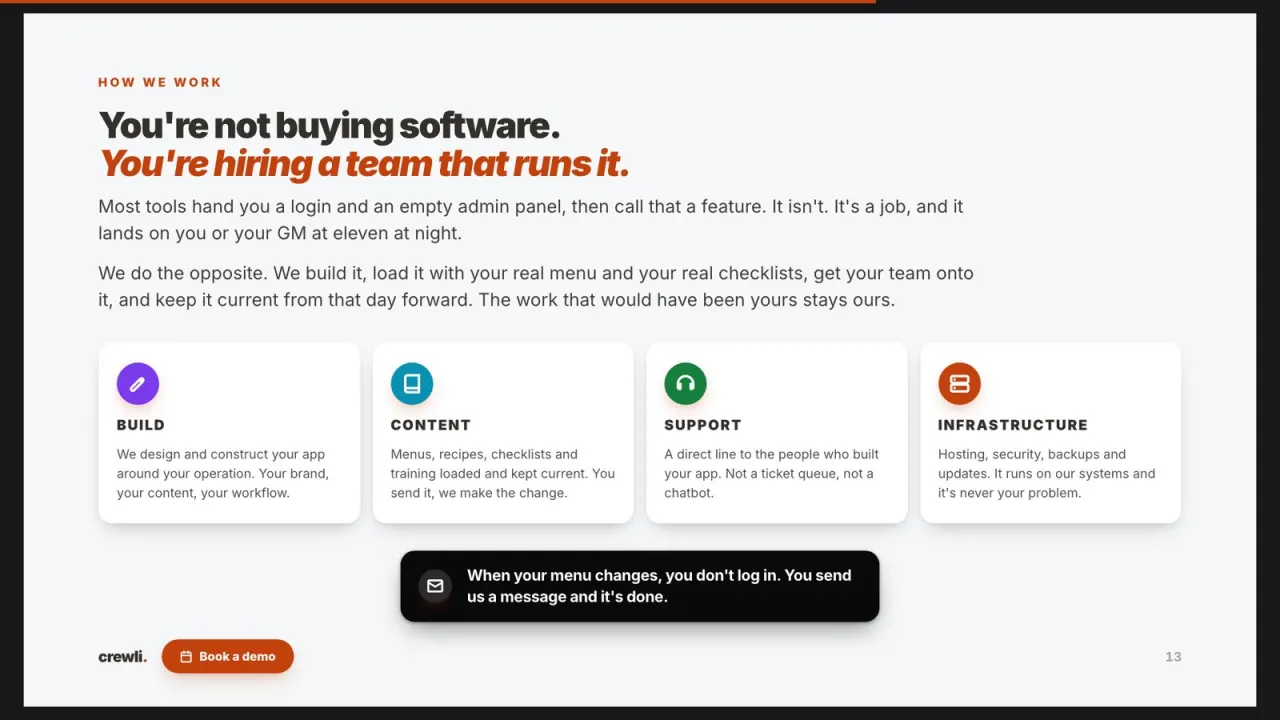
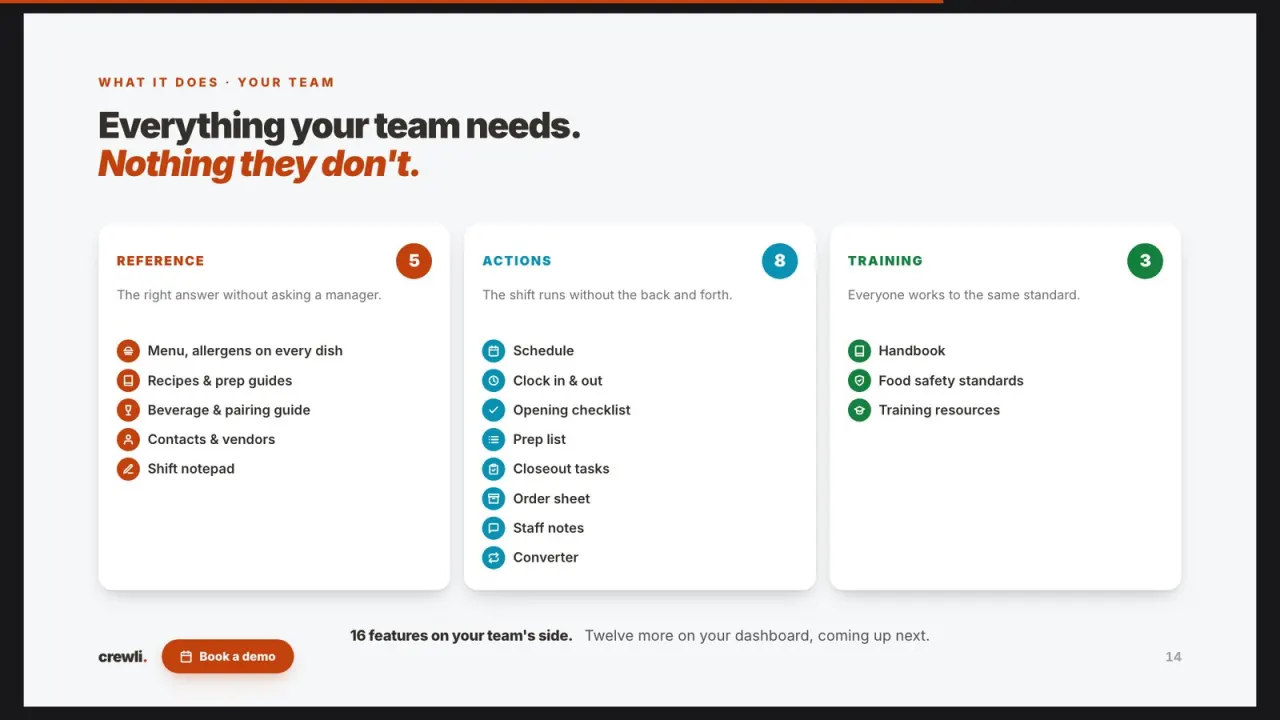
Crewli builds a custom operations app for one restaurant at a time: menus, recipes, prep lists, line checks, closeouts, training and the numbers behind all of it, under your own brand. We load your content and keep it current, so your team runs the shift instead of the software.
What is a restaurant manager log book?
It's the running record your managers keep from one shift to the next. How the night went on sales and labor, what ran out, who called out, what broke, which table had a problem, and what the opening manager needs to know before the doors open. A good log is how one manager hands the restaurant to the next without a phone call.
Why the log matters more than it looks
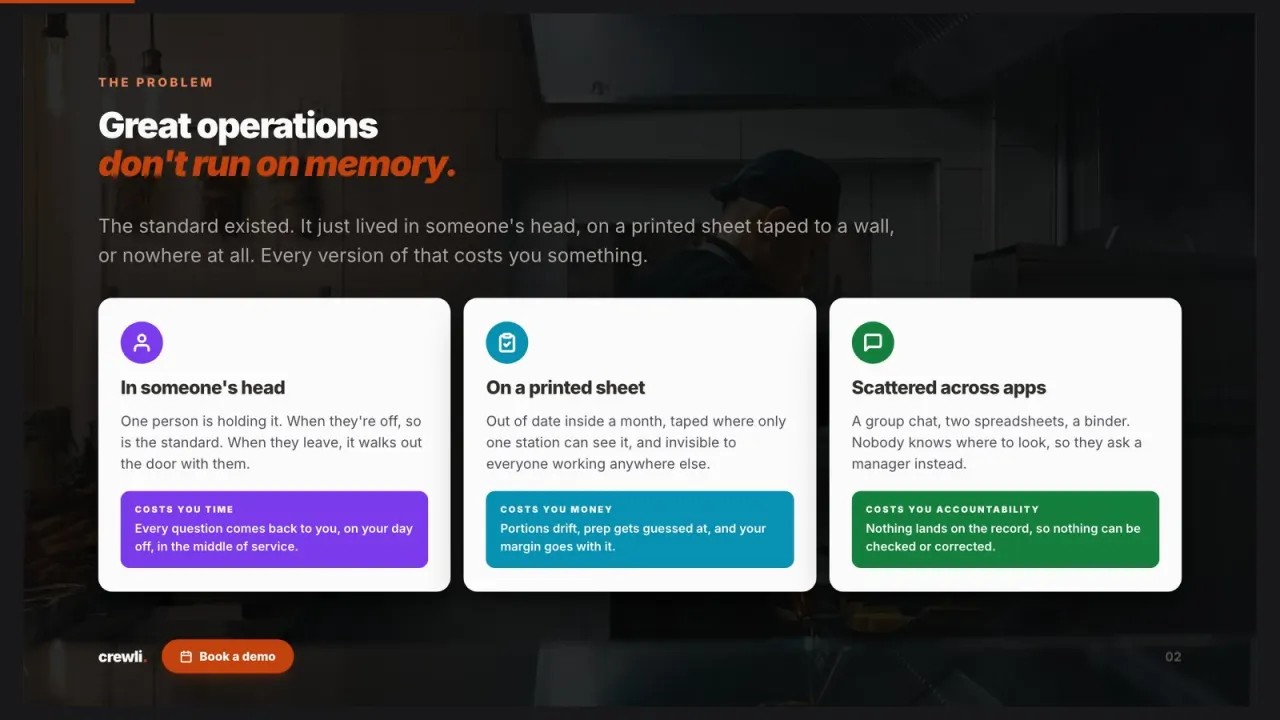
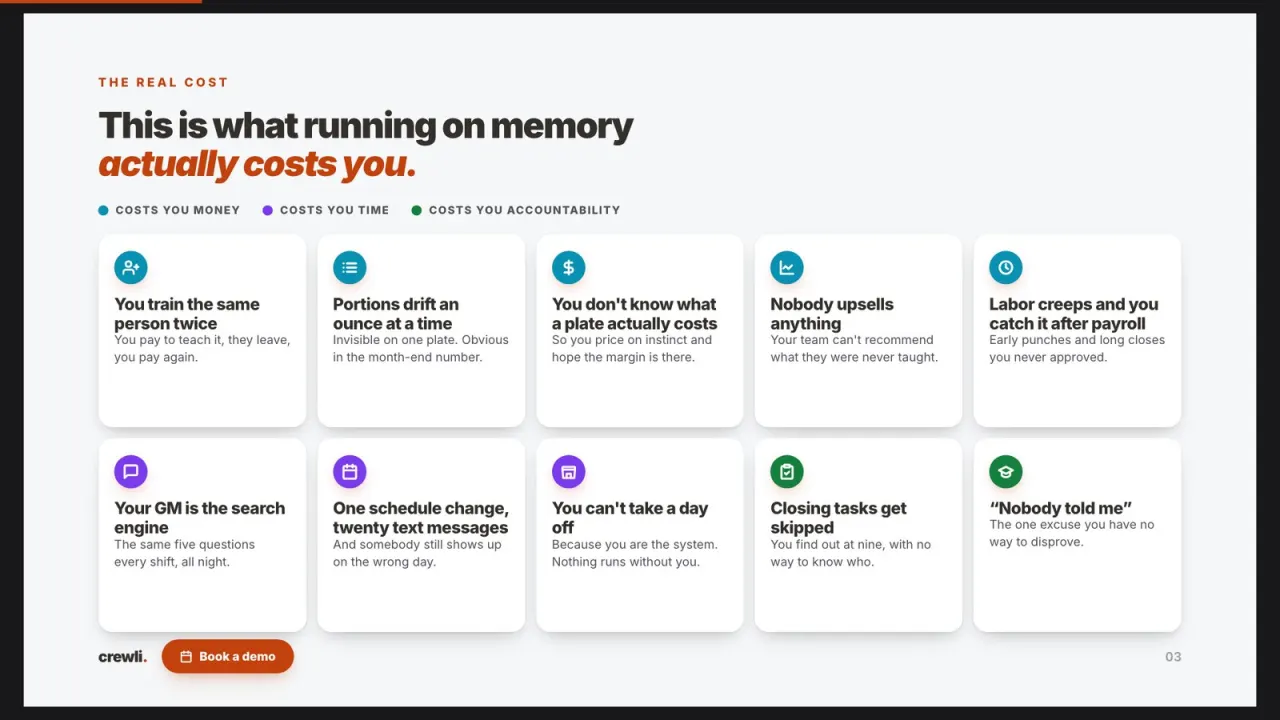
Most of what goes wrong on a Tuesday was visible on Monday night. The fryer was acting up, the produce order came in short, a server left early and the section got doubled up. If the closing manager writes it down and the opener reads it, Tuesday starts with a plan. If it stays in one person's head, Tuesday starts with a surprise, and surprises cost money: a rushed emergency order, an overstaffed lunch, a guest complaint nobody followed up on.
The log is also the owner's best view of the week without being there. Read a week of entries and you see the patterns: the same item 86'd every Friday, the same cooler giving trouble, the same shift running long on labor. That's the information you need to fix the cause instead of reacting to it again.
What to put in a restaurant manager log book.
Keep it short enough that a tired closer will actually fill it in, and specific enough that the next manager can act on it. These are the sections most operators end up with.
| Section | What to write down | Why it matters |
|---|---|---|
| Sales & covers | Net sales, covers, and anything that explains a big or slow night (weather, a private party, a game on TV). | Gives context to the numbers so a slow night isn't a mystery a week later. |
| Labor | Who worked, who was sent home early, who stayed late, and how labor tracked against sales. | Labor is the cost you can still adjust tomorrow, if somebody notices today. |
| Staffing | Call-outs, no-shows, shift swaps, and who covered. | Patterns in call-outs show up fast when they're written down every night. |
| 86'd & low items | What ran out, when it ran out, and what's low for tomorrow. | Feeds the next order and the next lineup, so servers aren't selling what's gone. |
| Comps & voids | What was comped or voided, the reason, and who approved it. | Keeps comps tied to a reason and a name instead of drifting upward. |
| Guest issues | Complaints, how they were handled, and anything that needs a follow-up call. | The regular who had a bad night gets a callback instead of silence. |
| Incidents | Anything unusual on the floor or in the kitchen, what happened, who was involved, and what was done. | A dated, named record is far better than trying to remember it next month. |
| Maintenance | Equipment acting up, repairs called in, and anything that needs a vendor. | Small problems get fixed before they turn into a dead cooler on a Saturday. |
| Next shift | Open items, reminders, and anything the opener needs to handle first. | This is the handoff. If the rest of the log is skipped, this part shouldn't be. |
Want an end-of-shift version you can print today? Start with our shift report template, and pair it with a daily operations checklist so the log and the closeout cover the same ground.
The log only works if someone reads it.
In a lot of restaurants the manager log is a spiral notebook by the office computer. Some nights it gets a full page, some nights it gets "busy, fine," and some nights it gets nothing. The opener is already behind when they walk in, so they skip it. The owner sees it once a week, if that.
When the log lives apart from everything else, it turns into a second job. The closer is finishing the closeout on one sheet, checking numbers on another screen, texting the GM about a call-out, and then is supposed to write it all up again by hand. So the important stuff ends up in a group text that disappears by morning, and the notebook ends up half blank.
That's where the money leaks. The walk-in door that was "sticking again" for three weeks. The comp nobody can explain. The Friday item that runs out every single week because nobody connected the dots. A log your team actually writes, and actually reads, is one of the cheapest fixes in the building.
The log, next to everything it's about.
Your managers already close out in Crewli. The dashboard logs it as it happens, so the closeout, the hours, and the notes for tomorrow are all in one place.
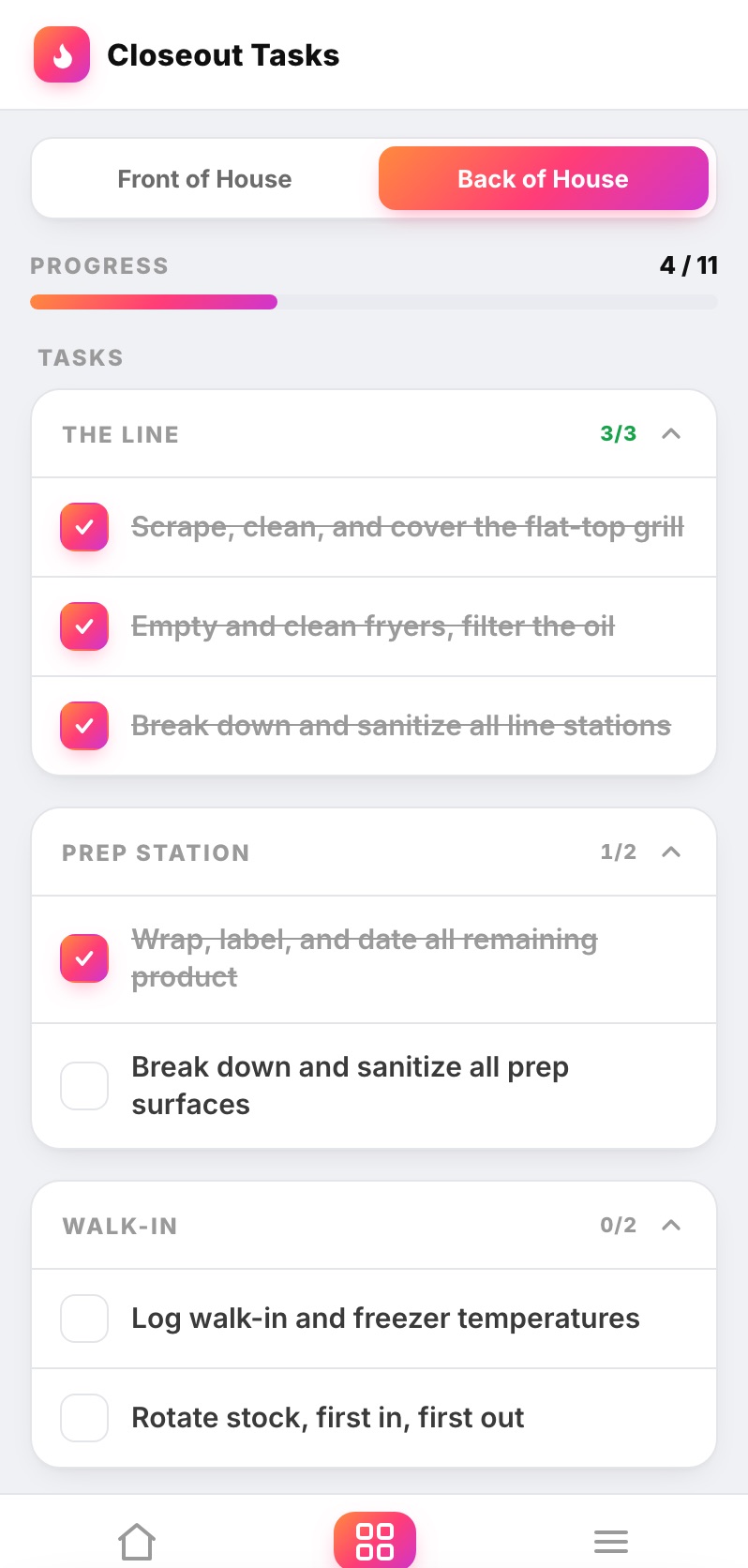
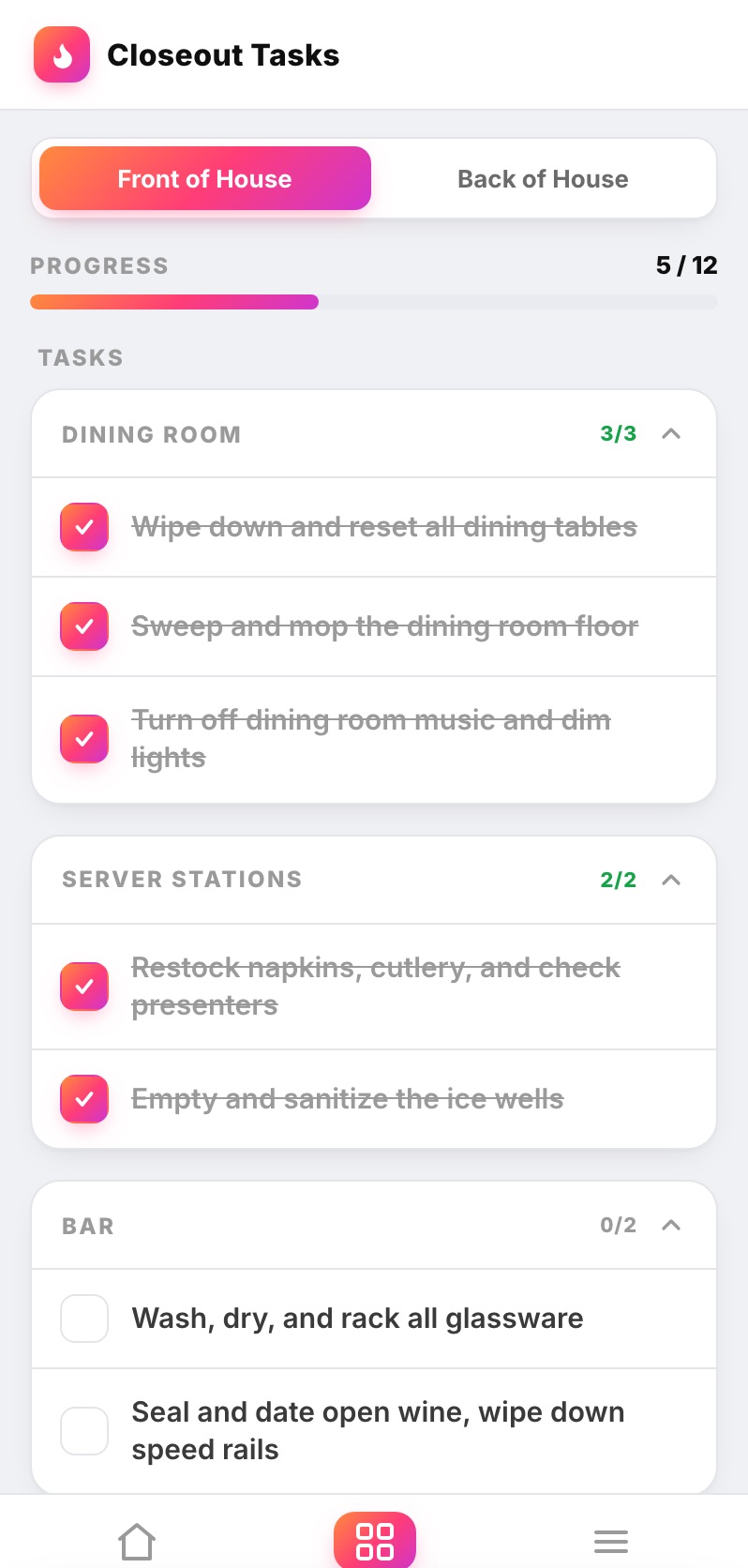
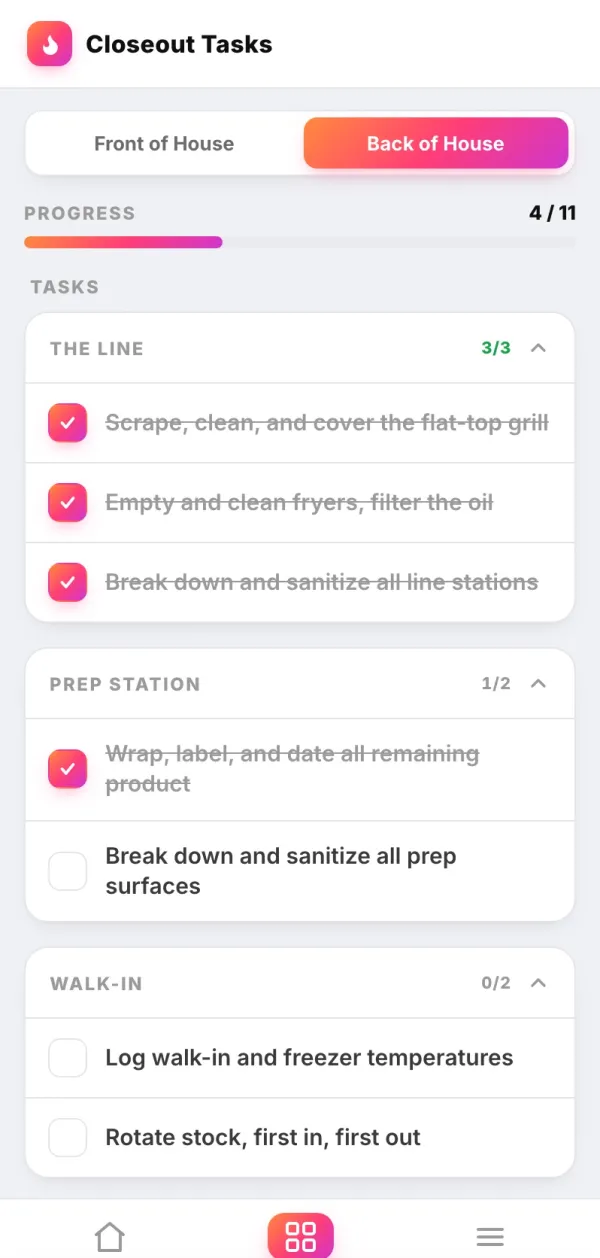
Every closing task is checked off by the person who did it, with the time, so the log isn't the only record of how the night ended.
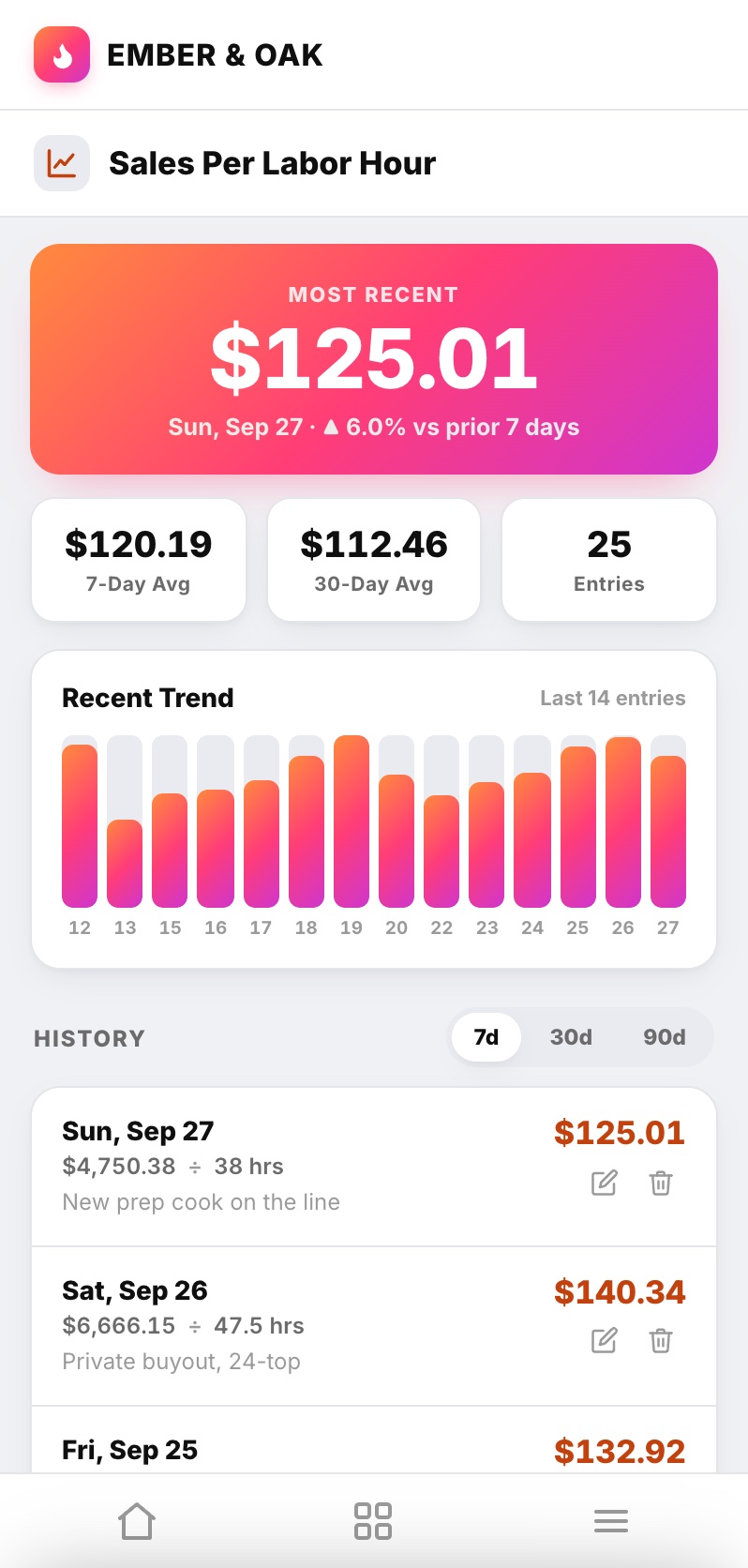
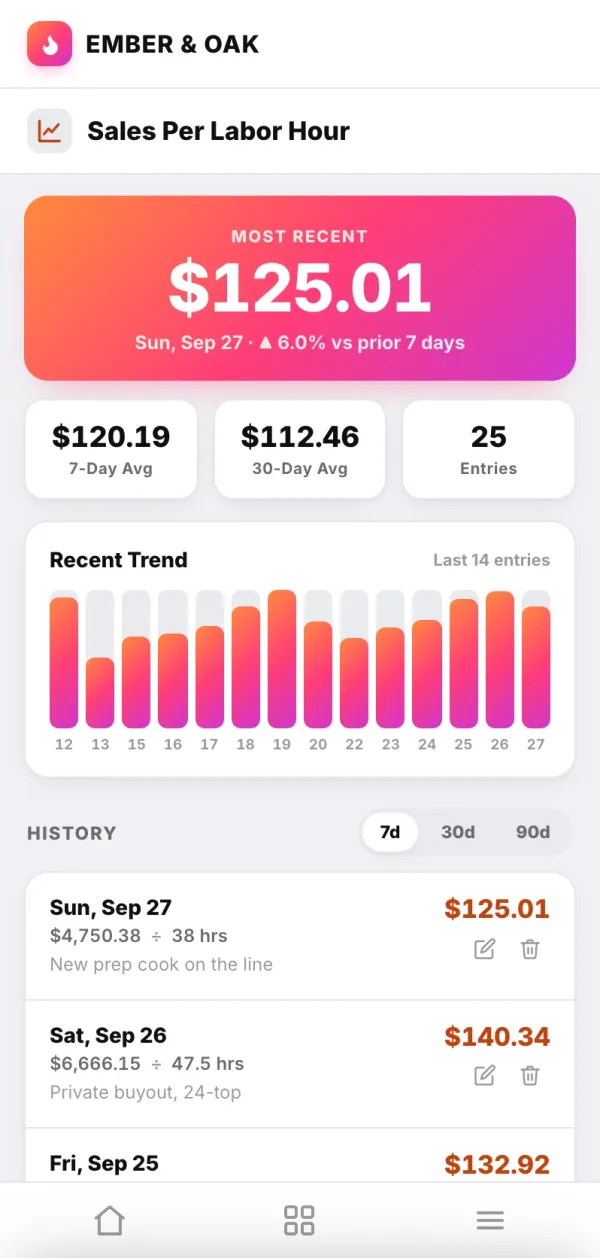
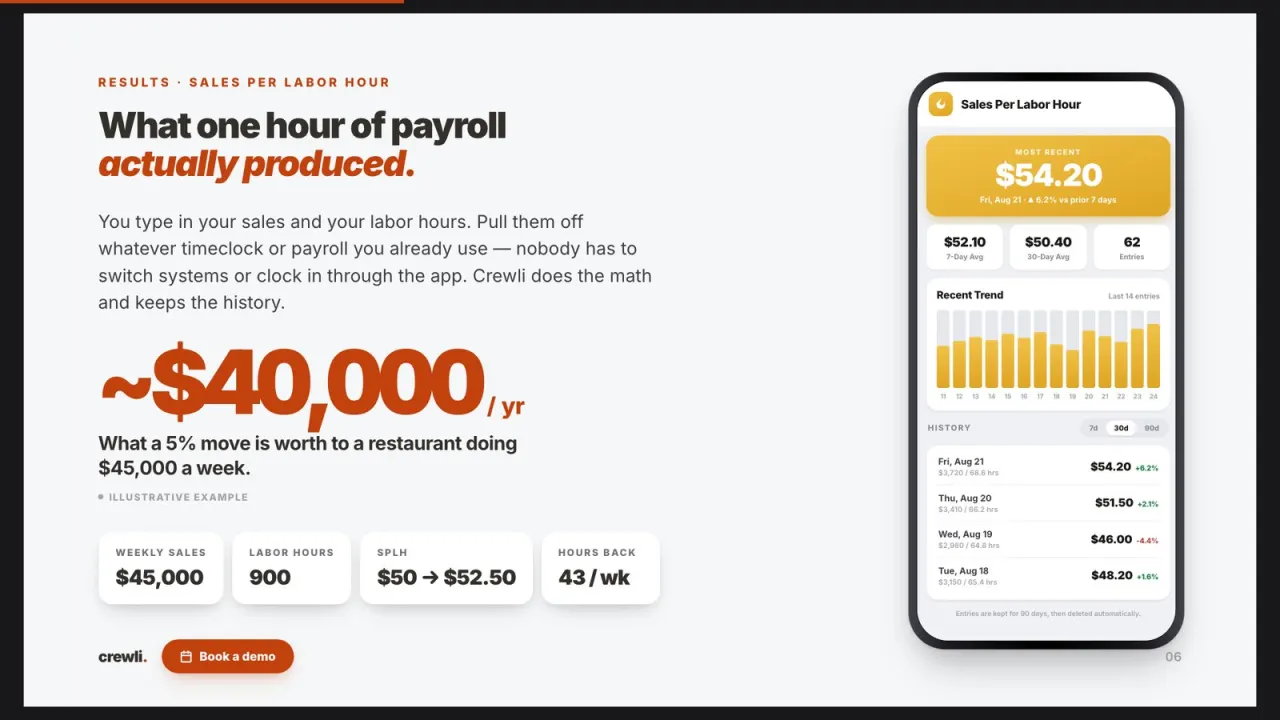
Sales per labor hour with 7 and 30 day averages, so "labor ran heavy" comes with the number and the trend.
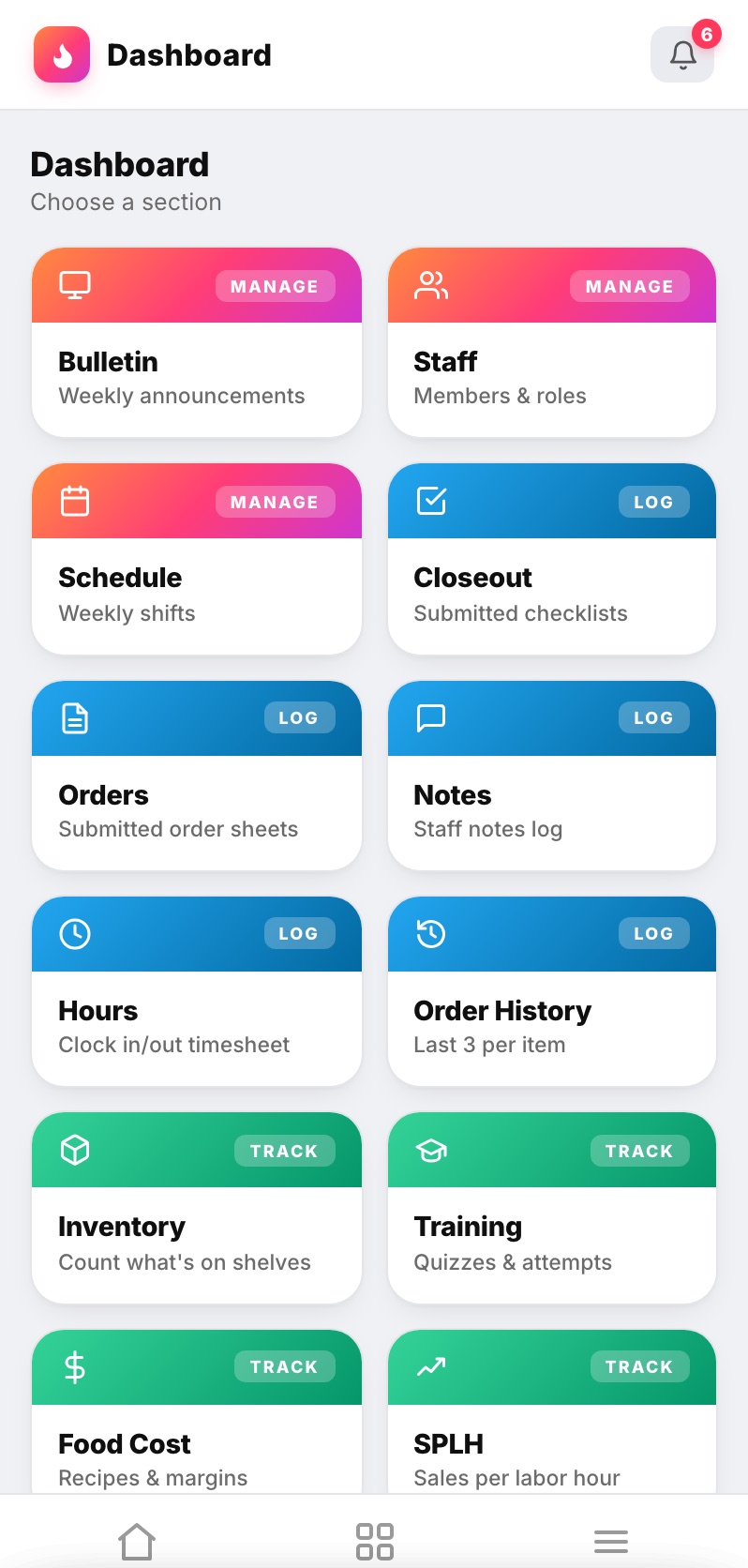
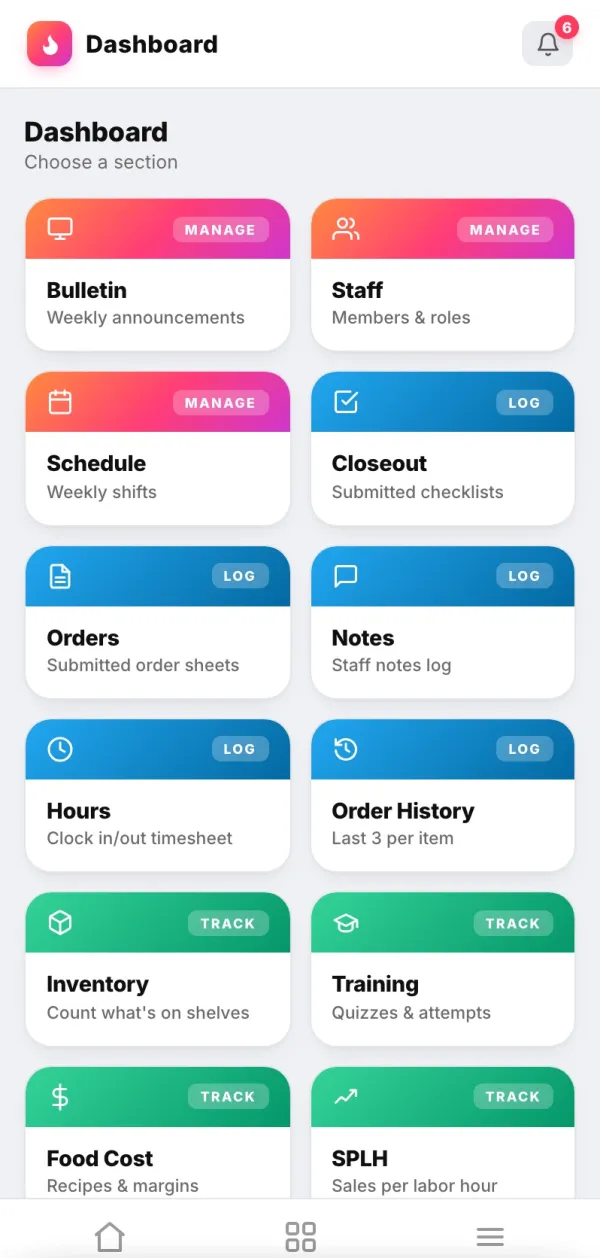
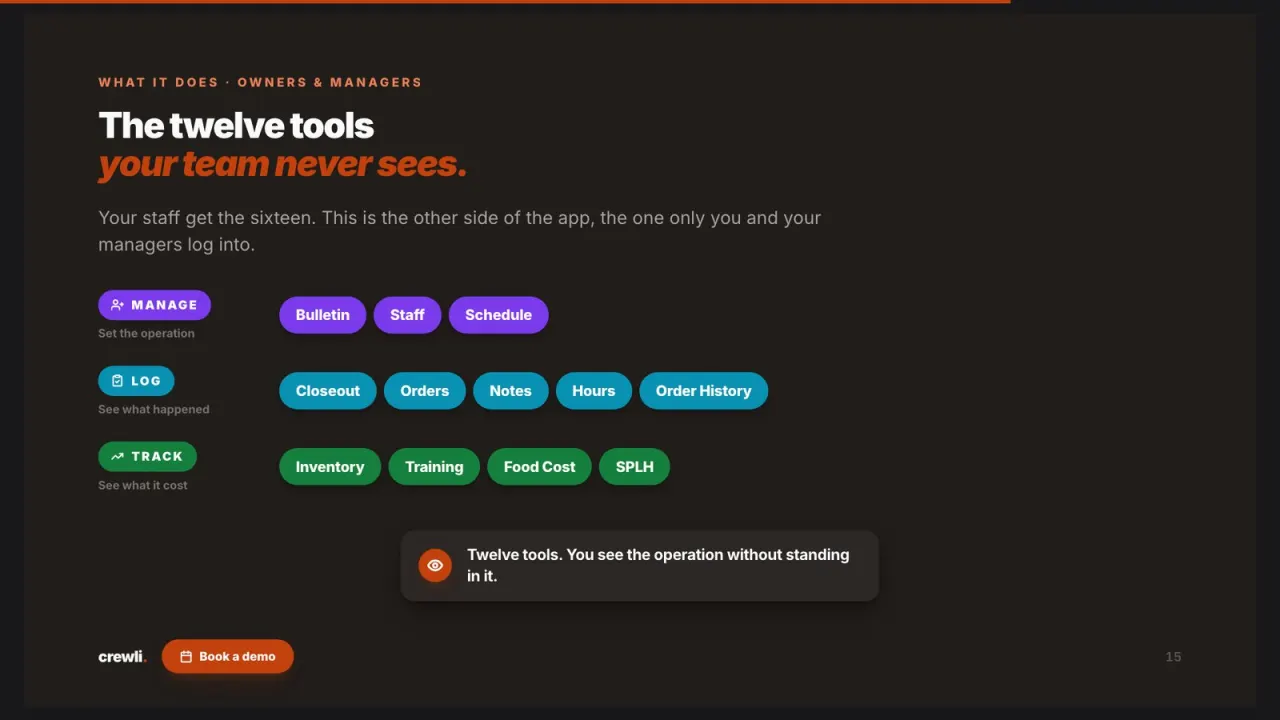
Bulletin, staff, schedule, closeouts, and food cost on one dashboard, so you can read the week without driving in.
A manager log that fills itself in.
Clock-ins, clock-outs and closeouts are recorded the moment they happen, so most of the log is written before the manager sits down.
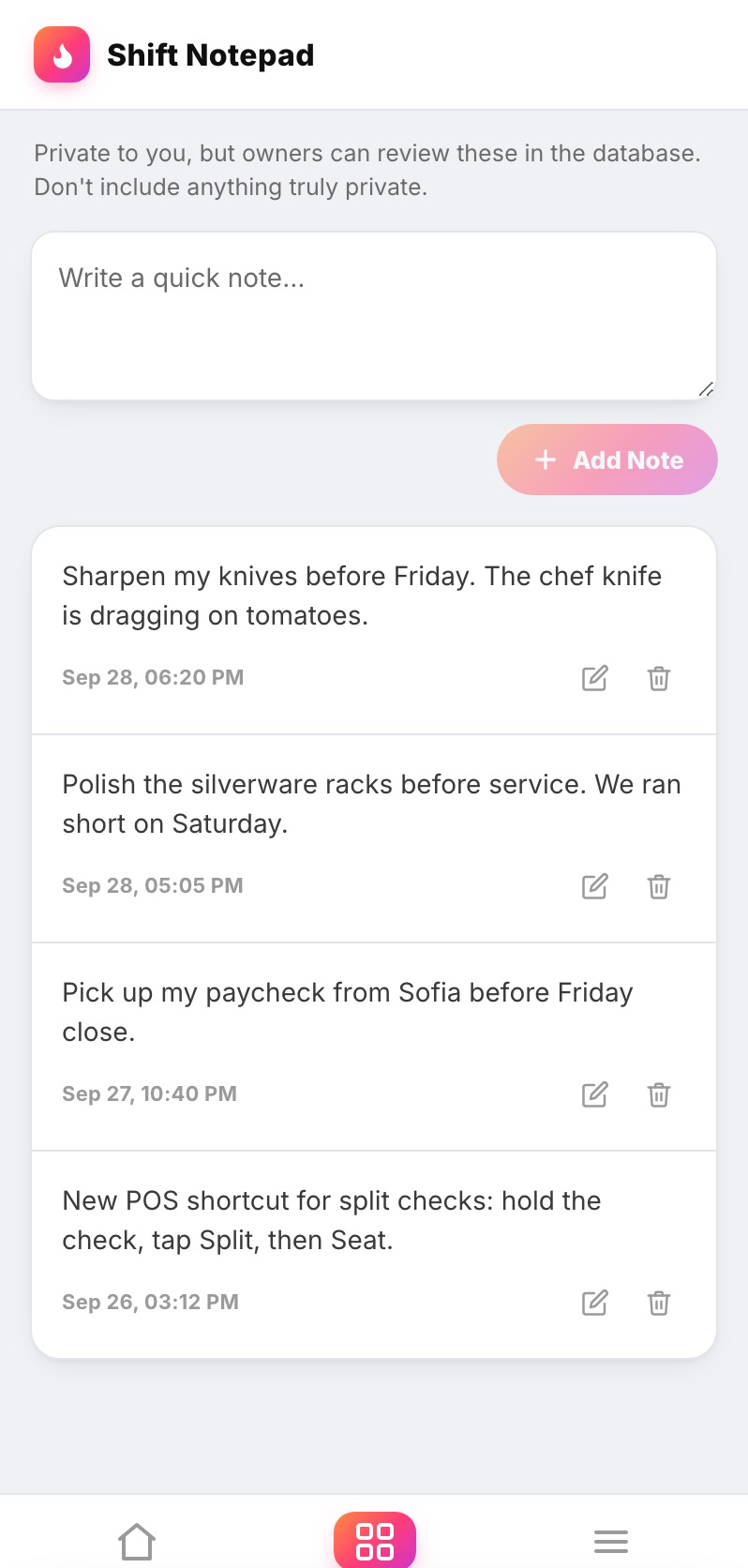
Notes are stamped with the date and time, and closeouts are signed by name, so you always know who wrote what and when.
Sales per labor hour and food cost live on the dashboard, so the log explains the numbers instead of guessing at them.
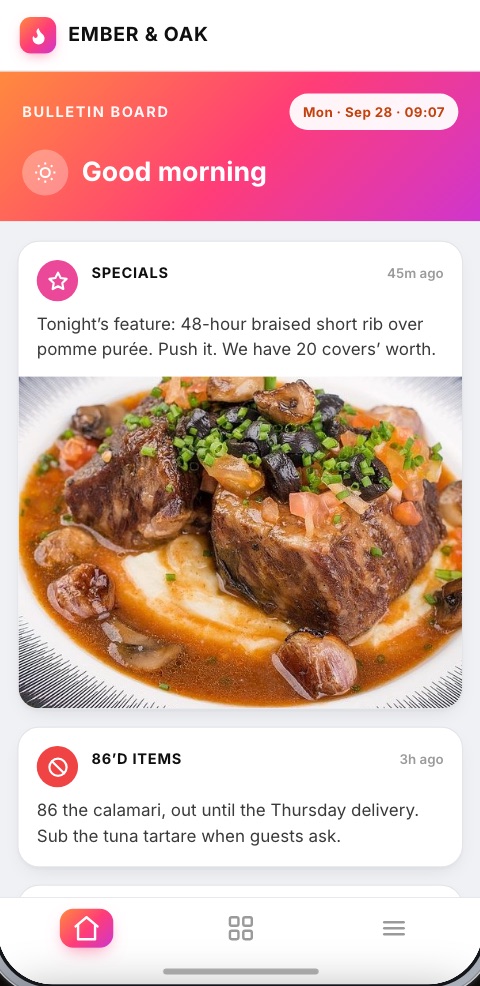
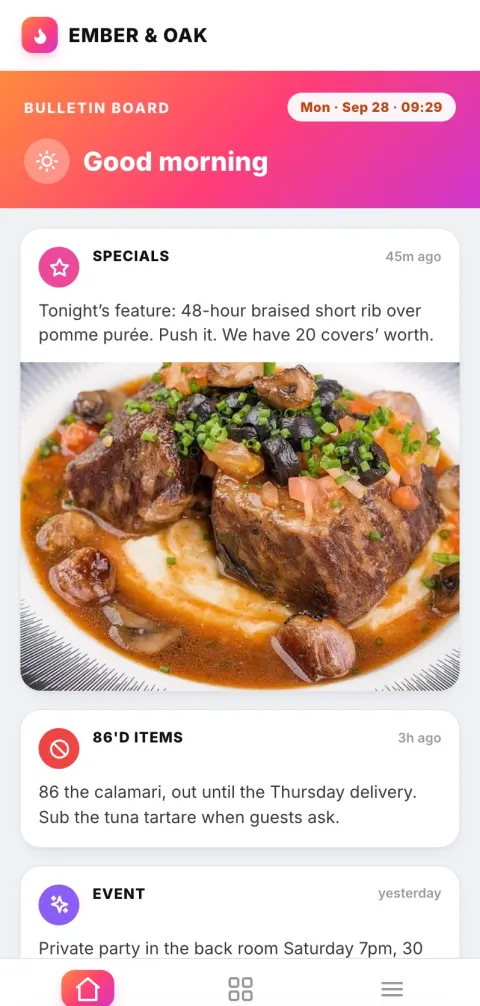
What ran out and who's covering tomorrow go on the bulletin, where the whole team sees them, not buried in a notebook.
Every clock in and clock out builds the timesheet right next to the schedule, so call-outs and long shifts show up without anyone writing them down.
The opener reads last night's entry before they walk in, and the owner reads the week from anywhere. No more driving in to flip through a binder.
One app, not one more app.
A paper log sits in the office. A standalone log book app is one more login for managers who already juggle five. Crewli puts the log inside the app your team already runs the shift on.
app ★ Best value
One flat rate for the whole restaurant.
The log, the closeouts, the numbers and the rest of the app, for one price.
How the pricing works
It starts with a one-time setup fee, quoted upfront. We sit down with you and your managers, look at how you close out today (including whatever notebook or template you use now), and build the app around it before anyone downloads it.
From there it's a flat $150 a month for the whole restaurant. Add a new manager or ten new hires and the price doesn't move. That covers hosting, the database, updates, and maintenance, along with the real person on your team who handles changes.
If your managers want something new on the dashboard six months from now, tell us and we add it. The app should change as your restaurant does, not stay frozen at whatever made sense on day one.
Set up for you, not by you.
We map your closeout, what your managers track each night, and what the opener and the owner need to see.
Your schedule, checklists, and the rest of your content go into an app with your name and logo. Nothing to set up on your end.
The dashboard logs the shift as it runs, closers add their notes before they leave, openers read it before the doors open, and we handle the upkeep.
Run a tighter handoff.
The log is one piece of how a good manager runs the shift. These guides cover the rest.
A ready-to-use end-of-shift report, and how to make sure it gets filled in.
What a manager owns on every shift, from the open to the close.
The opening, mid-shift, and closing routines your log should line up with.
How to bring new managers up to your standard, including how they hand off.
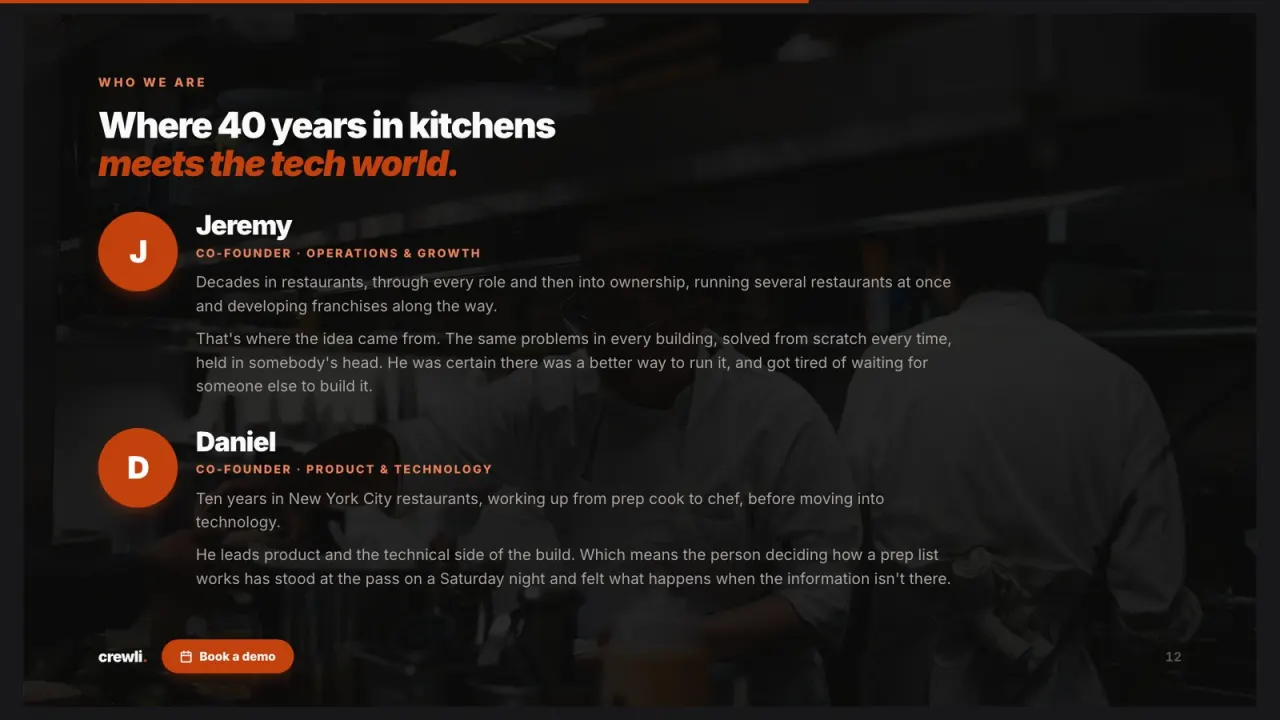
We're not a software company that wandered into restaurants. We've worked the line, run the floor, and built Crewli for the people still doing it.
— The Crewli team, decades of restaurant & tech experience
The restaurant manager log book, answered.
What is a restaurant manager log book?
A restaurant manager log book is the running record managers keep from shift to shift: how the night went on sales and labor, what got 86'd, who called out, what broke, which guests had a problem, and what the next manager needs to know before they walk in. It is how one manager hands the restaurant to the next without a phone call.
What should go in a restaurant manager log book?
Keep it to the things the next manager or the owner will act on: sales and covers, labor and any staffing changes, 86'd and low items, comps and voids, incidents and guest issues, equipment and maintenance problems, and a short list of open items for the next shift. Each entry should carry the manager's name and the date so you can look back on it later.
Is a paper log book or a digital log book better?
A paper log works until you need it. It lives in one office, it depends on handwriting, and nobody can search last month for the night the walk-in door started sticking. A digital log sits on every manager's phone, keeps a name and time on each entry, and sits next to the closeouts and numbers it is describing, so the owner can read it from anywhere.
Does Crewli have a manager log book?
Yes. In Crewli the manager dashboard works as your log book. Every clock in and clock out lands on the timesheet, the schedule sits right next to it, each closeout shows what was done, what was missed and who signed off, and the Notes log keeps every staff note and message with the time it was posted. Food cost, orders and training scores are on the same dashboard.
Who should write in the manager log, and when?
Whoever closes the shift writes the entry before they leave, every shift, with no exceptions for slow nights. The opening manager reads the last entry before the doors open. In Crewli most of the log fills itself in: clock-ins, the closeout and who signed it are recorded as they happen, so the closer only adds what the numbers can't show, like a guest complaint or a cooler acting up.
Is Crewli a POS?
No. Crewli isn't a POS or a payroll provider. It is the operations app your team runs the shift on: the schedule, clock in and out with a timesheet ready for payroll, checklists, closeouts, training, the menu, the bulletin and the numbers. It sits alongside whatever you already use for orders and payroll.
How much does Crewli cost?
Crewli is $150 a month for the whole restaurant, plus a one-time setup fee we quote you upfront. There are no per-manager or per-employee fees. The monthly covers hosting, the database, updates, maintenance, and a real person on your team for changes.
How do we get started?
Book a demo and walk us through how your managers close out today, including any paper log or template you already use. We build the app under your brand with your schedule, checklists and content loaded, then your team downloads it and starts using it.
Give your managers a handoff that sticks.
Show us how your managers close today, and we'll set up the dashboard and the app around it.
$150/mo flat for the whole restaurant, a real person included. Setup fee quoted upfront.