Walk into the back office of almost any restaurant and you'll find the same artifact: a three-ring binder with smudged plastic sleeves, dog-eared pages, and at least three different handwritten versions of the same recipe inside it. The cover says "Recipe Book" in faded Sharpie. The last revision was probably two years ago, and the line cooks haven't opened it since their first week.
That binder is the single most important — and the single most ignored — operational document in the kitchen. It's where the food cost, the food quality, the consistency between shifts, and the legal protection on allergens all theoretically live. And in 99% of kitchens, it's wrong.
A digital recipe book is what serious operators are quietly replacing that binder with. Not a recipe app you'd download for home cooking — a real, restaurant-grade system where every recipe in the operation lives in one searchable place, accessible from any line cook's phone, with current costs, allergen tags, plating photos, and an audit trail of every change.
Why the Paper Recipe Binder Fails
The paper recipe binder fails the same way every time, in every kitchen, regardless of how careful the chef is. The failure modes are structural — they're built into the format.
- Single point of failure. The binder lives in one place. If it's in the back office, the line cook on station three can't reference it during service. If it gets soaked by a spilled stockpot, it's gone.
- No version control. When a recipe changes, someone has to manually rewrite the page, reprint it, and replace the old one. In practice this happens late, or never. Old versions linger. New cooks find the wrong page. (Whatever format you land on, the content still has to be right, which is what our recipe sheet template standardizes.)
- Multiple copies, multiple truths. One binder in the back office. Another in the prep kitchen. A Google Doc folder a sous chef started in 2023. A printed sheet taped to the line. Now there are four versions of every recipe and nobody knows which is current.
- No cost data attached. Recipes and costs live in separate systems. When a supplier price changes, nothing in the binder updates. The food cost percentage based on those recipes is fiction within weeks.
- No allergen audit. When a guest asks if a dish is gluten-free, dairy-free, or nut-free, the answer comes from someone's memory. That's a legal and safety problem waiting to happen.
- Nobody trains on it after week one. The binder becomes a reference of last resort instead of the active source of truth. By month three, most line cooks have forgotten where it lives.
The result is exactly what every chef complains about: the dish on Monday tastes different from the dish on Friday, food cost drifts up without anyone seeing it happen, and new hires take twice as long to ramp because nothing they need is actually accessible.
What a Digital Recipe Book Actually Is
A real digital recipe book is a centralized, searchable system where every recipe in the operation lives — accessible from any device, updated in real time, with rich structure that paper can't support. The recipe isn't just text on a page; it's a structured record with ingredients (each tied to a supplier and a current cost), a portion size, a calculated per-portion cost, a plated photo, allergen flags, prep notes, and a version history showing every change.
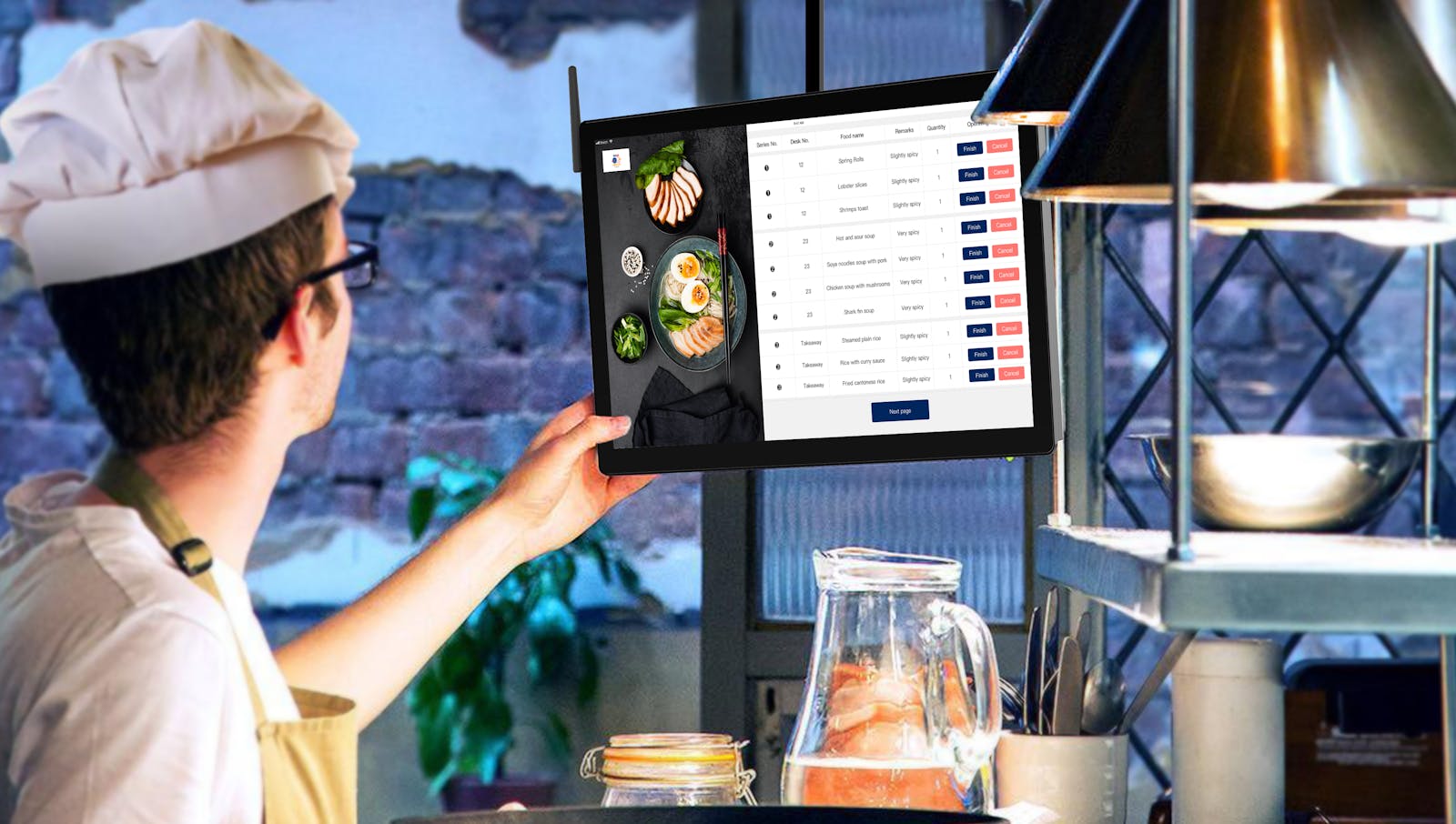
When the dish changes, the chef updates the record. The new version is live on every device, in every kitchen, instantly. The old version is archived but not deleted, so there's always an audit trail. When a line cook needs the recipe, they pull it up on a tablet or phone. When a server gets an allergen question, they search the dish and the answer is right there — sourced from the spec, not from memory.
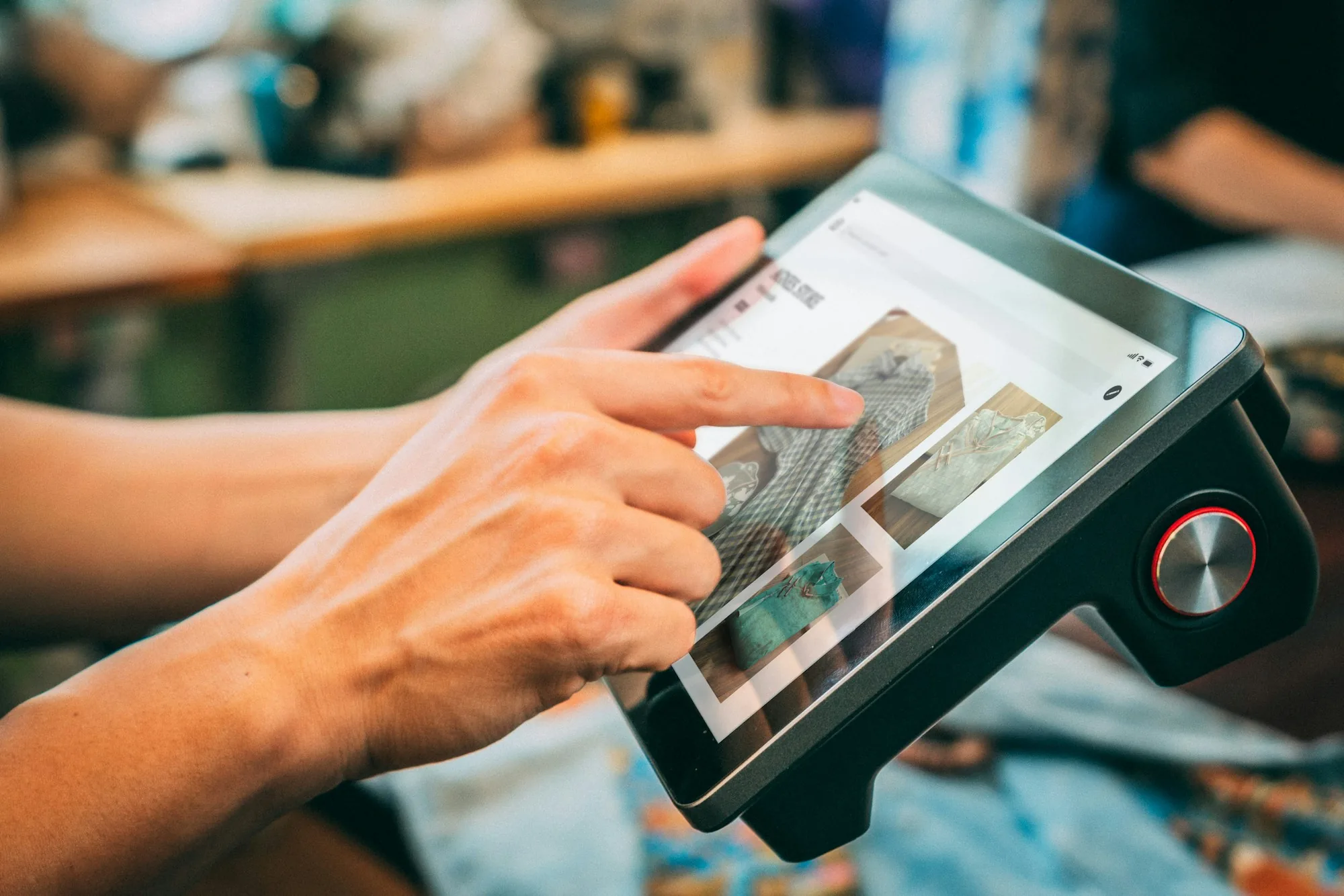
Every cook builds it the same way, whether you’re there or not.
The whole operation in one place, built around the way your restaurant already works. Money stops leaking, your time stops disappearing into follow-up, and every shift leaves a record with a name on it.
What a Digital Recipe Book Does That Paper Can't
The structural advantages compound across every shift:
- Single source of truth. One version of every recipe. Everyone references the same one. The "which version is current" problem disappears.
- Live cost tracking. When ingredient costs change, the per-portion cost updates on every recipe that uses that ingredient. Food cost stops drifting silently between recosts.
- Searchable. Need to find every dish that uses heavy cream because of a supplier shortage? One search. Need every dish that contains tree nuts for an allergen audit? One search. Paper binders can't do either.
- Accessible everywhere. Every line cook on every station, every server, every manager. Nobody has to walk to the back office to check a spec mid-service.
- Version history. Every change is logged. If a recipe got "improved" by someone three months ago and quality dropped, you can see exactly what changed and roll it back.
- Photo-anchored. Plating photos live with the recipe, so consistency stays tight even as the team changes. New cooks see exactly what the dish should look like, not just read about it.
- Allergen-tagged. Every ingredient flagged for allergens. Servers and managers can answer guest questions definitively, in seconds.
- Multi-location consistency. If you operate more than one location, the same recipes are live in every kitchen. No more drift between sites. The same dish actually tastes the same everywhere.
Each of these alone is incremental. Together, they're the difference between a kitchen that runs on tribal knowledge and one that runs on systems.
What to Look For in a Digital Recipe Book
Not every "recipe app" is built for restaurant use. The features that matter for a working operation:
- Per-recipe cost tracking tied to current ingredient prices. The system should calculate per-portion cost automatically when a recipe is built, and update it when an ingredient cost changes. This is the single most important feature.
- Photo support. Every recipe should hold a plated photo, ideally multiple photos covering different angles or steps.
- Allergen flags at the ingredient level. So allergen tags on a dish are calculated from its ingredients, not entered manually (where they'll be forgotten when ingredients swap).
- Version history. Every change tracked, with the ability to see what changed and roll back if needed.
- Role-based permissions. Chefs can edit. Line cooks can view. Servers see allergen and description info only. The right people see the right thing.
- Mobile-first interface. Line cooks aren't sitting at desks. The system has to work on a phone or tablet in a kitchen environment — fast loading, big touch targets, readable in low light.
- Search. By dish name, ingredient, allergen, category, prep method. Paper binders aren't searchable. The system replacing them has to be.
- Multi-location support, if applicable. If you operate more than one location, the recipe book has to keep them in sync without the manual work of pushing updates to each site.
Off-the-shelf restaurant software covers some of these. Building a custom operations system covers all of them and lets the recipe book live alongside the other systems your team already uses — prep sheets, training, daily checklists, and inventory — all in one place. The trade-off between custom and off-the-shelf is the full subject of our breakdown of custom restaurant apps versus off-the-shelf software.
How to Migrate From Paper Without Losing Your Mind
The fear of migrating from paper to digital is what keeps most operators from doing it. The actual process is much less painful than the avoidance:
- Photograph every existing recipe. Don't try to transcribe them all at once. Just capture the raw data first so nothing is lost.
- Sort by sales volume. Pull your top 20% of dishes by sales — those represent roughly 80% of your kitchen's daily activity. Migrate those first.
- Enter the top 20%. Type them properly into the digital system, with current ingredient costs, plating photos, and allergen tags. Don't rush. This is your foundation.
- Train the team on the new system. Walk the kitchen through where recipes live, how to search, how to update. Set the expectation that this is now the source of truth.
- Retire the paper binder formally. Don't leave it on the counter "just in case." Two sources of truth = no source of truth. Move the paper binder out of the kitchen.
- Migrate the remaining 80% over 60-90 days. Each new dish coming in, each menu refresh, each seasonal special goes into the digital system from day one. Within a quarter, the paper binder is genuinely obsolete.
The mistake is running paper and digital in parallel "for a while." That always ends with neither system being trusted and the team falling back on memory. Commit to the migration, then enforce it.
The Real Objections (And Why They Don't Hold Up)
The pushback we hear from operators considering a digital recipe book, and the honest counter to each one:
"My team isn't tech-savvy enough." Every line cook on the planet uses a smartphone several hours a day. Looking up a recipe on a tablet is easier than flipping through a binder with greasy hands. The barrier isn't tech literacy — it's the change itself.
"We can't afford another software subscription." Compare the cost to one quarter of food cost percentage drift that nobody caught because recipes weren't current. The math almost always favors the system.
"We already have a Google Doc folder." A Google Doc folder is paper with extra steps. No version control, no cost tracking, no allergen logic, no search beyond filename. It solves none of the problems that matter.
"We're a small operation, we don't need this." Small operations have the most to gain. Fewer cooks means more dependency on tribal knowledge — which means the cost of that knowledge walking out the door is higher, not lower. Our breakdown of what happens when a key employee leaves and takes all the knowledge with them covers exactly this risk.
A digital recipe book is one piece of a larger shift toward running restaurants on systems instead of memory. The broader picture — and the trade-offs between building this yourself versus buying a generic tool — sits in our complete guide to restaurant technology. And if recipe management is the entry point, the operational benefits compound when costing, scheduling, training, and checklists all live in the same place — which is what serious operators are quietly moving toward with a custom operations app. For the costing half of that equation, see our breakdown of why recipe costing is the habit profitable kitchens never skip.
If you want a digital recipe book that actually fits your operation — not a generic tool retrofitted for restaurants — Crewli builds a fully custom platform that holds your recipes, costs, allergens, training, and prep specs together in one place. Let's talk.
Frequently Asked Questions
What is a digital recipe book for restaurants?
A digital recipe book is a centralized, searchable system where every recipe in a restaurant lives — accessible from any device, updated in real time, and structured so prep specs, ingredient costs, photos, allergens, and version history all sit together. It replaces the paper binder, the shared Google Doc folder, and the chef's mental backup that nobody else can access.
Why are restaurants moving away from paper recipe binders?
Paper binders are static, single-location, hard to update, get destroyed in kitchens, and depend on someone manually rewriting and reprinting whenever a recipe changes. The result is multiple versions floating around, outdated specs being cooked, and no audit trail of what changed when. A digital recipe book solves all of those problems by design.
What should a digital recipe book include?
At minimum: the recipe itself (ingredients, quantities, technique), a plated photo, portion size, allergen flags, current ingredient costs, calculated per-portion cost, version history, and clear ownership of who can edit it. Better systems also tie recipes to inventory, supplier prices, and menu pricing so a change in one place updates everywhere it matters.
Can a digital recipe book help with food cost?
Yes — and it's one of the strongest reasons to adopt one. When recipes and ingredient costs live in the same system, a supplier price change updates the per-portion cost on every affected dish automatically. That means food cost stays current instead of drifting away from reality between quarterly recosts.
Is a generic recipe app enough for a restaurant?
Consumer recipe apps weren't built for restaurant operations. They don't handle multi-location consistency, per-portion costing tied to invoices, allergen flagging at the spec level, or service-line workflows. A serious operation needs a system built for restaurants — not a recipe app retrofitted for kitchen use.
How do you migrate from paper recipes to a digital recipe book?
Start by photographing every existing recipe and consolidating the master versions into one place. Then enter the top 20% of dishes by sales volume first — those drive the most cost impact. Build training around the new system, retire the binder formally, and make the digital book the single source of truth from day one. Trying to run paper and digital in parallel is how migrations die.