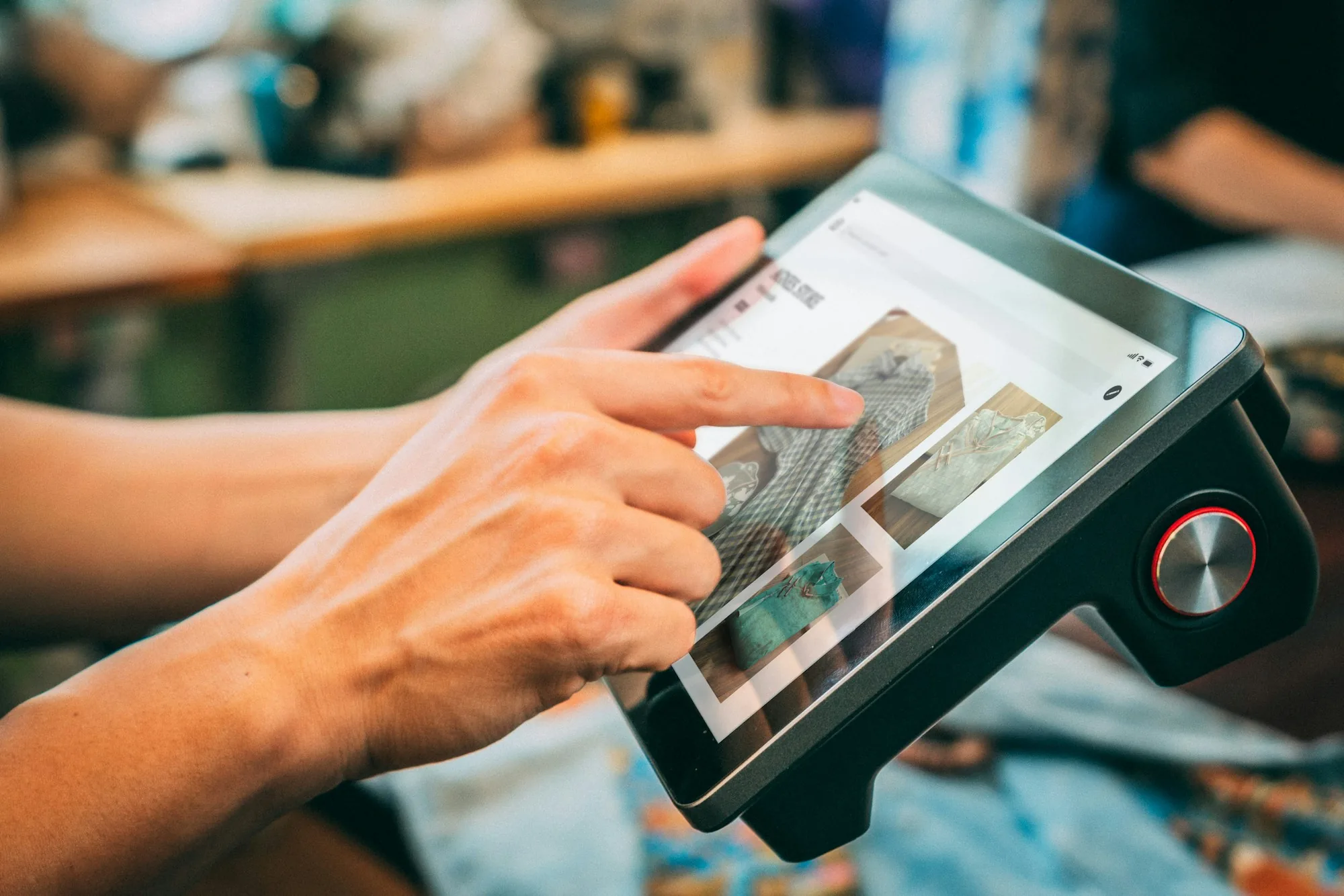
Photo by iMin Technology on Unsplash
Walk into any restaurant in 2026 and you will see a stack of technology layered over what is fundamentally a hospitality business. There's a screen at the host stand, another at every server station, a kitchen display system the line cooks read off, a tablet for inventory counts, an app on every team member's phone for the schedule, and somewhere in the back office a laptop running the books. None of this existed thirty years ago. All of it is more or less mandatory now. And the operators who feel most overwhelmed by it are the ones who bought tools one at a time without a coherent picture of what they were actually building.
This is the complete guide to restaurant technology — written for operators who need to make decisions, not for vendors selling them. We cover what the term actually means, the major categories every restaurant has to consider, the framework for choosing tools that hold up after the honeymoon period, the real cost beyond the monthly subscription line, when off-the-shelf is the right call and when custom is, the mistakes that consistently sink technology decisions, and how to build a stack step by step without burning out your team or your budget.
This is the hub page for the rest of our technology coverage. Where deeper guides exist on specific categories — POS systems, reservation software, online ordering, automation, custom apps — we link out so you can go a level deeper. Start here for the full picture; click out where you want the depth.
What Is Restaurant Technology?
Restaurant technology is the full set of software, hardware, and digital tools a restaurant uses to run its operation. The visible part is the POS terminal at the server station and the screen in the kitchen. The invisible part is everything that connects them — payment processing, scheduling, inventory tracking, reservations, accounting, payroll, loyalty programs, and the operations app that holds menus, recipes, and training documents in one place.
What restaurant technology is not: a single product. Vendors love to imply that one platform can run everything, but in practice most restaurants end up with somewhere between five and twelve different tools, each handling a slice of the operation. The art is choosing tools that actually work for your specific concept and team — and making sure they talk to each other instead of forcing your staff to duplicate data across five logins.
The reason tech matters: it is the layer that determines whether your standard is enforceable. The six pillars of tight restaurant operations all depend on having the right information in the right place at the right time. Technology is what makes that possible. Get the stack wrong and your team spends their shift fighting tools. Get it right and the system runs the operation in the background while your team focuses on the guests.
The Major Categories of Restaurant Technology
The restaurant tech landscape can feel overwhelming because it is sprawling. The categories below cover what most operators have to consider. You will not need all of them — but you will need to make a conscious choice about each one rather than letting the choice be made for you by whoever sells you the first tool.
1. Point of Sale (POS)
The transactional core. Handles orders, payments, tickets to the kitchen, tip pooling, and the basic reporting you need to close out a shift. Every restaurant has one. The category is mature, with a wide range of options — but the choice has long-term consequences because switching POS systems mid-operation is one of the most disruptive moves you can make. Choose with a 5-year time horizon, not a 5-month one.
2. Payment Processing
Sometimes bundled with the POS, sometimes separate. Processing fees are typically the largest single tech line item on the P&L, far exceeding any subscription cost. A few basis points of difference on processing rates adds up to real dollars across thousands of monthly transactions. Read the rate sheets carefully and recalculate annually.
3. Online Ordering Systems
Direct online ordering (your own website or app) versus third-party marketplace ordering (delivery aggregators). The economics are radically different — direct ordering keeps your margin; third-party costs you commission. Most full-service restaurants need a thoughtful blend. We cover the deeper evaluation framework — the three models, what features actually matter, and how to keep margin while still getting volume — in our guide on restaurant online ordering systems.
4. Reservation and Waitlist Software
For full-service restaurants, this category is where you collect customer data, manage table turn times, control covers per service, and handle walk-ins versus reservations. The decisions about which platform to use have implications for customer ownership (do you own the reservation list, or does the platform?), cover counts, and marketing reach. We cover the full evaluation framework in our guide on restaurant reservation software.
5. Scheduling and Labor Management
The tool that runs your weekly schedule, handles shift swaps, tracks clock-ins, and feeds payroll. Done well, scheduling software is one of the highest-ROI tools in the stack because labor is one of the two biggest controllable expenses — see our breakdown of restaurant labor cost for the math behind why this matters. Done poorly, it becomes the source of the very turnover it is supposed to prevent.
6. Inventory Management
From basic count sheets to full theoretical-vs-actual tracking against recipes. The deeper the integration with POS and recipes, the more useful it becomes — but also the more onboarding time it requires. Tightly tied to restaurant food waste and food cost control. Most operators underuse what they pay for here.
7. Kitchen Display Systems (KDS)
The screens that replace printed tickets at the line. Improve coordination between FOH and BOH, reduce wasted paper, and produce real data on ticket times by station. The case for a KDS is strong; the case for any specific KDS depends entirely on how it integrates with your POS.
8. Accounting and Payroll
The back-office layer. Accounting software needs to handle the restaurant-specific quirks — tip allocation, multi-location consolidation, COGS by category — that generic small-business accounting tools fumble. Payroll has its own specifics around tipped wages, sub-minimum wage rules where applicable, and state-by-state compliance.
9. Customer Loyalty and CRM
The layer that tracks who your regulars are, what they order, when they visit, and how to bring them back. Often overlooked at independents because the perceived ROI is fuzzy, but the operators who treat their guest list as an asset typically outperform those who don't.
10. Operations and Management Apps
The layer that holds everything the team needs to actually execute — menus, recipes, allergen guides, daily checklists, opening and closing routines, employee handbook, training resources, SOPs, and shift communications. This is the layer most operators feel they are missing, because POS and scheduling get all the attention while the actual operating knowledge stays scattered across binders, group chats, and one manager's head. The recipe-management piece in particular is the entry point for most kitchens — see our breakdown of why every serious kitchen is switching to a digital recipe book. The broader framework for getting this layer right lives in our guide on how to organize restaurant operations.
11. Automation and AI
The newest category — automated scheduling, AI-assisted forecasting, voice-driven ordering, robotic process automation for back-office work. Some of it is real and useful; some of it is hype dressed up as innovation. The honest answer is that the line moves every six months and operators benefit most from staying skeptical until specific use cases prove out. We cover the practical version in our guide on restaurant automation — what's worth automating, what's not, and how to start.
12. Custom Apps
When your operation has enough specifics that no off-the-shelf tool fits cleanly — your unique menu structure, your particular prep flow, your team setup — custom becomes a real option. Not for everyone; not for nobody. We covered when it makes sense and when it doesn't in our guide on custom restaurant apps vs. off-the-shelf software.
The standard holds whether you’re there or not.
The whole operation in one place, built around the way your restaurant already works. Money stops leaking, your time stops disappearing into follow-up, and every shift leaves a record with a name on it.
How to Choose Restaurant Technology That Actually Works
Most tech buying decisions in restaurants get made the wrong way around: a vendor demos something impressive, the operator gets excited about features, contracts get signed, and three months later the team is back to using the old workaround because the new tool did not survive contact with a real Saturday rush.
The right way to choose is operational, not feature-driven. The framework:
- Start with the problem, not the tool. Define the specific workflow that is broken right now. "We need scheduling software" is not a problem statement. "Our scheduling lives in a group chat and people miss shifts because nobody confirms" is a problem statement. The first one gets you a generic tool; the second tells you which features matter.
- Identify who will actually use it. The GM signing the contract is rarely the heaviest user. The new line cook, the part-time server, the AM dishwasher — those are the people whose adoption determines whether the tool survives. If they cannot use it intuitively within a shift, the tool is wrong regardless of how good the GM-side reporting is.
- Define success in 60 days. Concretely. "60 days from now, every shift is staffed without a single missed text from a manager because the schedule lives in one place and confirms automatically." If you cannot define success this clearly, you do not know what you are buying.
- Trial before contract. Any vendor not willing to give you a free trial period is a vendor selling on emotion, not fit. Real trials run at least 30 days, with your actual data, during your actual operation.
- Talk to operators who already use it. Not the references the vendor provides — those are cherry-picked. Find a peer restaurant of similar size and concept, and ask them honestly what the tool gets right and where it falls short.
- Pay attention to support, not just features. The best feature list does not save you when something breaks during dinner service and the support line takes 45 minutes to answer. Ask about response times in writing.
Technology decisions get easier when they are framed as operational decisions. The question is not "what is the best POS" — it is "what is the right POS for our concept, our team size, our menu complexity, and our growth plans for the next three years."
The Real Cost of Restaurant Technology
The monthly subscription line is the part operators see. It is rarely the largest cost. The fully-loaded cost of a restaurant technology decision includes several layers most operators do not calculate until they have already signed:
- Subscription / licensing fees. Visible. Usually monthly, sometimes annual.
- Payment processing rates. For tools that handle payments, this typically dwarfs the subscription. A few basis points of difference compounds dramatically across volume.
- Hardware. Terminals, tablets, printers, KDS screens, scanners, routers. Sometimes included, often not. Always factor replacement costs over a 3-5 year horizon.
- Implementation and integration. Getting the tool talking to your other tools. Generally underestimated by 2-3x.
- Training time. Hours of management and staff time spent learning the tool. Real money even if it does not show up as an invoice.
- The cost of working around limitations. Every tool has gaps. Your team will work around them — in spreadsheets, in group chats, in the manager's head. That workaround time is invisible until you look for it, and at most restaurants it adds up to several hours per week.
- Switching cost. If the tool turns out to be the wrong fit, the cost of switching is brutal — staff retraining, data migration, parallel operation, lost productivity during the transition. This is why long contracts with the wrong tool become more expensive over time, not less.
Smart operators build the full cost picture before signing. The subscription comparison alone is a recipe for surprises. The cost discipline that applies to your food cost and labor cost should also apply to your tech stack.
Off-the-Shelf vs. Custom — Which Is Right for You?
The most common false binary in restaurant tech. Both have their place. The honest answer depends on the layer of the stack and how unique your operation is.
Off-the-shelf is the right call when:
- The problem you are solving is shared by most restaurants (payments, scheduling, basic POS, accounting)
- Your operation fits within the assumptions the tool was built around
- You want predictable pricing and a wide support community
- Your team is small enough that the customization a custom build offers is not worth the cost
Custom is the right call when:
- Your operation has specifics — menu structure, prep flow, team setup, brand experience — that off-the-shelf forces you to abandon
- You have tried multiple off-the-shelf tools and your team consistently works around them
- The cost of working around limitations is now greater than the cost of building exactly what you need
- You are operating at enough scale (or planning to) that the ROI calculation pencils
- The category in question is operations and management — the layer where every restaurant is genuinely different
The full breakdown of when each makes sense lives in our guide on custom restaurant apps vs. off-the-shelf software. The short version: most concepts can use off-the-shelf for the transactional layers (POS, payments). The management and operations layer is where custom often makes more sense because that layer is where every restaurant is truly its own thing.
The Mistakes Operators Make When Buying Tech
The mistakes are predictable and consistent. Watching for them is more than half the battle:
- Buying based on the demo. Demos are scripted. They show the tool's best moments under ideal conditions. Real operations are messier. Always insist on a trial in your environment.
- Comparing subscription prices in isolation. The cheapest subscription often becomes the most expensive overall once processing rates, hardware, and switching costs are added. Always build the fully-loaded cost picture.
- Choosing the tool the GM likes. The line cook and the part-time server are the heaviest users. If they cannot use it intuitively, the tool fails regardless of what the GM thinks.
- Signing long contracts before validating fit. A 1-year contract with the wrong tool is worse than a month-to-month contract with the right one. Multi-year commitments should follow a successful trial, not precede it.
- Buying too many overlapping tools. Five logins handling adjacent jobs creates data silos and team confusion. Sometimes the right answer is one well-chosen tool, not three best-in-class tools that do not integrate.
- Skipping the team conversation. Decisions made in the manager's office without consulting the people who will use the tool produce predictable adoption failures. Pull a server and a line cook into the evaluation.
- Underestimating onboarding. Even good tools take weeks to implement well. Operators who treat onboarding as an afterthought are the ones whose new tool sits unused six months later.
Most failed technology decisions in restaurants are not because the software was bad. They are because the buying process was rushed and the implementation was treated as an event instead of a project.
Building Your Tech Stack: A Step-by-Step Approach
If you are building or rebuilding a restaurant tech stack from scratch — or trying to clean up one that grew organically without planning — here is the order that works:
- Audit what you already have. List every tool, every subscription, every login your team uses today. Most operators are surprised to find they are paying for things nobody uses anymore. Cut what is dead before adding anything new.
- Map your operation, not your software. Draw the workflow your team actually runs each day — how an order moves from guest to kitchen, how a shift gets scheduled, how the close gets logged. Tools should support that workflow, not redefine it.
- Identify the single biggest friction point. Where does your team waste the most time, and where do you lose the most money? Fix the loudest problem first. Multi-tool overhauls rarely succeed; one well-targeted fix at a time does.
- Start with the foundation, not the edges. POS and payments are the foundation. Get those right before adding loyalty programs, automation, or analytics dashboards. Building the roof before the walls is a common mistake.
- Choose tools that integrate. Every disconnect between tools creates manual work — copying data from one system to another, reconciling numbers that should match but don't. Integration is not a nice-to-have; it is the difference between a stack that works and a stack that wears you out.
- Build the operations layer. The layer that holds your menus, recipes, SOPs, training, checklists, and team communication. This is the layer most operators miss because POS and scheduling get all the buying attention. It is also the layer that most directly determines whether your restaurant managers can actually do their job at scale.
- Review the stack annually. Tech changes fast, contracts auto-renew, your operation evolves. A yearly stack review catches the tools that are no longer pulling their weight before the renewal date locks you in for another year.
A coherent tech stack is one of the best investments an operator can make. A scattered one is one of the most expensive — not in subscription fees, but in the daily friction your team absorbs trying to make tools work that were not designed to work together.
The broader picture of how technology sits inside the full operating discipline of a restaurant lives in our complete guide to restaurant operations, and the management side of the equation — who is actually responsible for making the stack deliver — is covered in our restaurant manager responsibilities pillar guide. The National Restaurant Association publishes annual workforce and operational data that's worth referencing for industry-wide context as you make these decisions.
If you want a partner who builds the operations layer of your tech stack — designed specifically around your restaurant rather than forced into a generic template — let's talk. Custom is not for everyone. When the off-the-shelf options have all proven they don't fit, it is the right answer.
Frequently Asked Questions
What is restaurant technology?
Restaurant technology is the full set of software, hardware, and digital tools a restaurant uses to run its operation. It covers the obvious things (POS systems, online ordering, payment processing) and the less obvious ones (scheduling software, inventory tracking, kitchen display systems, reservations, accounting, payroll, loyalty programs, and the operations app that ties them together). A modern restaurant runs on a stack of these tools, not a single product.
What technology do most restaurants need?
At minimum, every restaurant needs a POS system, payment processing, and some way to manage employees (scheduling and payroll). Most also need online ordering, reservation or waitlist software (for full-service), inventory tracking, and accounting software. Beyond the basics, the stack varies by concept — fast-casual leans heavier on order-ahead and KDS; fine dining leans heavier on reservations and CRM; everyone benefits from a central operations app that holds menus, recipes, SOPs, and training in one place.
How do you choose the right restaurant technology?
Start with the operational problem you are trying to solve, not the tool. Define the workflow that is currently broken, the people who will use the new tool, and what success would look like in 60 days. Then evaluate options against that — not against feature lists. The shortest test of fit: would your team actually use it during a Saturday rush, or will it sit unused once the novelty wears off? Tools that fail this test are expensive, no matter what they cost.
How much should a restaurant spend on technology?
Total tech spend varies widely by concept and size, but the discipline that matters is calculating fully-loaded cost. The subscription fee is rarely the biggest line item — onboarding time, training hours, integration work, hardware, processing fees, and the ongoing cost of working around the tool's limitations all add up. Operators who only compare monthly subscription prices routinely underestimate true cost by a significant margin.
What is the difference between a restaurant POS and restaurant management software?
A POS (point of sale) handles transactions — orders, payments, tickets to the kitchen, tip pooling. Restaurant management software is broader and covers the operating layer: scheduling, inventory, recipes, training, SOPs, manager reports. Some platforms try to do both. Most operators end up with a POS for transactions plus a separate management layer for everything else, because doing both well in one product is harder than vendors make it sound.
Is custom software better than off-the-shelf for restaurants?
Off-the-shelf wins when your operation fits the template the software was built around. Custom wins when your operation has enough specifics — your menu structure, your prep flow, your team setup — that forcing it into a generic template creates friction your team feels every shift. Most concepts can use off-the-shelf for POS and payments; the management and operations layer is where custom often makes more sense, because that layer is where every restaurant is genuinely different.
What are the most common mistakes operators make when buying restaurant technology?
Buying based on the demo instead of a trial. Underestimating onboarding and training time. Comparing subscription prices without including payment processing rates, integration costs, and hardware. Choosing the tool the GM likes instead of the tool the line staff will actually use. Signing a long contract before validating fit. And buying too many tools that overlap, creating data scattered across five logins instead of one.
How do you implement restaurant technology without disrupting service?
Roll out during your slowest week, not your busiest. Train management first, then a small group of veteran staff, then everyone else. Run the new and old system in parallel for at least one full week before switching. Have a rollback plan in writing before you go live. And announce the change to your team a week ahead so the first day is not a surprise. Most failed implementations failed at the rollout, not the software choice.