
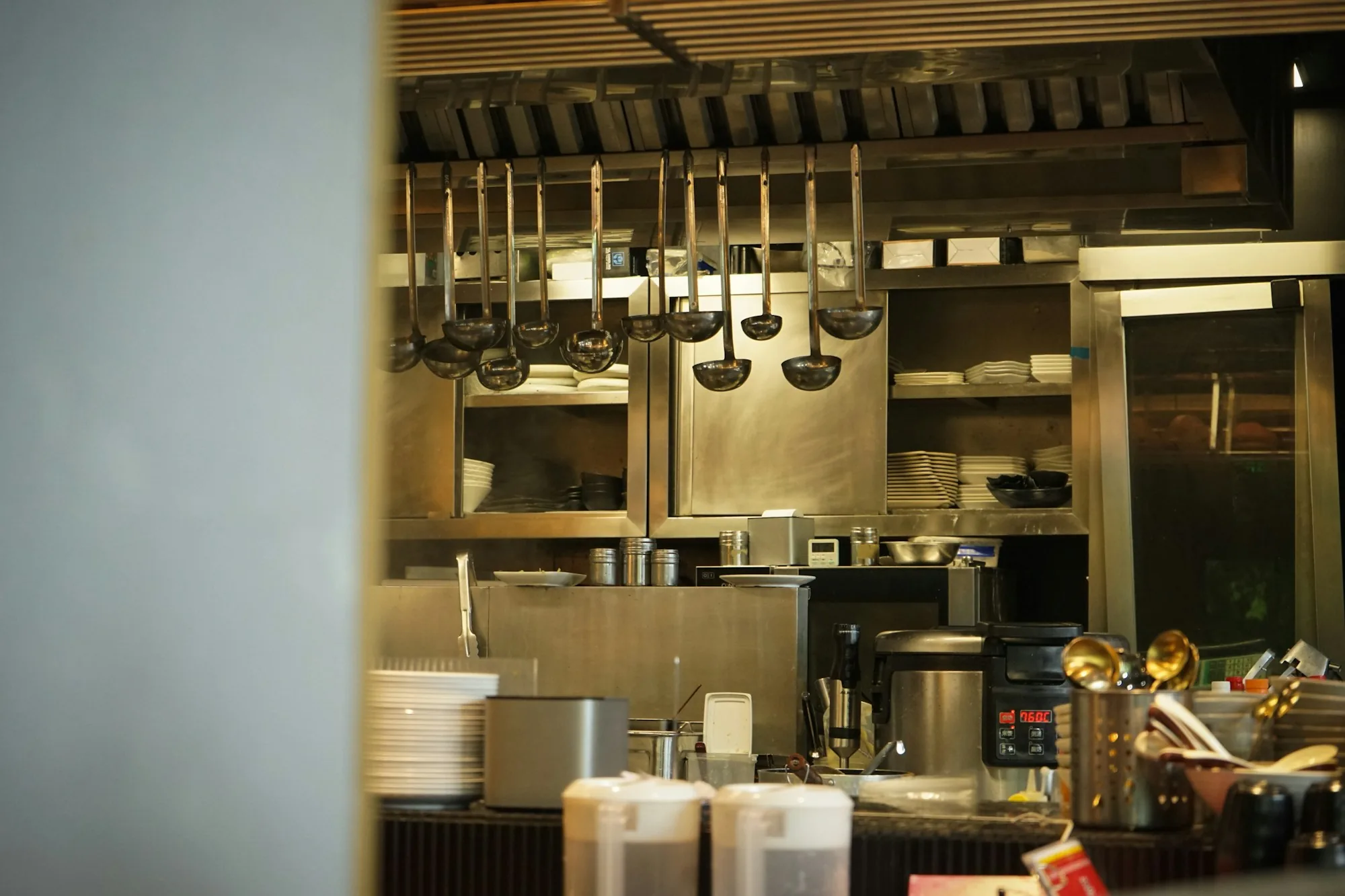
Photo by Jaz. Mine on Unsplash
The pitch for restaurant automation has been the same for the last few years, with the volume slowly going up: AI will run your kitchen, robots will plate your food, machine learning will forecast your covers, and humans will get out of the way. Some of this is real. Most of it is several years from being practical. And some of it is actively bad for the kind of hospitality business most restaurants want to be.
Cutting through the noise on restaurant automation requires a clearer frame than "is automation good or bad?" The honest question is narrower and more useful: which specific tasks in your operation deserve to be automated, which ones absolutely should not be, and how do you tell the difference? Operators who treat automation as a religion (everything must be automated) end up with operations that feel cold to guests. Operators who reject it entirely end up burning out their best people on work that should not require a human at all.
This guide is the practical version. We cover what automation actually means in a restaurant context, the two fundamentally different kinds, what's worth automating right now (with real examples), what you should keep human, how to decide for your specific operation, and the mistakes that consistently sink automation efforts.
What Is Restaurant Automation?
Restaurant automation is the use of technology to handle tasks that previously required a person. The category covers a lot of ground — from a scheduling app that auto-sends shift reminders, to inventory software that auto-orders product when you hit reorder points, to voice-driven ordering systems that take drive-thru orders without a human attendant. All of it is automation. None of it is the same thing. One of the most practical places to start is a restaurant task management app that assigns recurring shift work and reminds the team automatically, instead of a manager re-explaining the same routine every day.
The simplest mental model: anywhere a task is currently being done by hand or by attention, ask whether technology could do it instead. Sometimes the answer is yes and the result is operational improvement. Sometimes the answer is technically yes but practically no, because the cost of doing it well exceeds the cost of just letting a human keep doing it.
Before you automate anything on the line, the line itself has to make sense: automation bolted onto a restaurant kitchen layout that already fights the cooks just makes the fighting faster. The trick is having the discipline to ask the question on a task-by-task basis, not to swing wholesale toward either side. Automation is a tool. Like any tool, it works for some jobs and fails at others.
The Two Kinds: Process Automation vs. AI-Driven Automation
Almost every conversation about "restaurant automation" mixes these two without realizing it. They are very different.
Process Automation (Rules-Based)
The simpler kind. The system follows rules you set: "if X happens, do Y." Examples:
- When a reservation is booked, send a confirmation email automatically.
- When a shift is published, send each team member a notification.
- When an item drops below reorder threshold, flag it for the manager.
- When the daily close is completed, auto-generate the sales summary.
- When payroll cycle ends, calculate hours and tips and send to the payroll system.
Process automation is mature, reliable, and almost always worth doing for repetitive tasks. The rules don't change based on context, the outcomes are predictable, and the time savings are real. This is the kind of automation most restaurants benefit from immediately.
AI-Driven Automation (Probabilistic)
The newer kind. The system learns from data and makes predictions or recommendations. Examples:
- Forecasting next Saturday's cover count based on weather, day of year, and historical patterns.
- Recommending prep quantities based on forecasted demand.
- Suggesting menu item changes based on margin and sales velocity.
- Auto-categorizing expenses for accounting based on vendor patterns.
- Voice-driven order entry that interprets natural speech.
AI-driven automation is genuinely useful in some narrow cases (especially forecasting and recommendation tasks where probabilistic outputs are acceptable) and unreliable in others (where exact answers matter and "the AI was 87% confident" doesn't help you). The line between "real" and "marketing hype" moves fast — the honest stance is skepticism until specific use cases prove out in your operation.
Most of the operational wins available to restaurants today come from process automation, not AI. AI is the more interesting category to talk about. Process automation is the more useful category to actually implement.
The routine runs itself whether you’re there or not.
The whole operation in one place, built around the way your restaurant already works. Money stops leaking, your time stops disappearing into follow-up, and every shift leaves a record with a name on it.
What's Actually Worth Automating
The honest list, ranked roughly by ROI for most operations:
- Guest confirmations and reminders. Reservation confirmations, day-of reminders, post-visit follow-up. Process automation, mature, high impact on no-show rates. The full evaluation of reservation-related automation lives in our guide on restaurant reservation software.
- Shift reminders and schedule confirmations. Auto-text shifts when they post. Auto-confirm with each team member. Auto-flag unconfirmed shifts to managers 24 hours before. This single bundle prevents most missed-shift situations.
- End-of-day reporting. Sales summary, labor percentage, food cost (if your POS has the data), top-selling items. Auto-generated and emailed to management every night. Removes 30 minutes of manual close-out work.
- Inventory reorder alerts. Process automation, not AI. When count drops below threshold, alert the manager or auto-add to the order sheet. Reduces the cognitive load of remembering what's getting low. Connects directly to restaurant food waste reduction.
- Payroll calculation. Hours from clock-ins, tips from POS, taxes calculated automatically. Manual payroll wastes hours every cycle and introduces errors. The automation here is mature and high-value.
- Online order routing. Orders from multiple channels routed into the kitchen with a single ticket format and timing logic. The full picture is in our guide on restaurant online ordering systems.
- Routine guest communications. Birthday emails, anniversary follow-ups, "you haven't visited in a while" win-back messages. Automated through a CRM, branded to your restaurant, scheduled to fire at the right moments.
- Sales forecasting (AI-driven, where it works). Predicting cover counts and revenue for staffing and prep planning. The technology is improving but still imperfect — useful as one input, not the only input. Affects both restaurant labor cost and prep waste.
Notice the pattern: most of the wins are in administrative and communications tasks, not in the service moment itself. That is where automation genuinely creates leverage — it gives the team back hours that were going to repetitive work, so they can spend that time on the parts of the job that matter.
What You Should NOT Automate
The trap is the assumption that more automation is always better. It isn't. Some categories of restaurant work either don't automate well today or shouldn't ever — because the human moment is the product.
- Welcoming a guest. The first 90 seconds of a guest's experience is hospitality, not transaction. A QR code menu at the host stand is not a welcome. The person who greets and seats is doing irreplaceable work.
- Reading the room during service. The host who notices a tense conversation at table 6 and walks over with a complimentary glass of wine. The server who senses a birthday and gets a candle to the kitchen. None of this is automatable.
- Handling complaints. The decision tree behind a great recovery is mostly judgment. Templated responses to complaints almost always feel templated, which makes the original problem worse.
- Coaching team members. Feedback that lands requires reading the person and the moment. AI-generated "performance summaries" that get sent without management context produce resentment, not improvement.
- Hiring decisions. AI-resume-screening introduces bias and removes the moments of judgment where you actually evaluate fit. The 5-day onboarding process — covered in our restaurant onboarding process guide — is also a place where human attention dramatically outperforms automation.
- Menu design. AI can help with cost analysis and demand prediction. The actual menu decisions are creative and operator-specific. Algorithms don't have a point of view about food.
- Anything where the guest can tell. The dividing line. If automating a task degrades the guest experience in a way the guest can notice, you've automated the wrong thing.
The principle: automate the work behind the scenes, not the relationship in front of them.
How to Decide What to Automate
For any given task, run it through four questions:
- Is it repetitive? The more often a task happens, the more value automating it produces. A weekly task that takes an hour = 52 hours a year. A daily task that takes 15 minutes = 91 hours a year. The frequency matters more than the per-instance time.
- Is it rule-based or judgment-based? Rules automate well. Judgment doesn't. "Send a reminder 24 hours before the reservation" is rules. "Decide if this guest deserves a comp" is judgment.
- Does the guest experience suffer? If automating the task makes the guest experience meaningfully worse, don't. Even if it saves time.
- What's the failure mode? When automation fails, what happens? A missed shift reminder is annoying. An AI-generated guest response that misreads a complaint can damage your reputation. Match the automation's reliability to the cost of its failure.
The sweet spot is: repetitive + rules-based + invisible to the guest + low failure cost. Tasks that fit all four are the right first candidates. Tasks that fail any of them deserve more thought before automating.
How to Start (Without Disrupting the Operation)
The biggest mistake operators make with automation is trying to automate everything at once. The successful approach is the opposite:
- List every repetitive task in your operation. Be specific. Not "scheduling" but "manager spends 90 minutes every Sunday building the weekly schedule and another 30 minutes confirming it with the team."
- Rank by hours consumed and judgment required. High hours + low judgment = top of the list. High hours + high judgment = lower priority (and probably should not be fully automated).
- Pick one task to start. Just one. The shift reminder, the daily close report, the reservation confirmation. Whichever feels most painful right now.
- Implement it carefully. Set up the automation, test it on a small group first, refine, then roll out. Most "automation didn't work" stories are actually "rollout didn't work" stories.
- Measure for a month. Did it actually save time? Did anything break? Did the team adopt it or work around it?
- Move to the next task. Once the first automation is stable, pick the next item on your list. Repeat.
This one-at-a-time approach is unglamorous and slow. It is also the approach that produces real results without disrupting the operation. Every operator we've seen attempt a "full automation overhaul" simultaneously has either burned out trying or shipped half-functional systems that the team eventually abandons.
Common Mistakes Operators Make
The patterns are predictable. The ones to watch for:
- Automating the wrong things first. Putting AI in the host stand before fixing the broken scheduling spreadsheet. Automation effort should follow operational pain, not technology trend cycles.
- Confusing AI with automation. Most automation wins are plain rules-based process automation. Operators chasing "AI for restaurants" often miss the simpler wins sitting right in front of them.
- Trying to automate hospitality. The QR code menu, the AI-generated guest welcome email, the chatbot that handles guest complaints. All of these can technically be done. Most of them damage the experience guests came for.
- Skipping the team conversation. Automation works when the team trusts the system. Top-down automation rollouts that bypass the people doing the work generate quiet resistance and eventual workaround behavior. The same principles that apply to any operational change apply here — see our guide on restaurant staff training for the broader framework.
- Believing the vendor's ROI claims. Vendor case studies are best-case scenarios in friendly environments. Your operation is messier. Halve any ROI estimate a vendor gives you and you're closer to reality.
- No rollback plan. If the automation fails or breaks the workflow, how do you revert? Operators who don't have an answer to this question usually end up locked into systems that don't work.
- Buying automation without integrating it. An automation that lives in a separate system, disconnected from the rest of your stack, often produces more work than it saves. The integration matters as much as the automation itself.
- Mistaking faster for better. Some processes deserve to be deliberate. A 30-second pre-shift conversation between manager and server is not slow — it's intentional. Automating it away replaces something good with something efficient and worse.
Automation done well makes the team's job easier and the operation more consistent. Automation done poorly creates the illusion of progress while the team works around the new system in the same shadow ways they used to. The difference comes down to picking the right tasks and rolling out carefully.
This guide is the third of three deeper category posts inside our restaurant technology pillar guide. The companions cover the two most common restaurant tech categories: restaurant reservation software for the dine-in side and restaurant online ordering systems for the off-premises side. And if your operation has specifics that off-the-shelf tools keep failing to accommodate, our piece on custom restaurant apps vs. off-the-shelf software covers when going custom is the right call. The National Restaurant Association publishes annual industry data worth referencing as broader context.
If you want a partner who builds the operations layer where the right things are automated, the right things stay human, and everything connects in one place — let's talk.
Frequently Asked Questions
What is restaurant automation?
Restaurant automation is the use of technology to handle tasks that previously required a person — anything from automated scheduling and forecasting to AI-assisted inventory ordering, voice-driven ticket entry, automated guest confirmations, or robotic prep equipment. It comes in two broad forms: process automation (rules-based: "if X happens, do Y") and AI-driven automation (probabilistic: the system learns patterns and makes recommendations). Both have a place. Neither is a substitute for hospitality.
What is the difference between automation and AI for restaurants?
Automation broadly means letting software handle a task that used to be manual — sending a reservation confirmation, generating a payroll report, triggering a low-stock alert. AI is a subset of automation where the system learns from data to make predictions or recommendations — forecasting next Saturday's covers, recommending prep quantities, suggesting menu items. Most restaurant automation today is plain process automation; meaningful AI use is still emerging and varies wildly in actual usefulness.
What tasks should a restaurant automate?
The strongest candidates are repetitive, rule-based, low-judgment tasks: reservation and order confirmations, shift reminders, prep list generation from sales forecasts, low-stock alerts, payroll calculations, daily sales reports, and routine guest communications. The common thread: these are tasks where consistency matters more than creativity, and where the cost of human time is high relative to the value delivered. Automating them frees your team for the work that actually requires judgment.
What should a restaurant NOT automate?
Anything that involves hospitality judgment — welcoming a guest, reading the room during service, handling a complaint, deciding who gets a comp, mentoring a struggling team member. Hiring decisions. Anything where the human moment is the product. Restaurants that automate the wrong things become efficient at producing transactions while losing the experience that brings guests back. The line is: automate the work, not the relationship.
How much does restaurant automation cost?
Cost varies widely by category. Basic process automation often comes bundled with existing software you already pay for — scheduling tools auto-send shift reminders, POS systems auto-generate end-of-day reports. AI-driven features tend to sit at higher pricing tiers and sometimes carry separate per-use costs. The honest answer: cost matters less than ROI. Cheap automation that saves nobody time is expensive. Targeted automation that saves a manager 5 hours a week pays for itself almost regardless of subscription price.
Will automation replace restaurant workers?
For most full-service operations, no. Automation reduces the share of a manager's or worker's time spent on repetitive administrative tasks, but the hospitality core of restaurant work — service, judgment, coaching, problem-solving — is not effectively automatable. The realistic outcome is that automation reshapes roles, not eliminates them. Your dishwasher is not getting replaced. Your scheduling spreadsheet probably is.
How do small restaurants benefit from automation?
Small restaurants often benefit more from automation than large ones, because the manager wears more hats and each hour saved has higher relative impact. Auto-sent reservation confirmations, automated shift reminders, payroll automation, and simple sales reporting all reduce the manager's administrative burden meaningfully. Start small — pick one repetitive task that eats two hours a week and automate it. Then move to the next one. Avoid trying to automate everything at once.
How do you start automating a restaurant operation?
List every repetitive task someone on your team does weekly — scheduling, confirmations, reports, ordering, payroll. Rank them by hours consumed and judgment required. The sweet spot for first-round automation: high hours, low judgment. Pick one task, automate it, run it for a month, then move to the next. Avoid trying to overhaul everything at once — the failure rate of big-bang automation projects is high, while the success rate of one-task-at-a-time automation is consistently strong.