
Restaurant recipe management
software your cooks will use.
Crewli puts every recipe on the phone at the station: the ingredients, the method, a photo of the finished plate, and batch scaling in one tap. Tied to your prep lists and training, branded with your name, in English and Spanish.
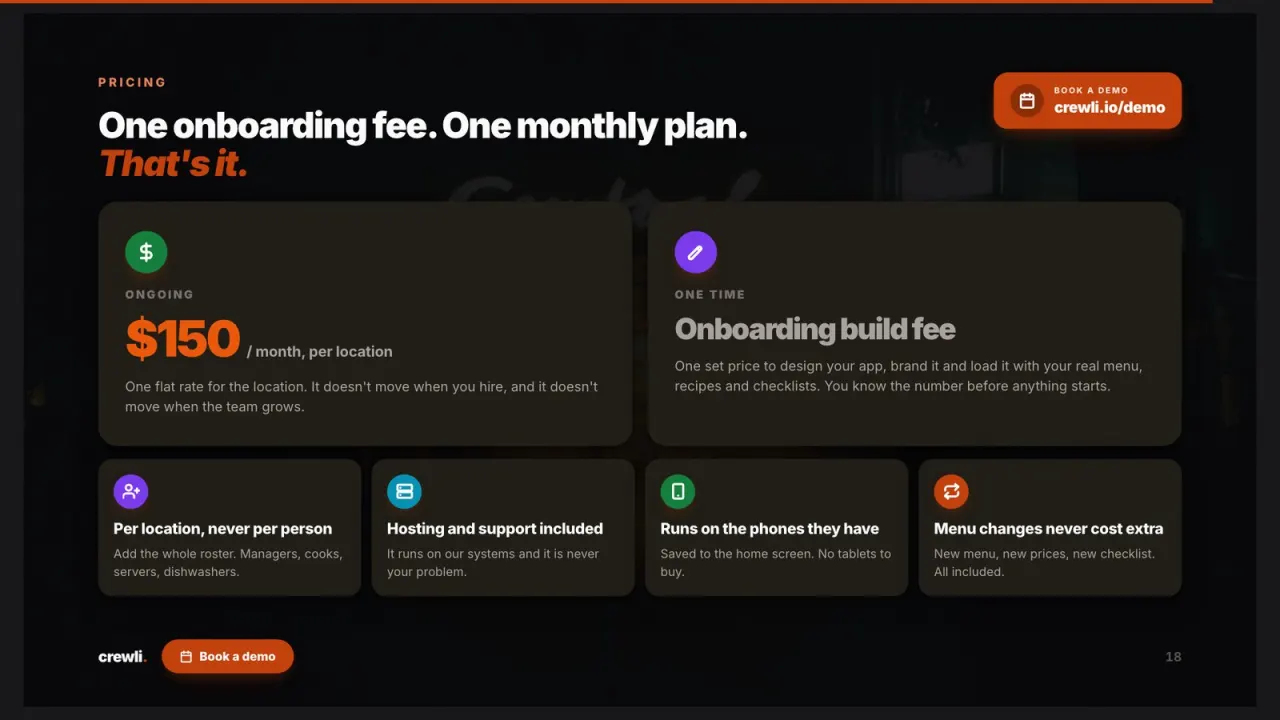
$150/mo flat for the whole restaurant, plus a one-time setup fee we quote you upfront. Your recipes loaded for you.
Save your time
See how Crewli works,
one slide at a time.
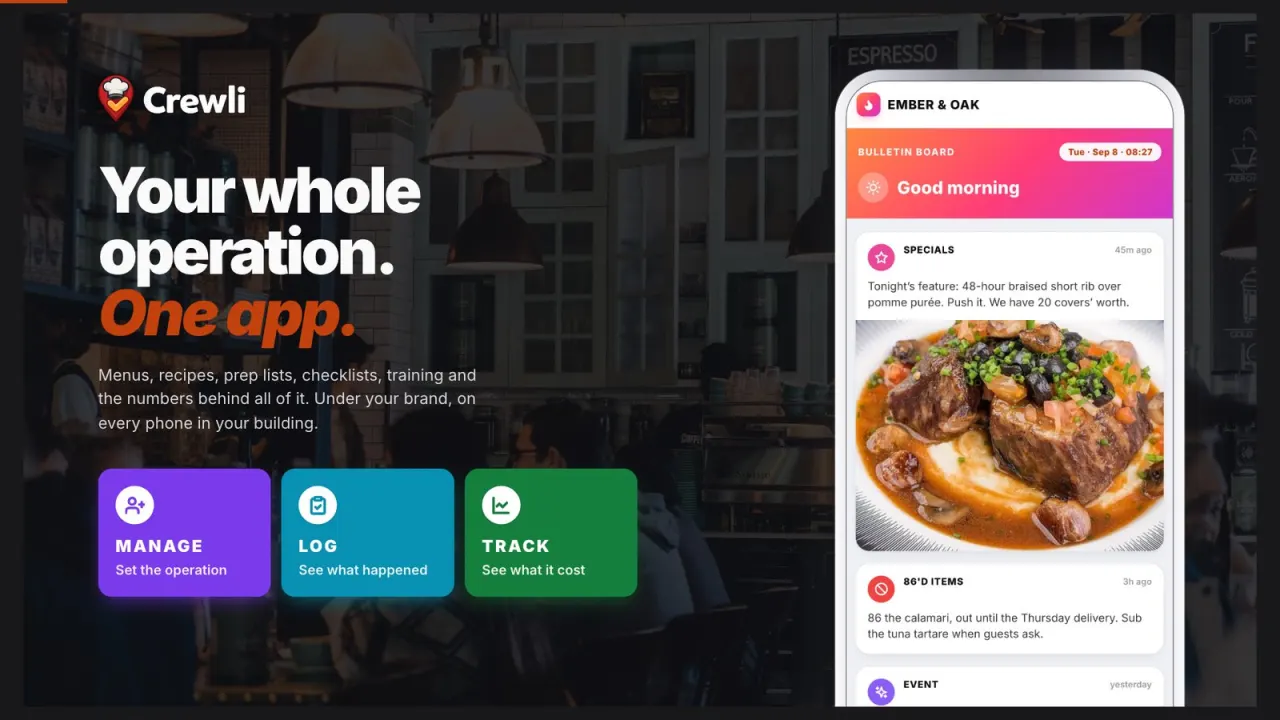
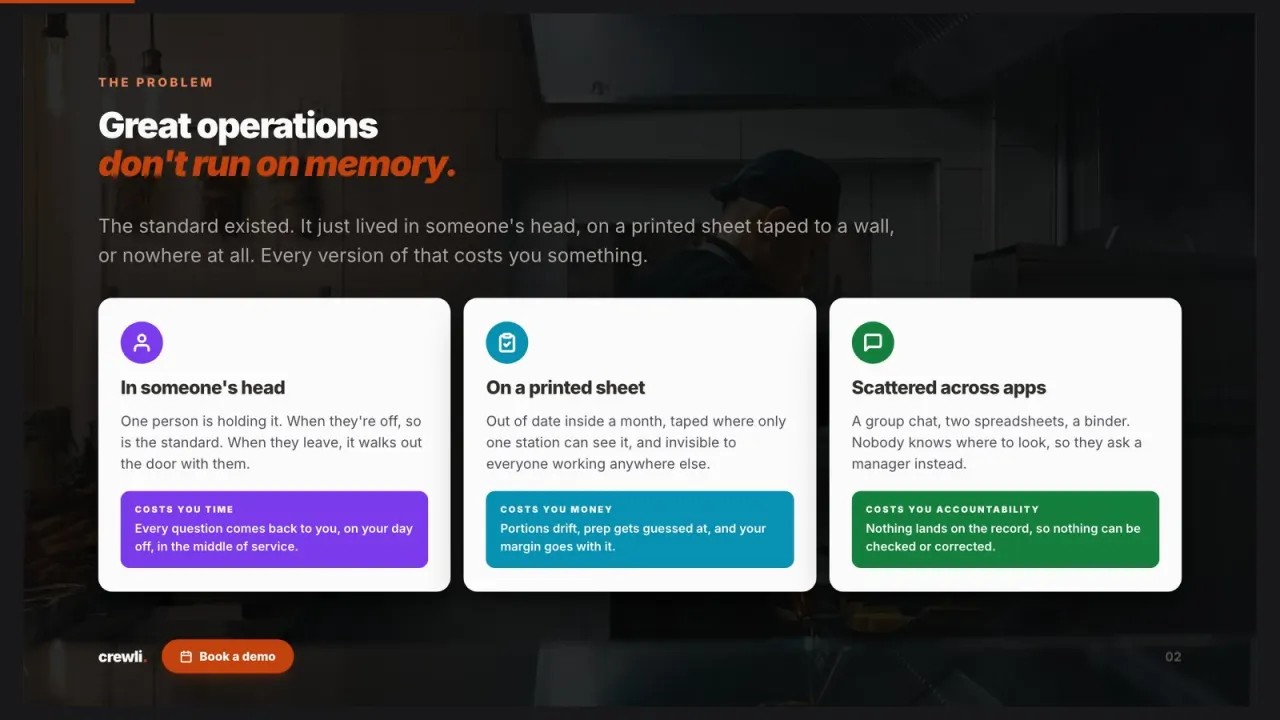
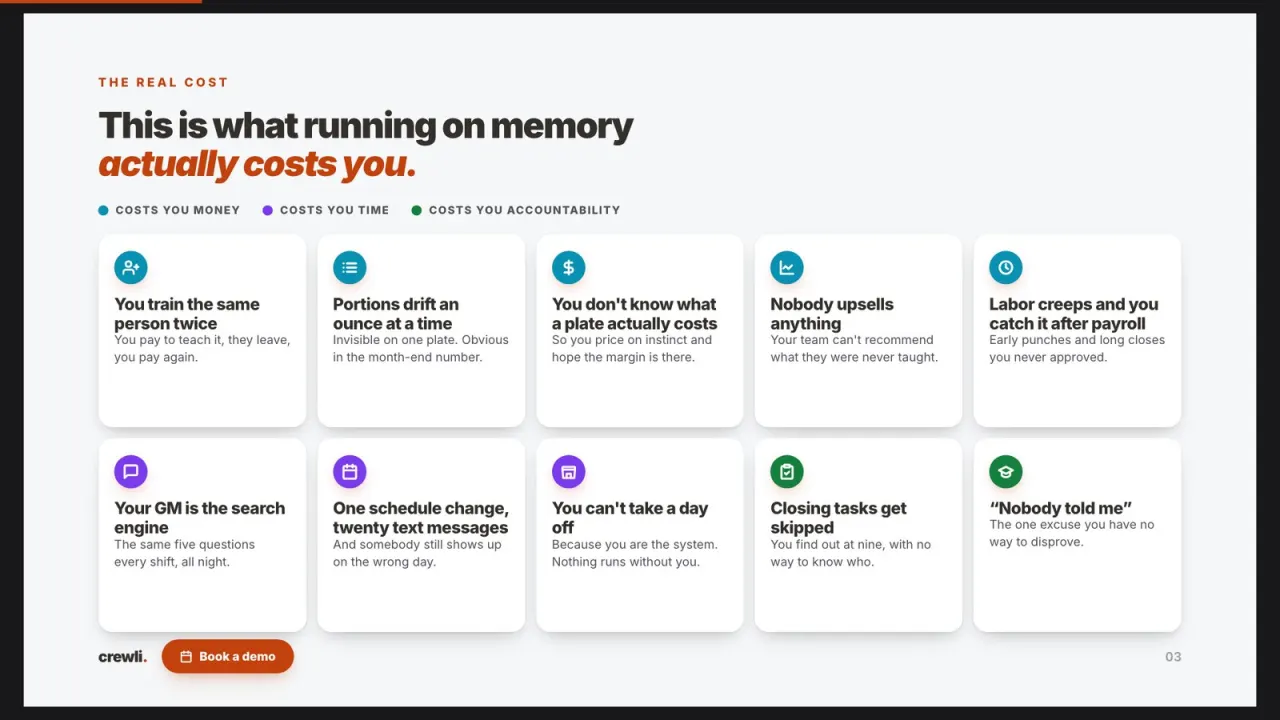
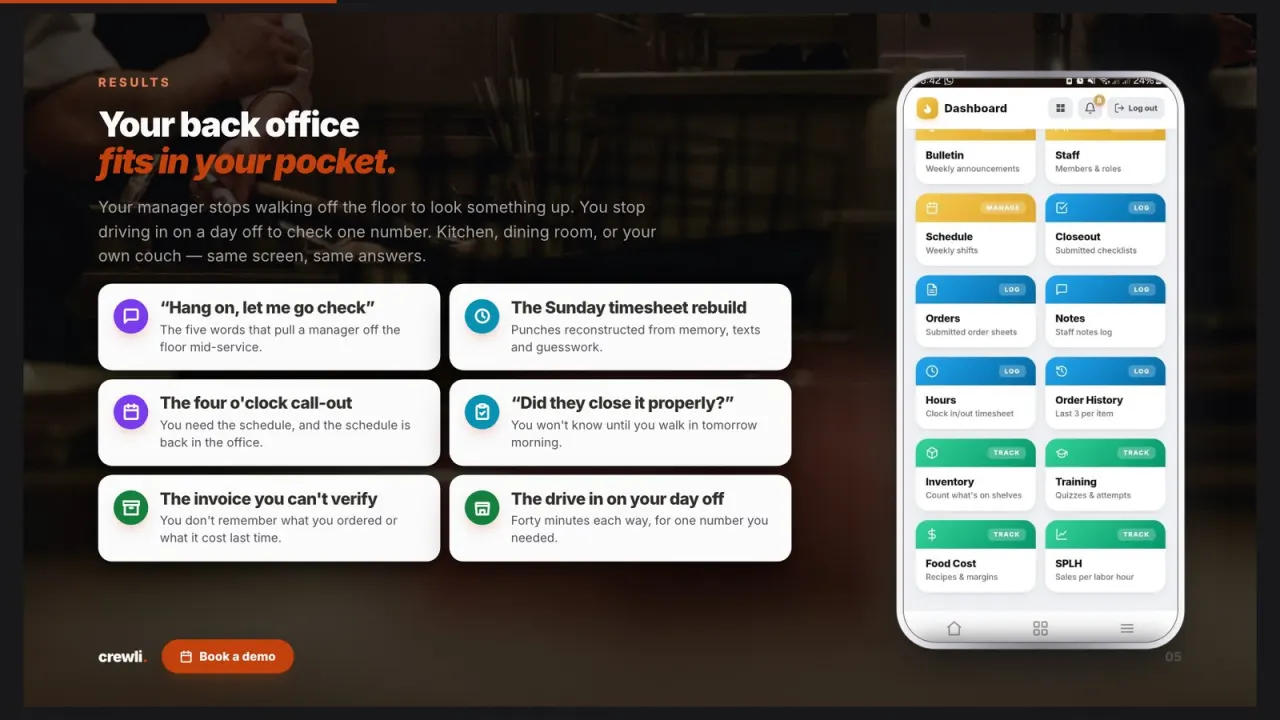
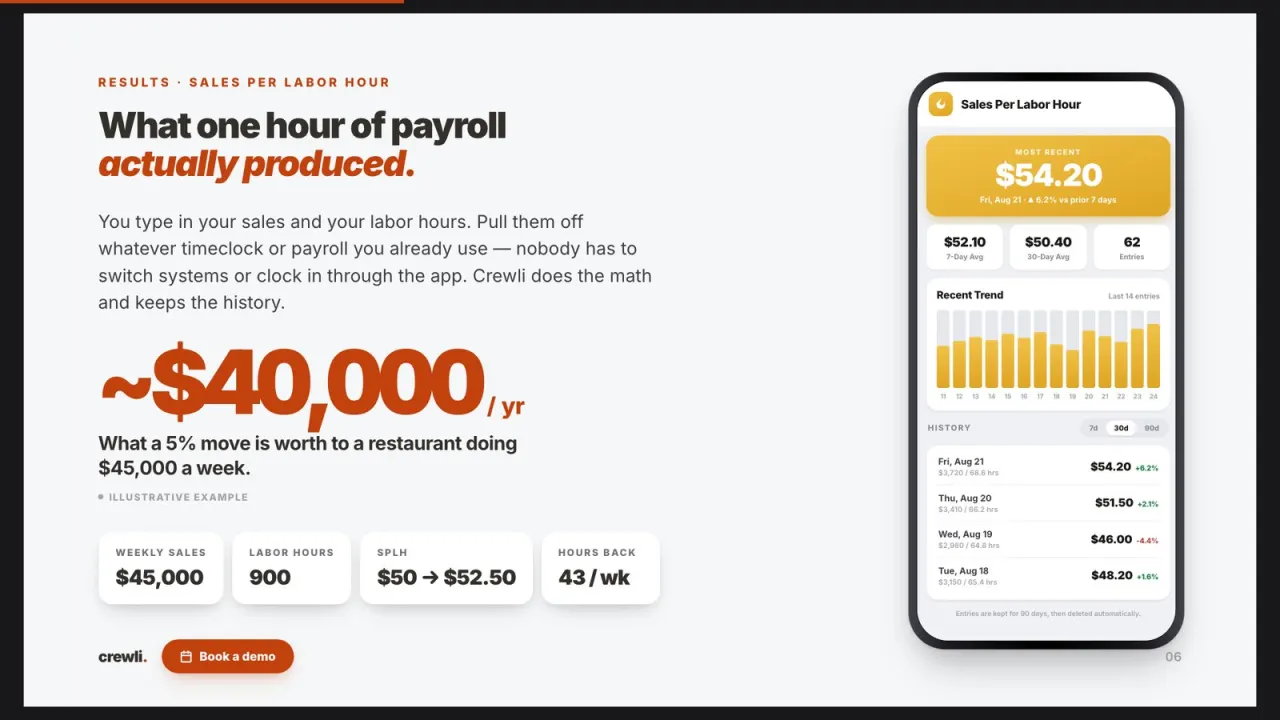
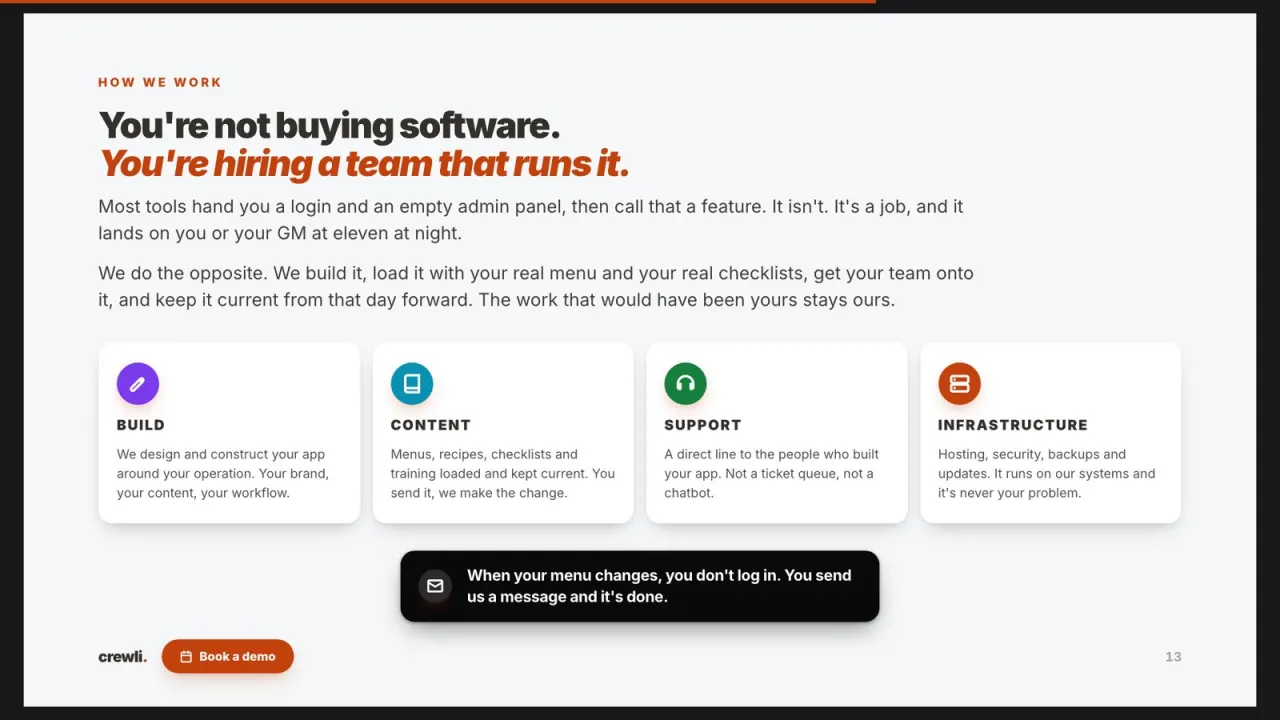
Crewli builds a custom operations app for one restaurant at a time: menus, recipes, prep lists, line checks, closeouts, training and the numbers behind all of it, under your own brand. We load your content and keep it current, so your team runs the shift instead of the software.
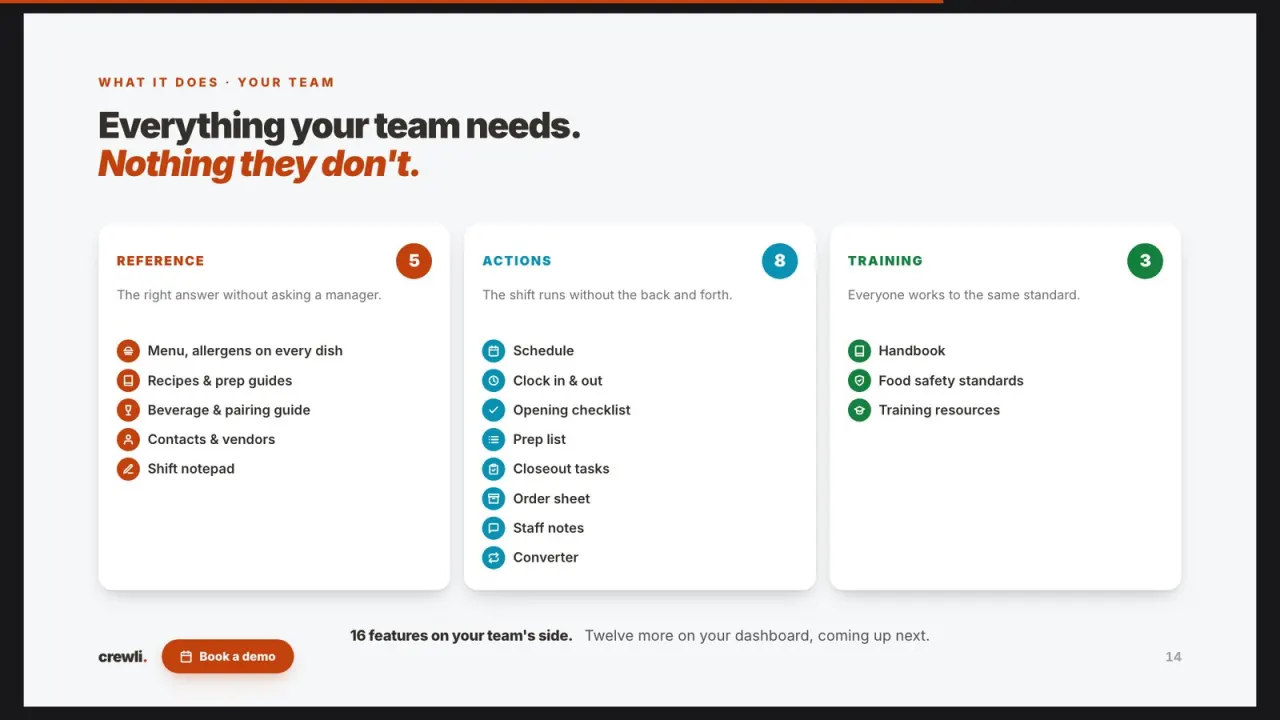
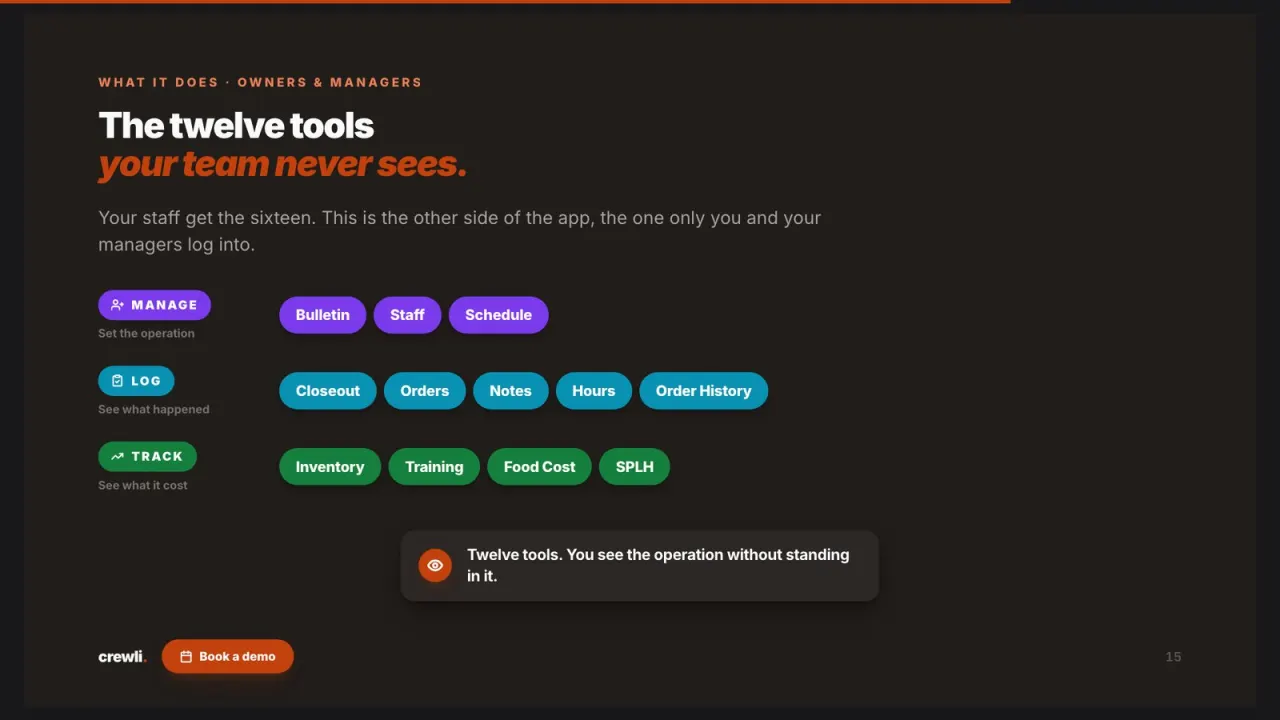
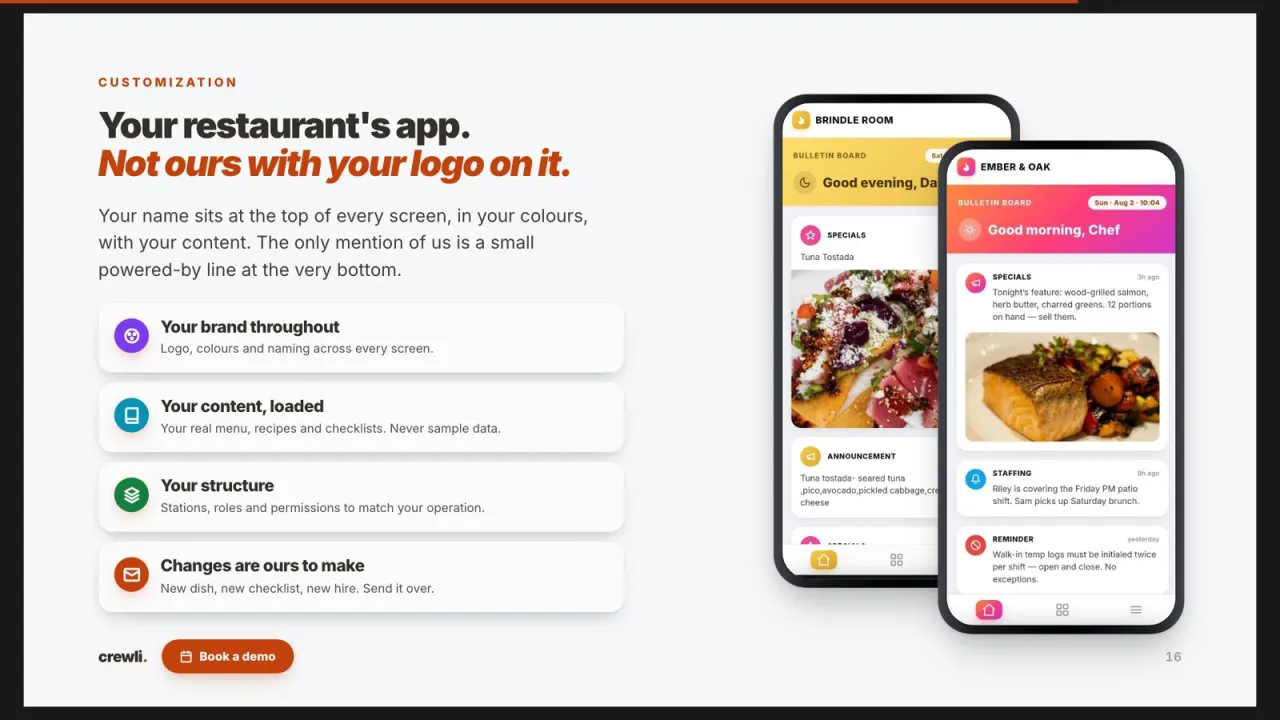
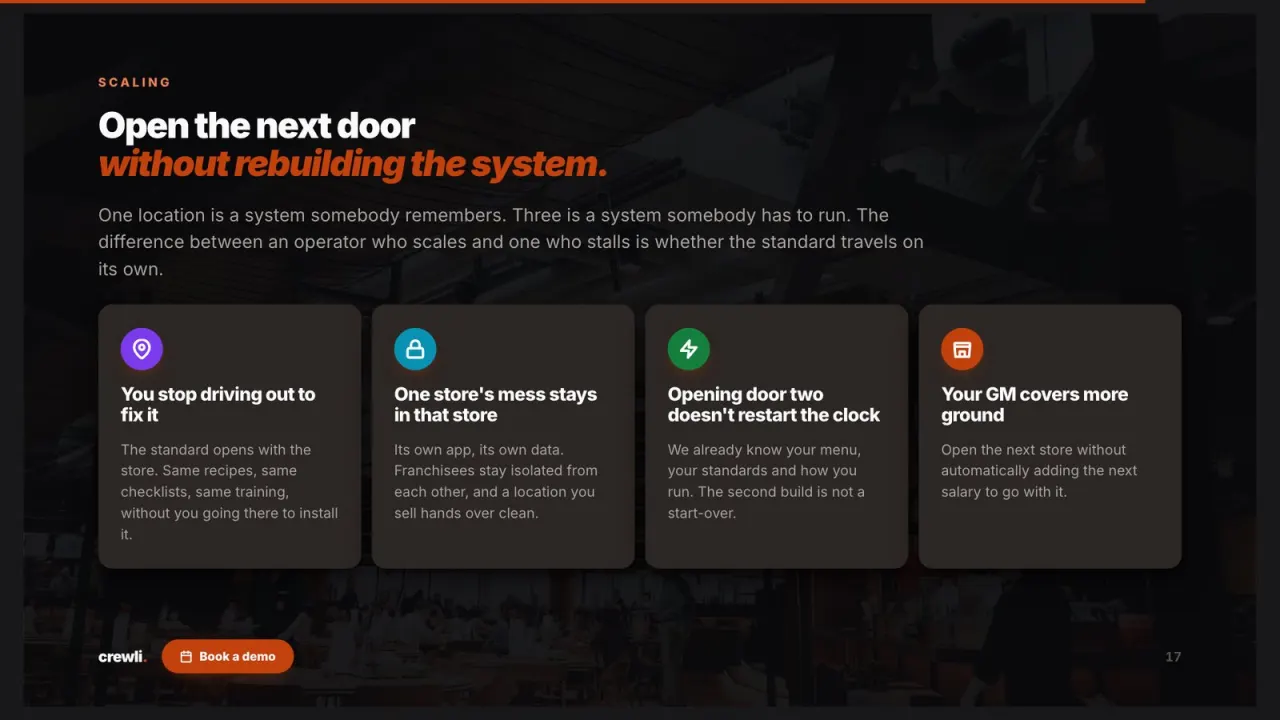
What is restaurant recipe management software?
It's the one place your recipes and plate specs live, so every cook builds a dish from the same current version. Instead of a stained binder, a spreadsheet on the office computer, and the version that only exists in your chef's head, the recipe is on the phone at the station, with a photo of what the plate should look like.
What should a recipe management system do?
Most restaurant recipe software is built for the office. It's great at costing a plate on a laptop and much less useful at the moment that matters, which is a cook at the grill trying to remember whether the salmon gets one tablespoon of herb butter or two. A recipe management system earns its keep when the line actually opens it. That means a standardized recipe card with quantities and method, a photo of the finished plate, batch scaling so nobody does math on a ticket, and search fast enough to use mid-service.
It also has to stay current. The day you change a garnish or swap a vendor's product, every cook should see the new spec, not last month's printout. And it should connect to the rest of the kitchen: the prep list that tells the morning crew what to make, and the training that teaches a new cook how to make it. If you want the long version, we wrote up why kitchens move to a digital recipe book and what belongs on a recipe sheet.
Where Crewli fits next to your other tools
Crewli is the recipe book, prep and training side of the kitchen: the part your cooks work from every shift. It isn't an invoice scanner or an accounting platform, and it doesn't replace your POS. If you already use something for AP and vendor pricing, keep it. Crewli sits next to it and makes sure the plate your numbers assume is the plate your line is actually putting up.
Your recipes drift a little every shift.
In most kitchens the recipe exists in three places and none of them agree. There's the binder on the shelf that nobody has updated since the last menu change, the spreadsheet the chef keeps on the office computer, and the version the best cook on the line carries in their head. New cooks learn whichever one they happen to see first.
That's where your money goes. One cook portions the protein a little heavy. Another eyeballs a double batch of sauce and it comes out thin, so it gets thrown out and made again. The garnish changes depending on who's on station, and the guest who loved the dish last Friday gets a different plate this Friday. None of it is anyone being careless. There's just no single, current spec that everyone can see at the moment they need it.
It gets worse when people leave. Every time a strong cook moves on, some of the real recipe walks out with them, and your chef spends the next month retraining from memory. A recipe management system puts the spec in writing, with a photo, on every phone in the kitchen, so the dish stays the same no matter who's cooking it.
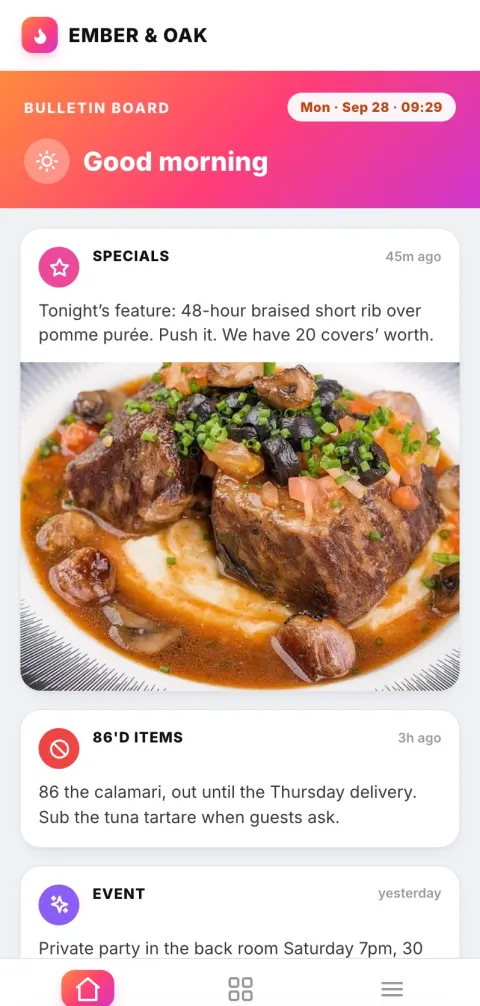
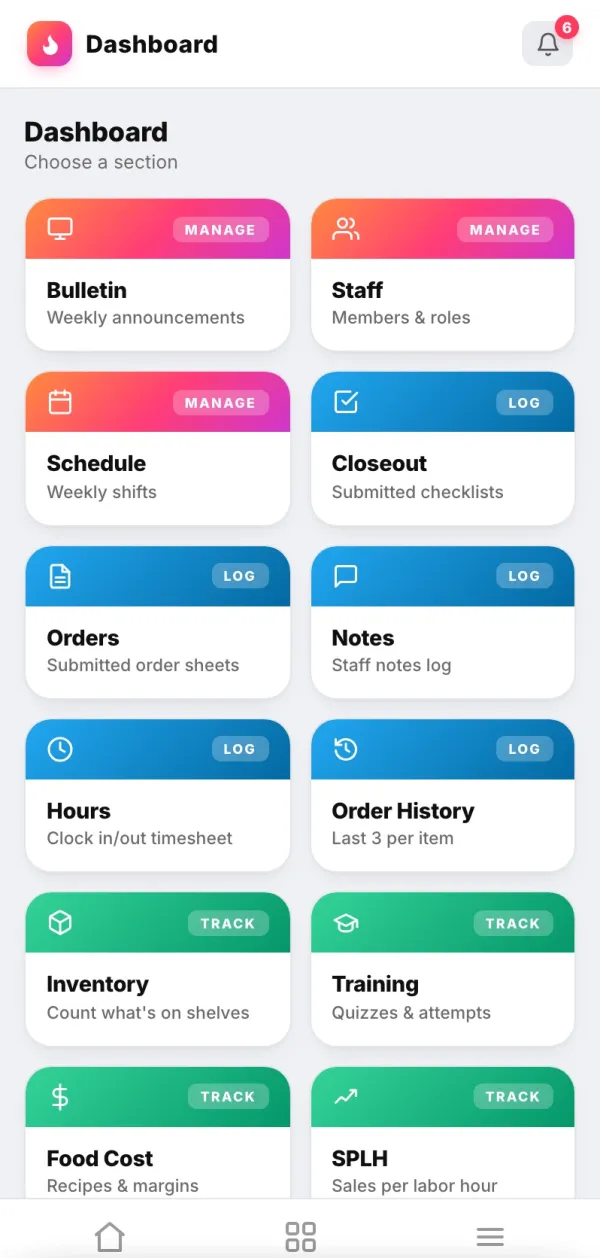
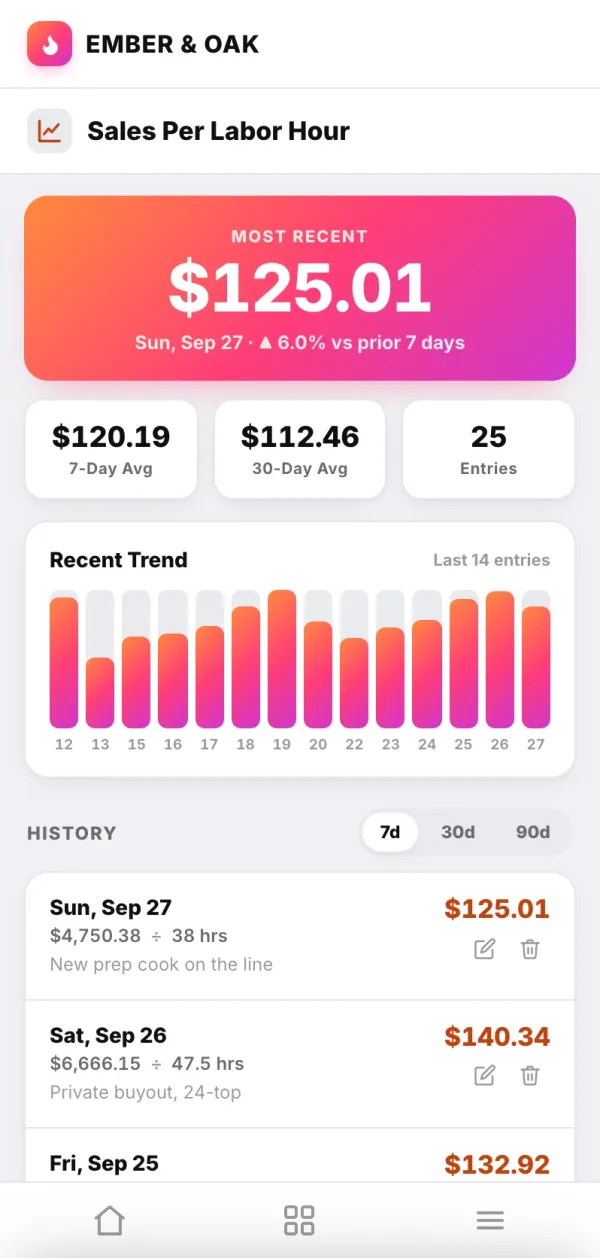
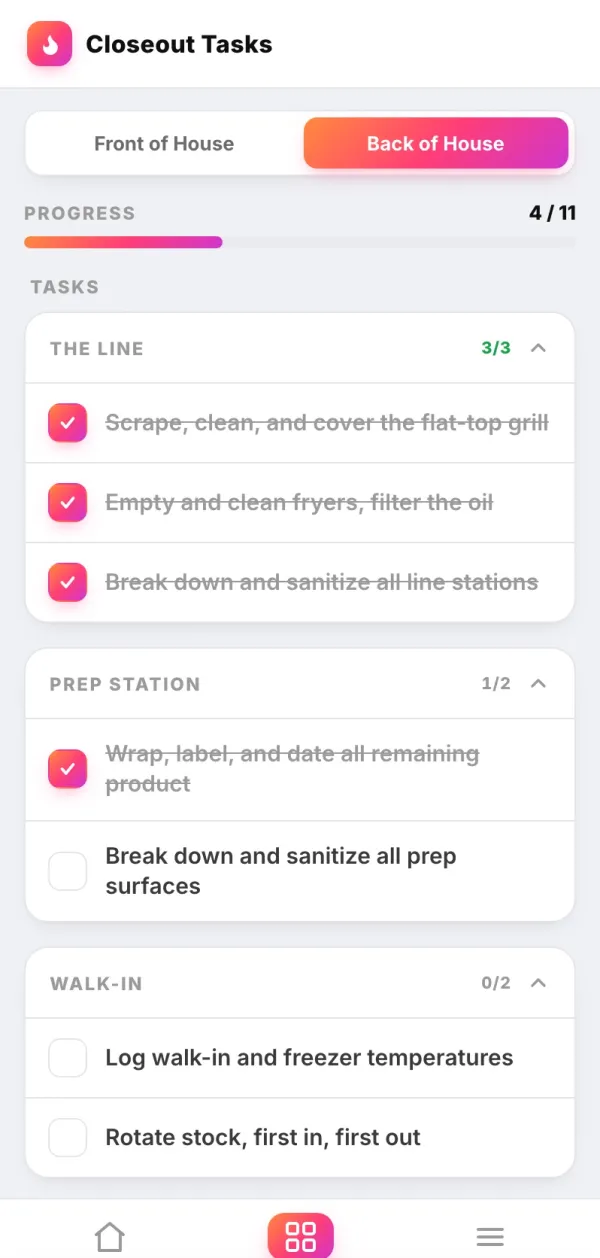
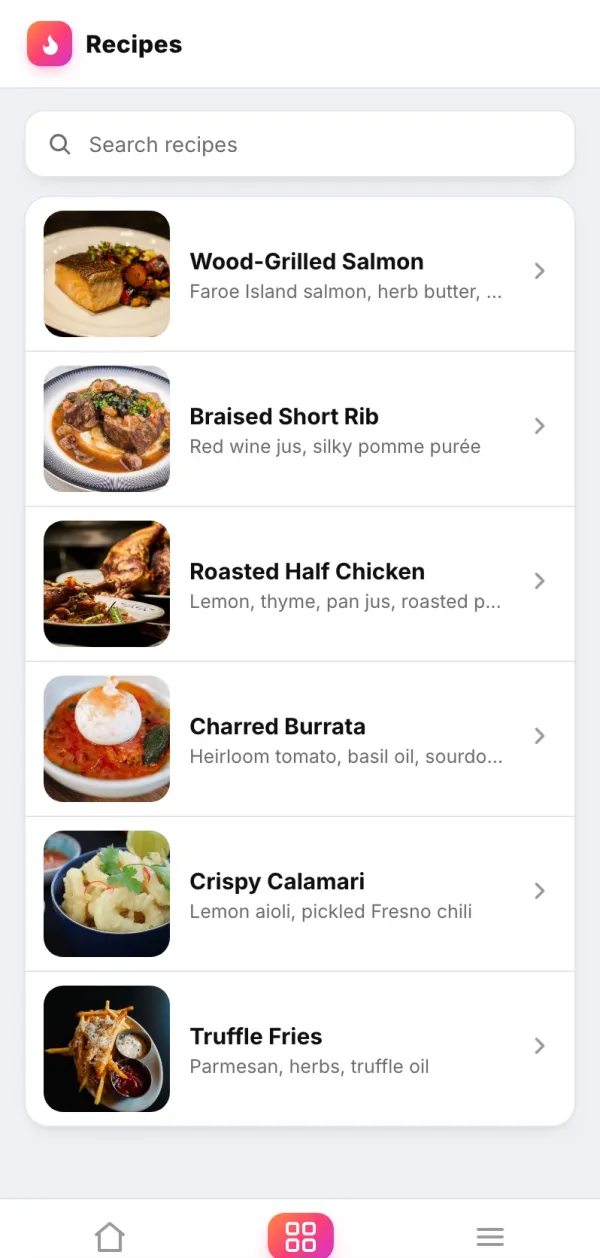
What your cooks see at the station.
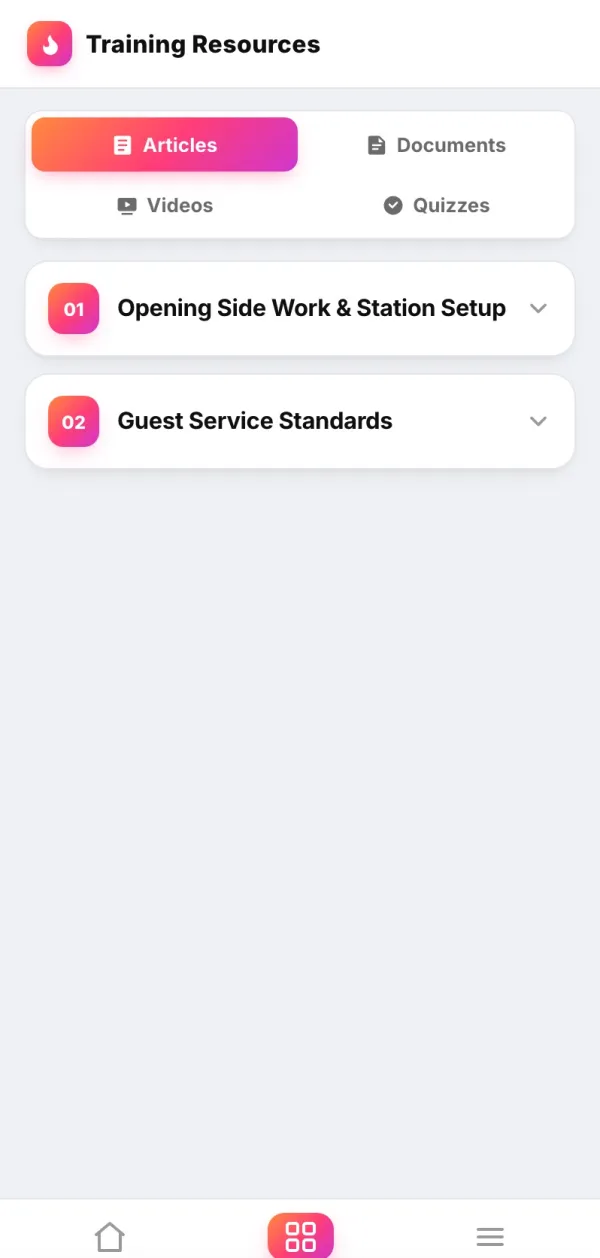
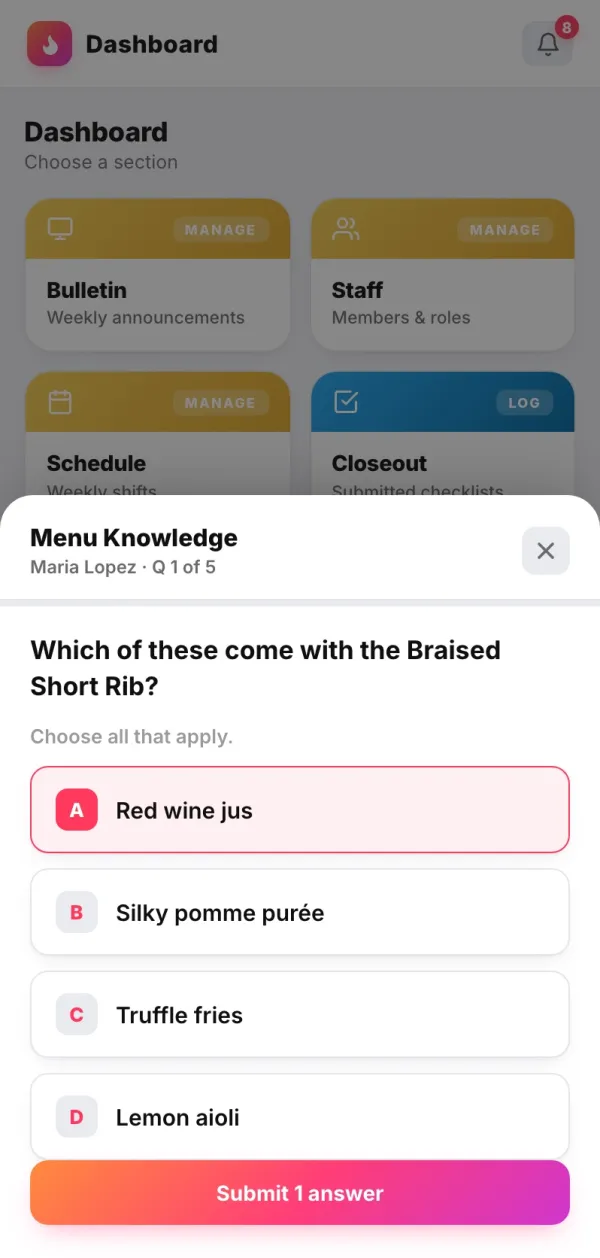
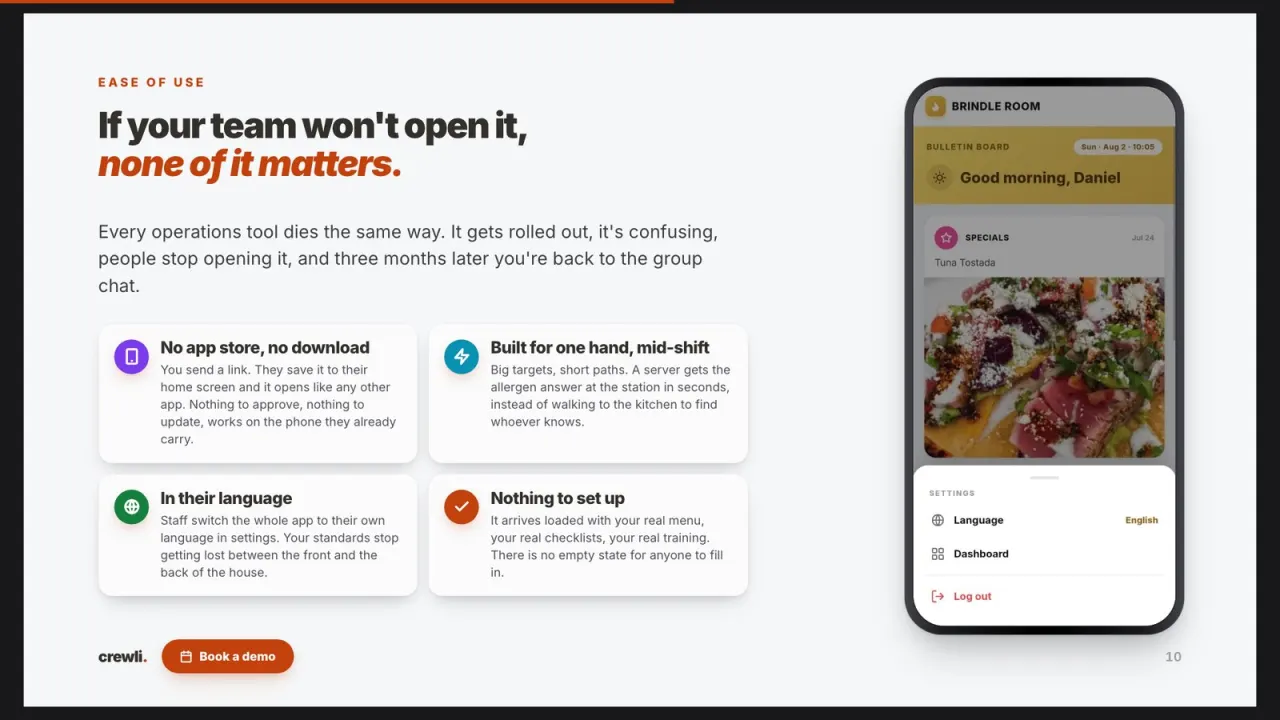
Real screens from a Crewli build. Your version carries your dishes, your photos and your name.
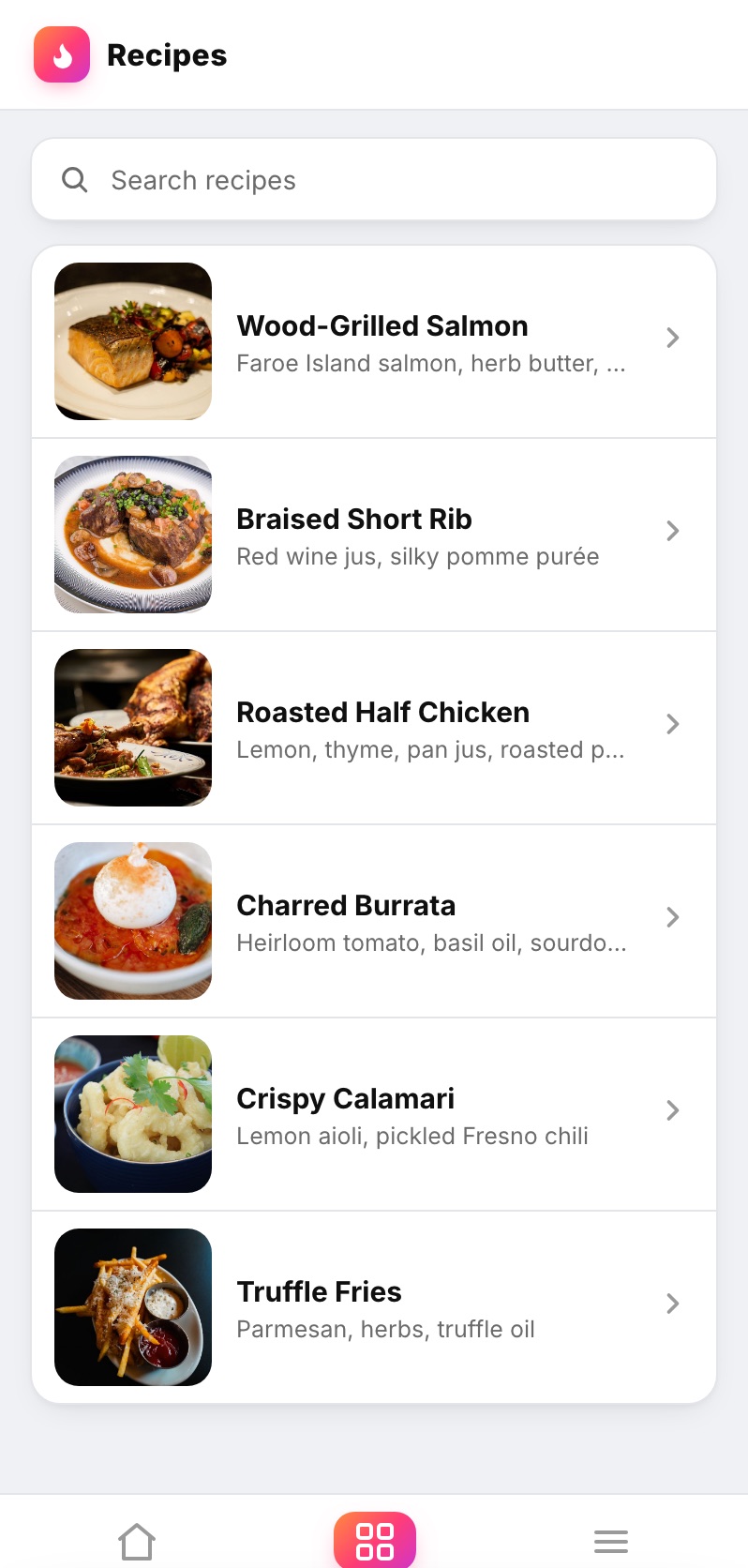
The whole recipe book on the phone, with a photo of each dish so cooks find the right one in seconds, mid-service.
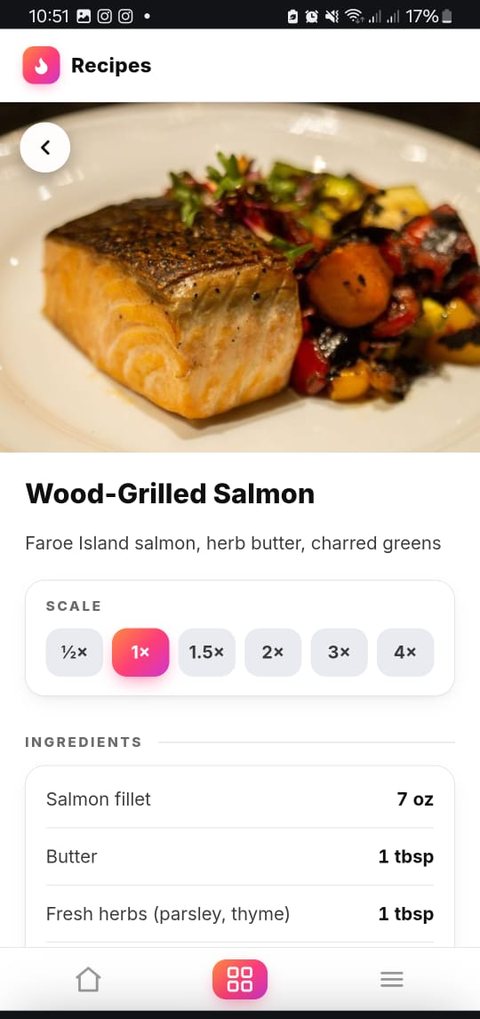
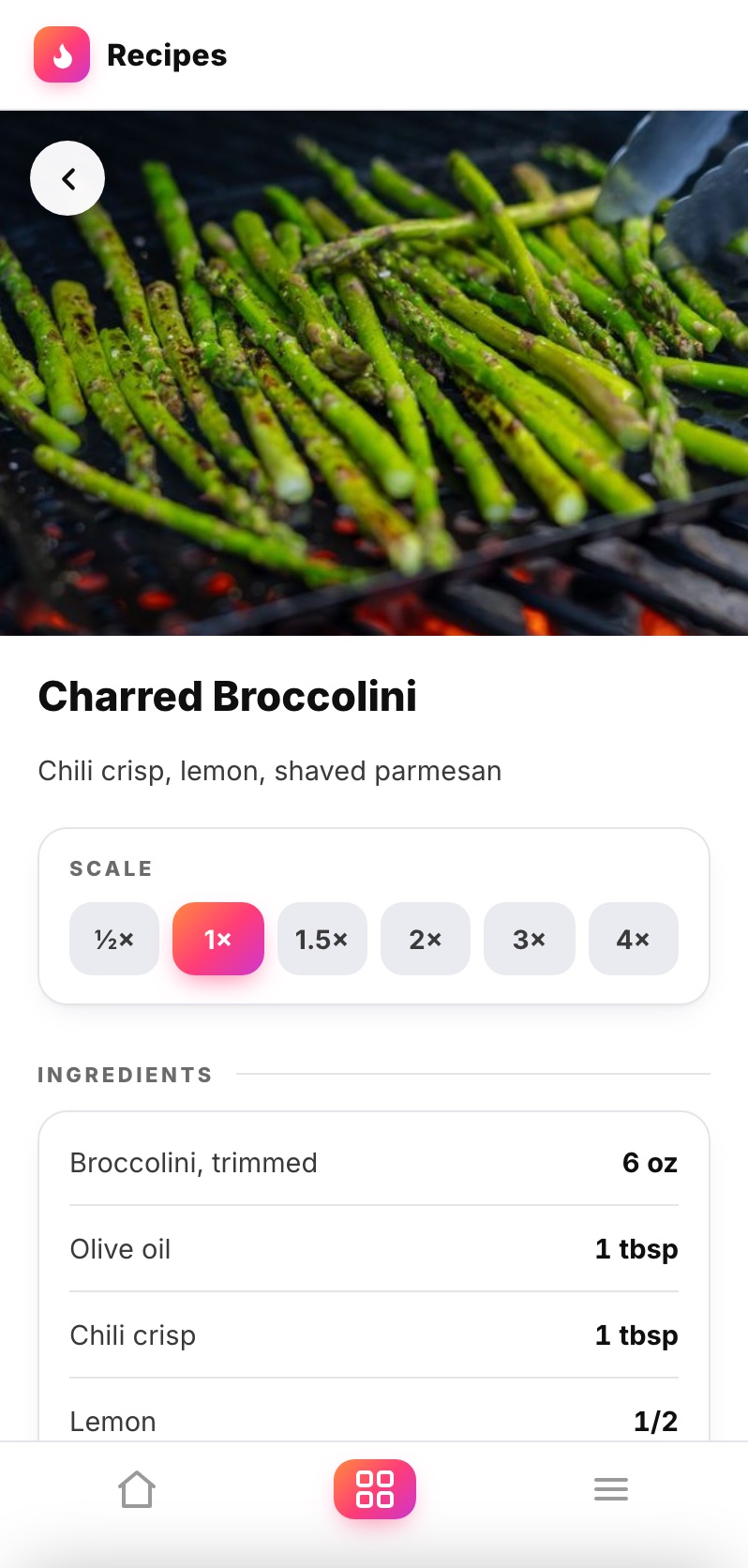
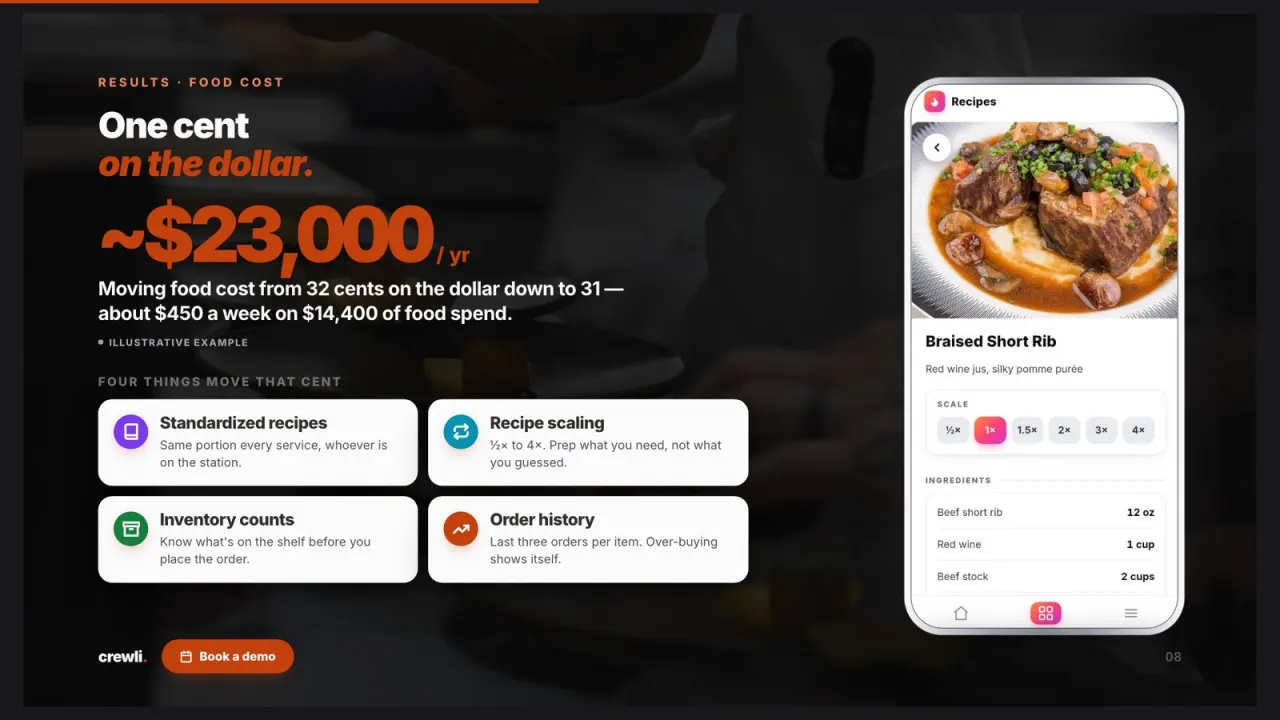
Half, double, triple or four times the batch. The quantities update on the spot, so nobody does the math in pen on a ticket.
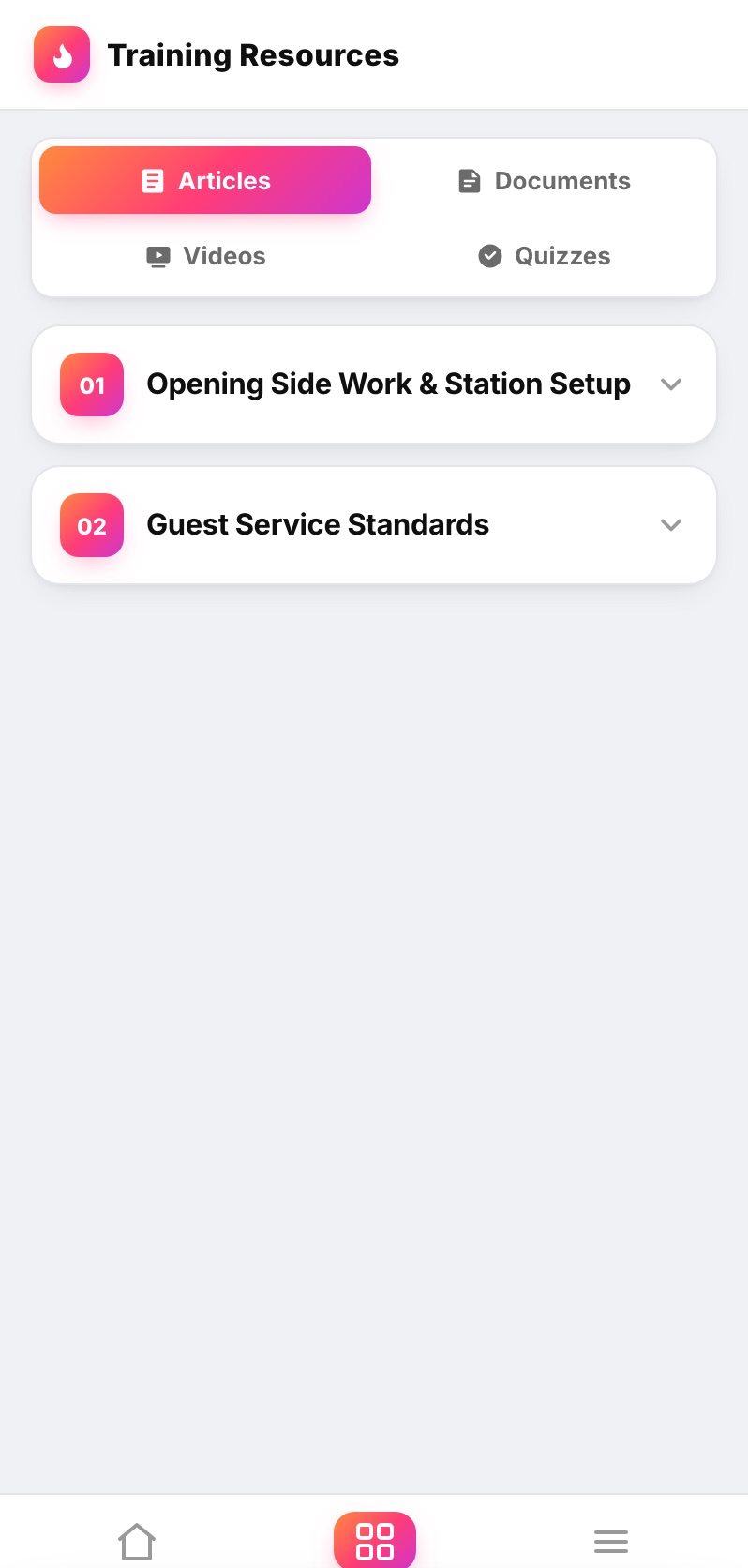
New cooks learn the dishes in the same app they cook from, and quizzes show you who knows the menu before they're on the line alone.
Everything a recipe needs to be followed.
Ingredients, quantities and method in one format for every dish, so a recipe reads the same no matter who wrote it.
Cooks see exactly what the dish should look like before it goes to the pass. Consistent plates, fewer sendbacks.
Scale any recipe from half to four times with one tap, so a double batch comes out like the single one and nothing gets remade.
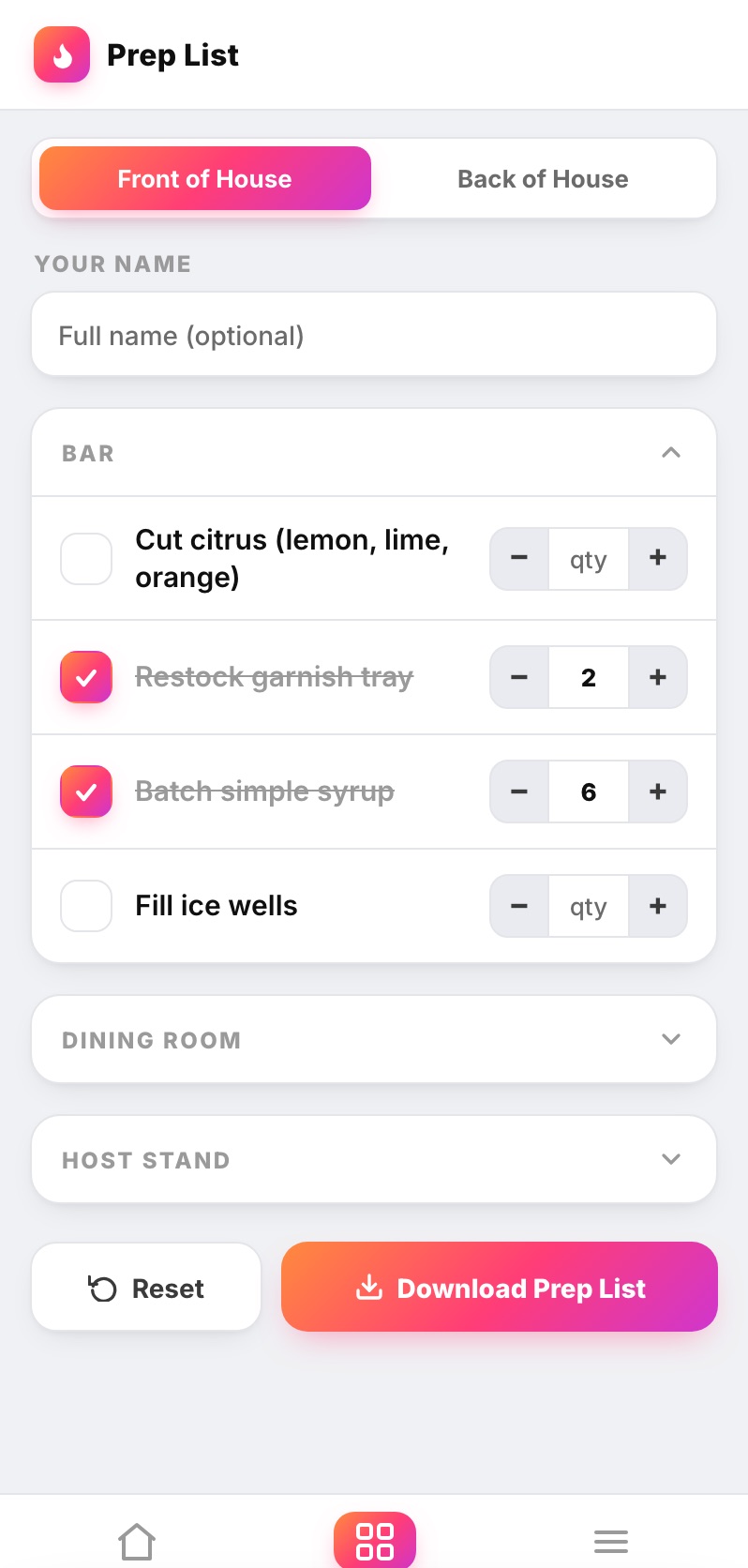
The day's prep with quantities, checked off by name, in the same app as the recipes the crew is prepping from.
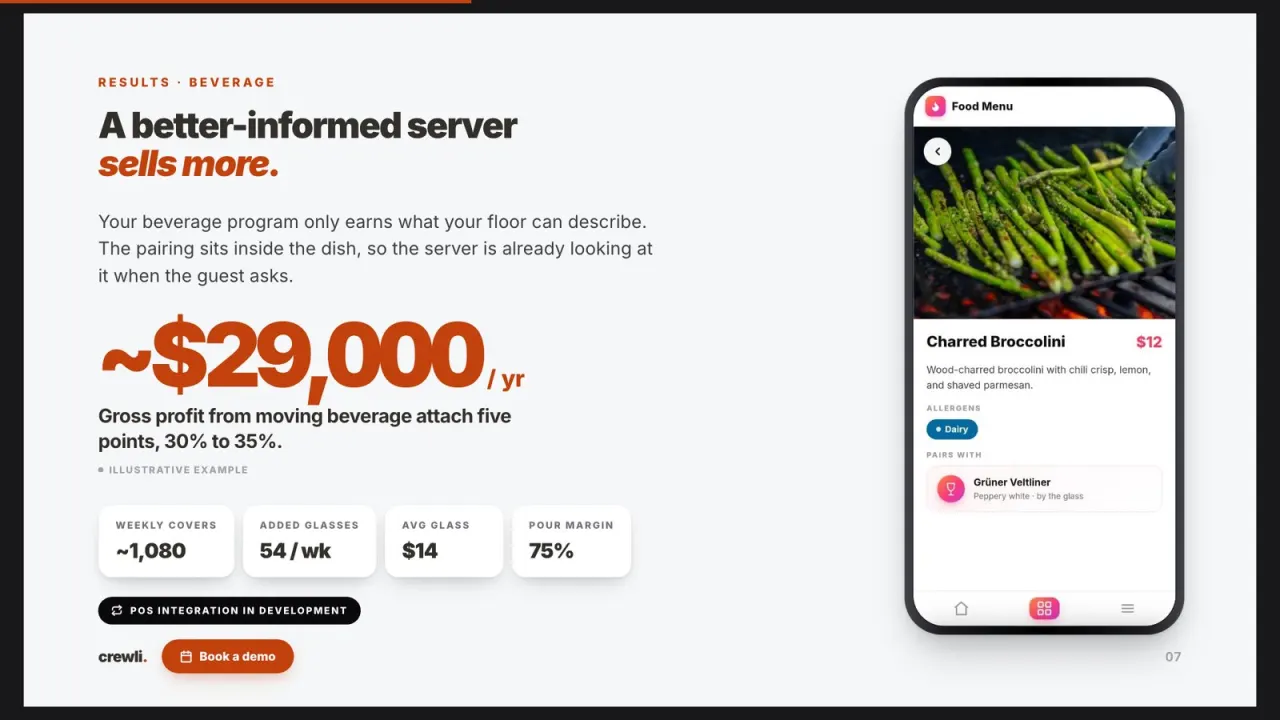
The front of house side of every dish: description, allergens and pairings, so servers answer from the same source the kitchen cooks from.
Every recipe and prep list in both languages, so every cook reads the spec in the one they work in.
Better than the binder, and built for the line.
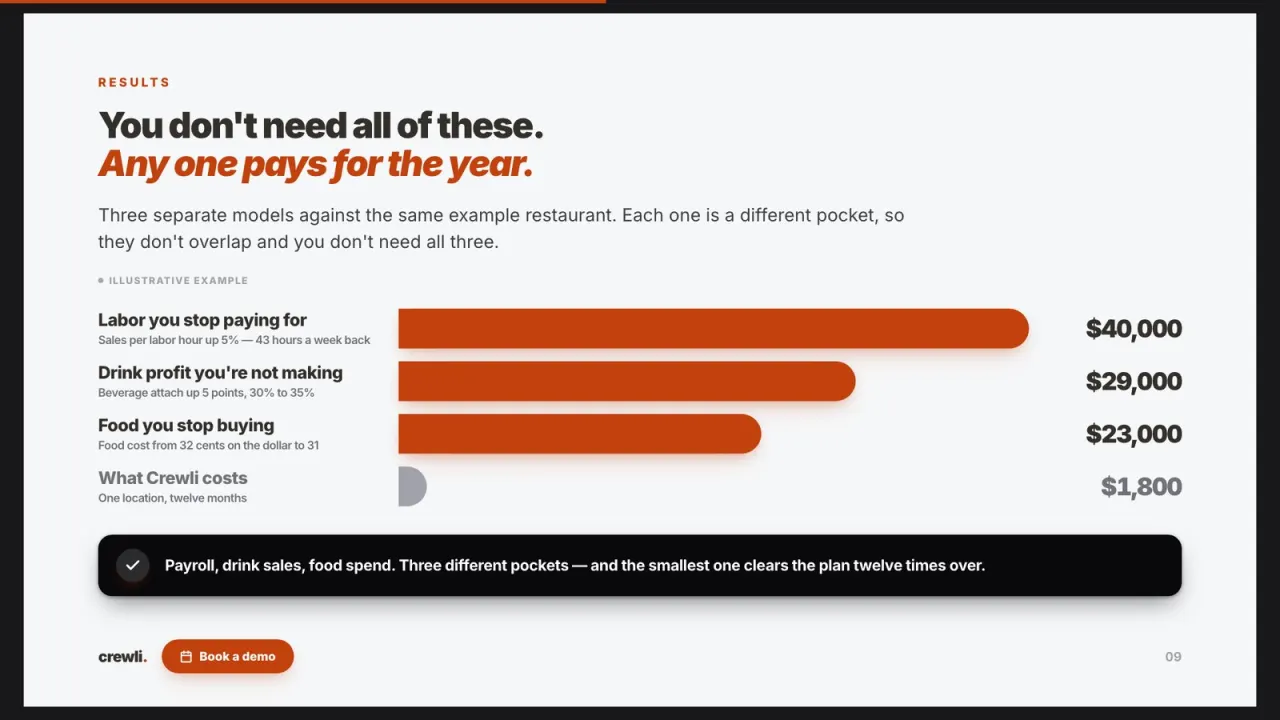
A binder or a shared spreadsheet costs nothing until you count the remade batches and the heavy portions. Crewli puts one current version of every recipe on every phone, loaded for you.
app ★ Best value
One flat rate for the whole kitchen.
Recipes are one part of the app, not a separate subscription.
How the pricing works
It starts with a one-time setup fee, quoted upfront, because the hard part of any recipe management software is getting the recipes into it. Your chef doesn't have time to retype a binder. We take what you have, whether that's a spreadsheet, photos of handwritten cards or a walkthrough with the chef, and build it into clean, standardized recipes with plate photos before your team ever opens the app.
From there it's a flat $150 a month for the whole restaurant. That covers the recipes along with your prep lists, checklists, menu, training and the owner dashboard, plus hosting, updates and maintenance.
Menus change. When you swap a dish or tweak a spec, tell us and we update it, so the line is always cooking the current version. If you're still working out what each plate should cost, our guide to recipe costing walks through it.
Your recipes, built in for you.
The binder, the spreadsheet, the chef's notes. We sit down with you and learn how each dish is actually built.
Every recipe goes into one format with quantities, method, a plate photo and batch scaling, under your brand.
Cooks pull up the spec at the station, the prep crew works the list, and we keep it current as the menu changes.
Built around your kind of kitchen.
Because we build it for you, the recipe book fits how your kitchen actually works. For the whole back of house, see our kitchen management app.
Detailed plates with a lot of components. The photo and the spec keep every one looking like the chef's.
One set of recipes across every location. Change a spec once and every kitchen has it the same day.
Cocktail specs and batched syrups in the same app, so every bartender builds the drink the same way.
New cooks every month. The recipes and the training teach them the build, so the chef isn't the only manual.
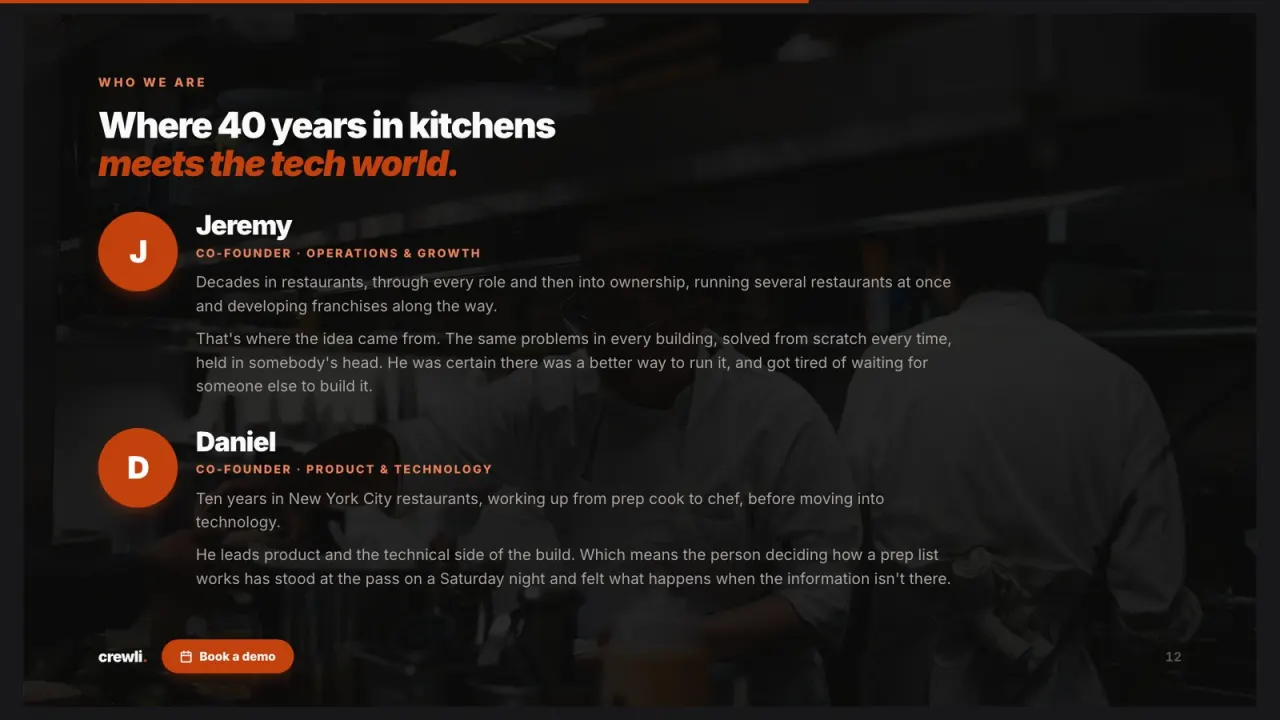
We're not a software company that wandered into restaurants. We've worked the line, run the floor, and built Crewli for the people still doing it.
— The Crewli team, decades of restaurant & tech experience
Restaurant recipe management software, answered.
What is restaurant recipe management software?
Restaurant recipe management software is the one place your recipes and plate specs live, so every cook builds a dish from the same current version. Good restaurant recipe software stores standardized recipes with ingredients, quantities, method and a photo of the finished plate, scales batches up or down, and puts all of it on the phone or tablet at the station instead of in a binder in the office.
How does batch scaling work in Crewli?
Every recipe has a scale bar at the top. A cook taps half, 1.5x, 2x, 3x or 4x and the ingredient quantities update on the spot, so nobody does the math on a ticket or eyeballs a double batch. The method and the plate photo stay the same, so the dish comes out the same at any batch size.
Does Crewli handle recipe costing?
Yes. Crewli's food cost tracking follows recipe costs and margins on the owner dashboard, so you can see what each dish actually earns. What Crewli is not is an invoice-scanning or accounting platform. If you need AP automation and vendor price feeds, keep that tool. Crewli is the side your kitchen actually works from: the recipe, the batch, the prep list and the training that keeps plates consistent.
Do we have to type all our recipes in ourselves?
No. Send us what you have, whether that's a binder, a spreadsheet, photos of handwritten cards or a chef talking us through it. We build the recipe management system with your recipes, plate photos and prep lists already loaded, and when a dish changes, you tell us and we update it.
Can the same recipes run across multiple locations?
Yes. Every kitchen works from the same app, so a spec you change once is live at every location the same day. A cook at your second store builds the short rib the same way as the cook at your first, without anyone faxing over a new page.
Does it work in Spanish?
Yes. Crewli is built in English and Spanish, so every cook can read the recipe and the prep list in the language they work in.
How much does Crewli cost?
Crewli is $150 a month for the whole restaurant, plus a one-time setup fee we quote you upfront. There are no per-user fees, so adding a new cook doesn't raise your bill. Recipes are one part of the app, alongside prep lists, checklists, menus, training and the owner dashboard.
Put one version of every recipe on every station.
Let's talk about how your kitchen runs and build the recipe book your line will actually open. Planning a new menu first? Start with our guide to restaurant menu development.
$150/mo flat for the whole restaurant, a real person included. Setup fee quoted upfront.